
Very date-heavy page does not turn up in a date search, or is missing dates from the search index
What you are seeing
A page packed with dates does not turn up when you search for one of its dates, or some of its dates are missing from the search index.
#Why it happens
The date search index records up to 200 different dates for each page. It keeps the first 200 and skips the rest, so a search for a later date won't find that page.
#What to do
You have two options.
Split the page. Break a very long, date-heavy page into smaller pages, so each one stays under 200 dates.
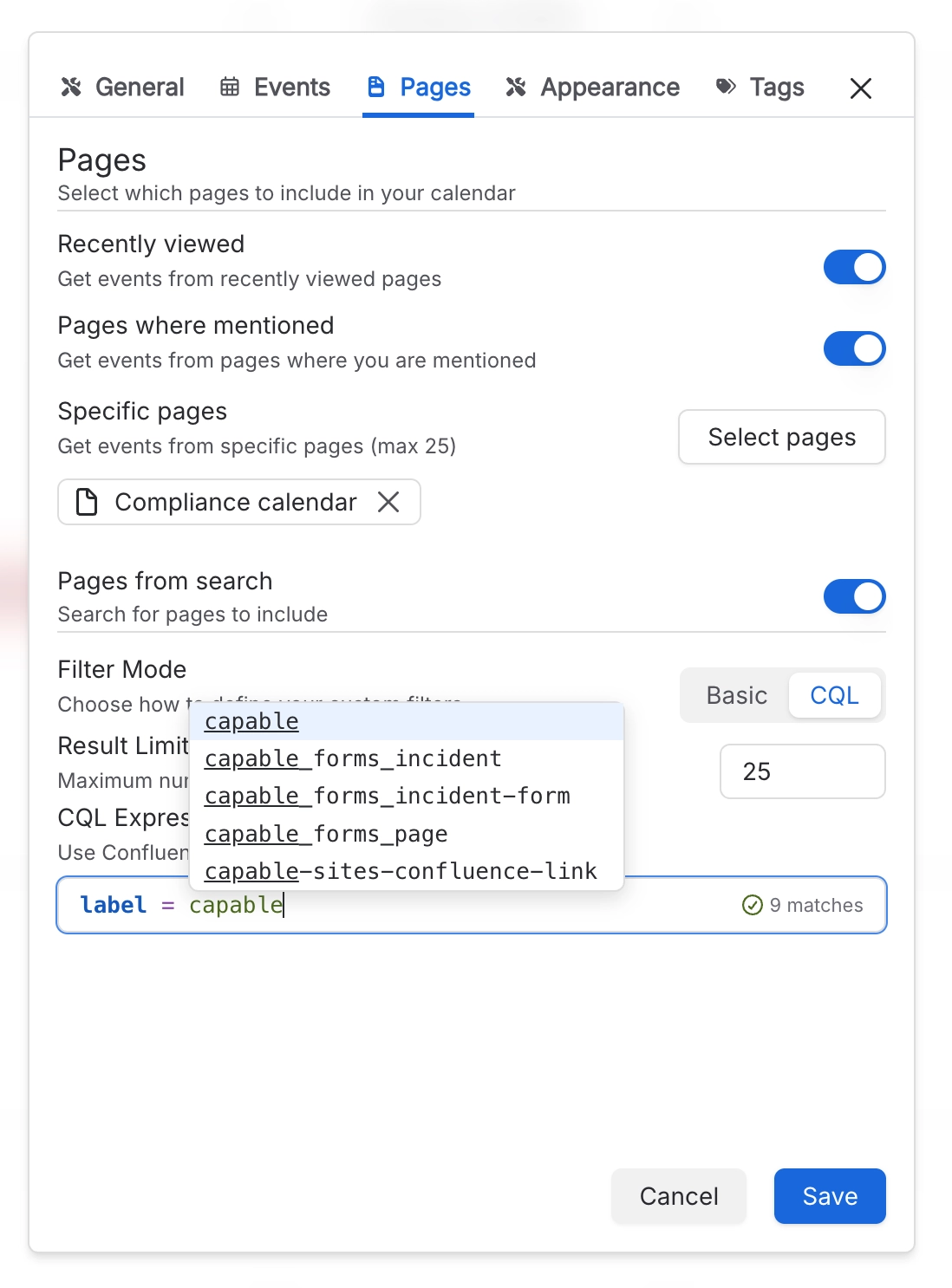
Use page sources instead of the date search. Add the page to a calendar from the Pages tab in the calendar's settings. Page sources read the page directly each time, so every date is picked up.
#Settings involved
Setting | Where | What it does |
|---|---|---|
Pages from search | Calendar Configuration panel → Pages | "Search for pages to include". The calendar checks every page the search returns for dates. Filter Mode and Result Limit can't be changed until you switch this on. |
Result Limit | Calendar Configuration panel → Pages from search | How many pages the search returns, and so how many pages are checked for dates. |
#Limits that apply here
Limit | Value | What happens |
|---|---|---|
Pages from search source | Your Result Limit | Dates on pages beyond the limit don't appear, and there's no warning. |
Date search index | 200 dates per page | The page's first date, last date and the people mentioned on it are always recorded. Only the list of individual dates is capped. |
Indexed date search results | - | The date search doesn't run at all until the calendar has worked out which dates it is showing. |
#Related
Indexing tab is missing from settings in the standalone Capable Calendar app
That app deliberately hides the Indexing tab, even though the content indexing still runs.
Subscribed calendar app is missing events I can see in Confluence
Three separate caps: the feed only covers 30 days back to 365 days forward; it stops at 10
Something is missing or looks wrong
The rest of this family.
Found it? Good.






















