
Personal iCal subscription
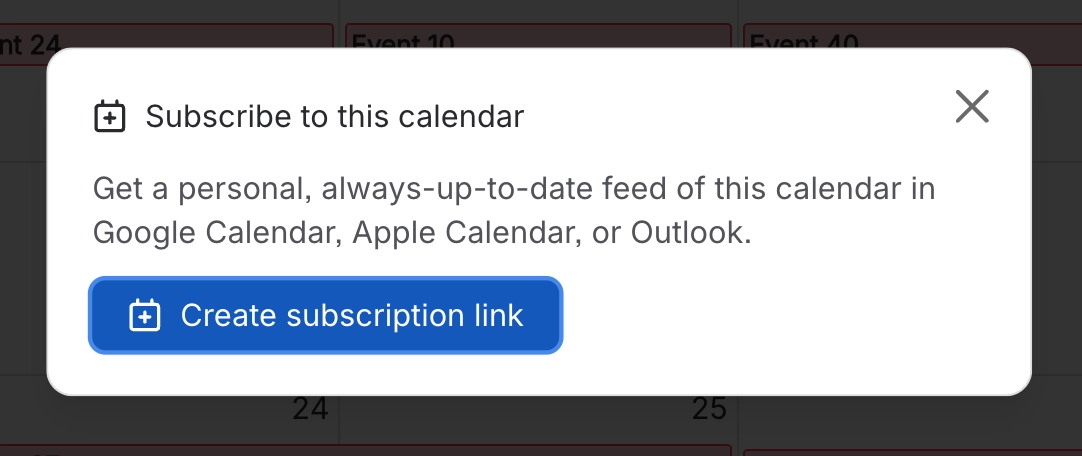
Want a Capable calendar to show up in Google Calendar, Apple Calendar or Outlook? Each signed-in user can create their own personal, read-only feed link for a saved calendar, using the Subscribe button (the calendar icon with a plus sign).
Once your link exists, the panel shows:
the feed URL, with a Copy button
one-click Google, Apple and Outlook buttons
a Revoke link button.
Google opens Google Calendar (calendar.google.com) with the feed. Apple opens the feed as a webcal:// link. Outlook opens the add-from-web page in Outlook on the web (outlook.live.com). If the hand-off is blocked, the panel tells you to copy the URL and add it to your calendar app yourself.
#Where you do it
Task | Where |
|---|---|
Build a personal cross-calendar view | Calendar → My Calendar → Manage sources |
Subscribe to a calendar from Google, Apple or Outlook | Open a calendar → Subscribe button (calendar icon with a plus sign) → "Create subscription link" |
See a subscription link you have already made | Calendar page → Subscribe button |
See or revoke everyone's links (site administrators) | Calendar page sidebar → Manage → Global settings → Subscriptions |
#Settings that affect this
Setting | Where | What it does |
|---|---|---|
Calendar subscriptions | Calendar sidebar → Global settings → Features, or Confluence settings → Capable (Capable Calendar in the standalone app) → Features | "Let users subscribe to Capable calendars from Google, Apple, or Outlook via a personal iCal feed. Turn off to disable subscriptions for all users." This setting only appears if your installed app includes Calendar. |
Calendar subscriptions list | Calendar sidebar → Global settings → Subscriptions, or Confluence settings → Capable → Calendar | The Calendar subscriptions card ("Personal iCal feed links your users have generated for calendars.") lists each link's user, calendar, status and created date. Use Previous and Next to page through, the bin icon to revoke one link, and Revoke all to stop every feed on the site. |
Global settings is for site administrators only. The entry appears at the bottom of the Calendar sidebar, under Manage, only for Confluence site administrators. If the list cannot load for any reason other than permissions, it now says Could not load calendar subscriptions with a Retry button, rather than wrongly claiming you are not an administrator.
#Limits that apply here
Limit | Value |
|---|---|
Subscription lifetime | 400 days. Abandoned subscriptions expire automatically. |
Links per calendar per person | 1 active link. Creating a new one revokes the previous one. |
Admin subscriptions table | 25 rows per page |
#Related
How it actually behaves.






















