
How Confluence dates on a page become events
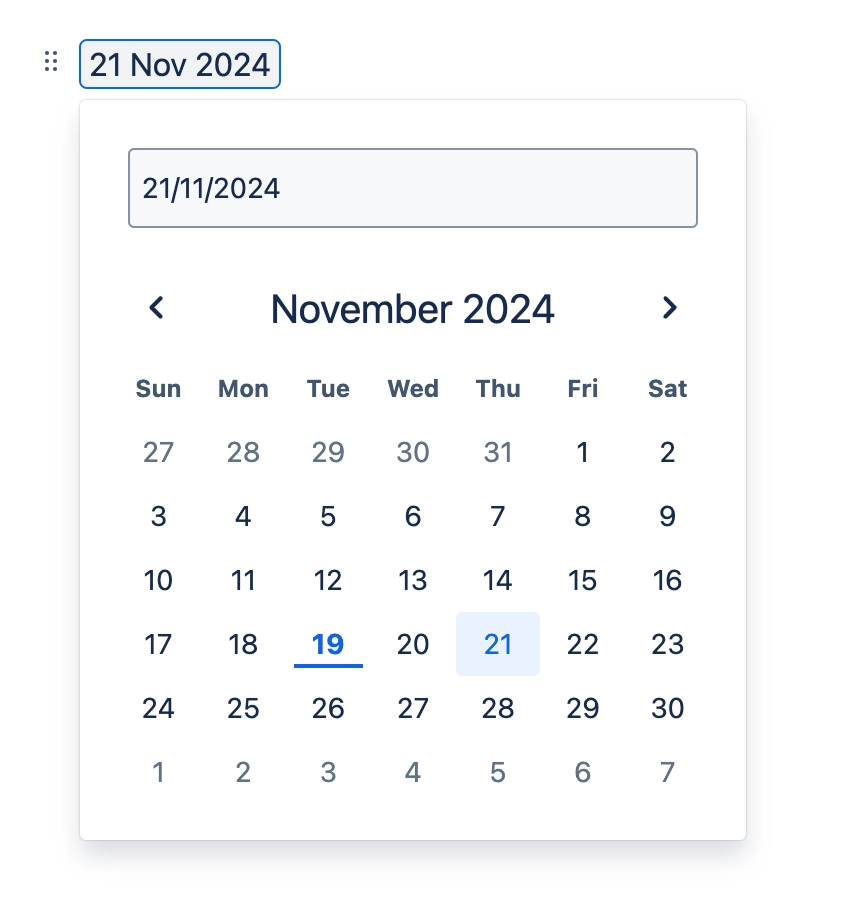
Capable Calendar turns the dates already on a page into events. Here's how each kind of date is read.
In a paragraph. The paragraph makes one event, running from its earliest date to its latest. @-mentions in the same paragraph become participants, and the rest of the text becomes the title.
In a table row. The row makes one event, running from its earliest date to its latest. Mentions in the row become participants, and the title is the first cell that isn't itself a date or a mention.
In action items and decision items. Dates here become events too, and the item type travels with the event to the calendar.
Titles are cut off at 255 characters. A date with no usable text around it is titled "Unknown".
#Where you do it
Task | Where |
|---|---|
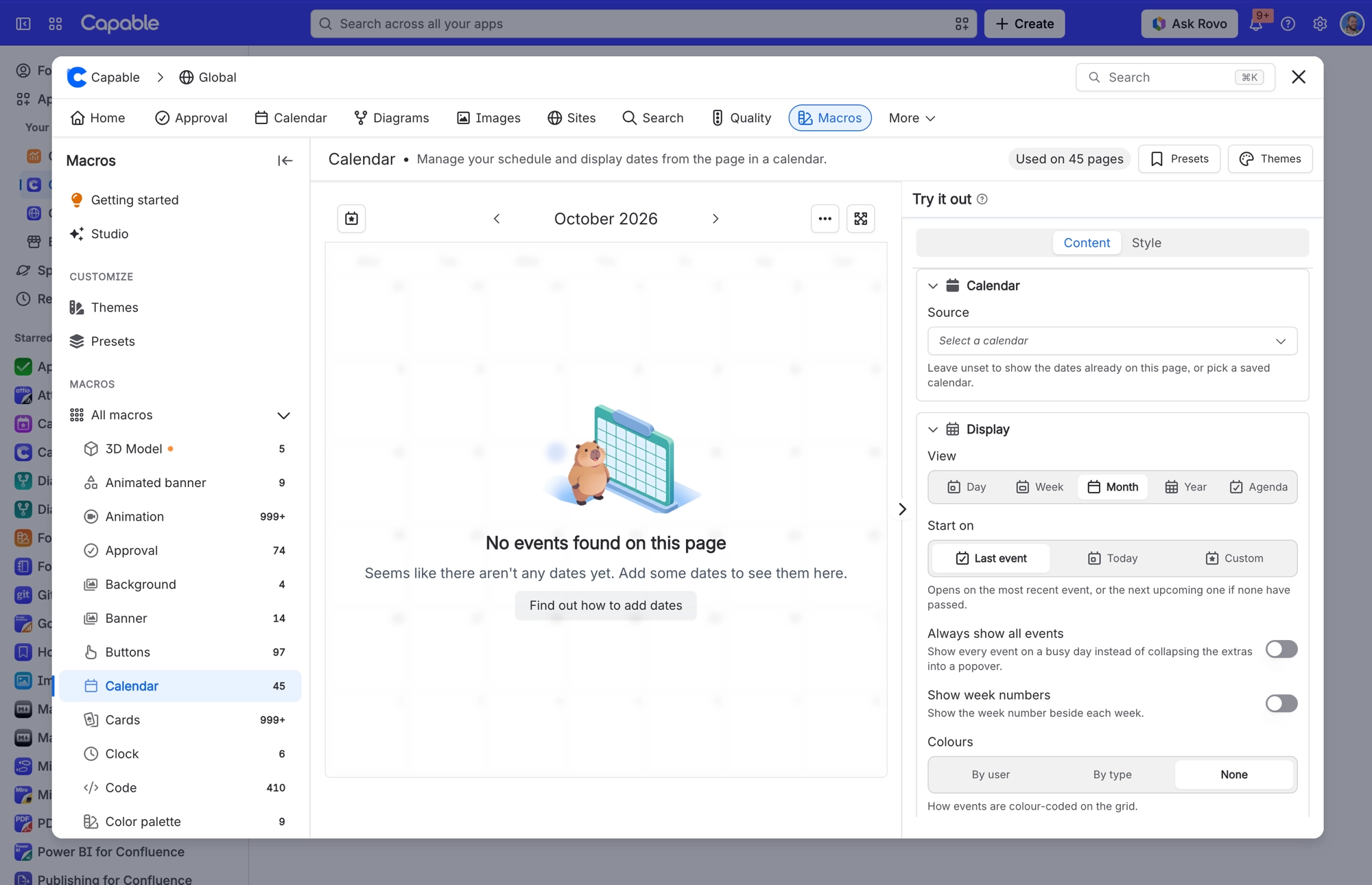
Show the dates already on a page as a calendar | Page editor → insert "Calendar (Capable)" (Suite) or "Calendar macro (Capable)" (standalone) |
Point a page calendar at a shared, saved calendar | Calendar macro settings → Content tab → Source |
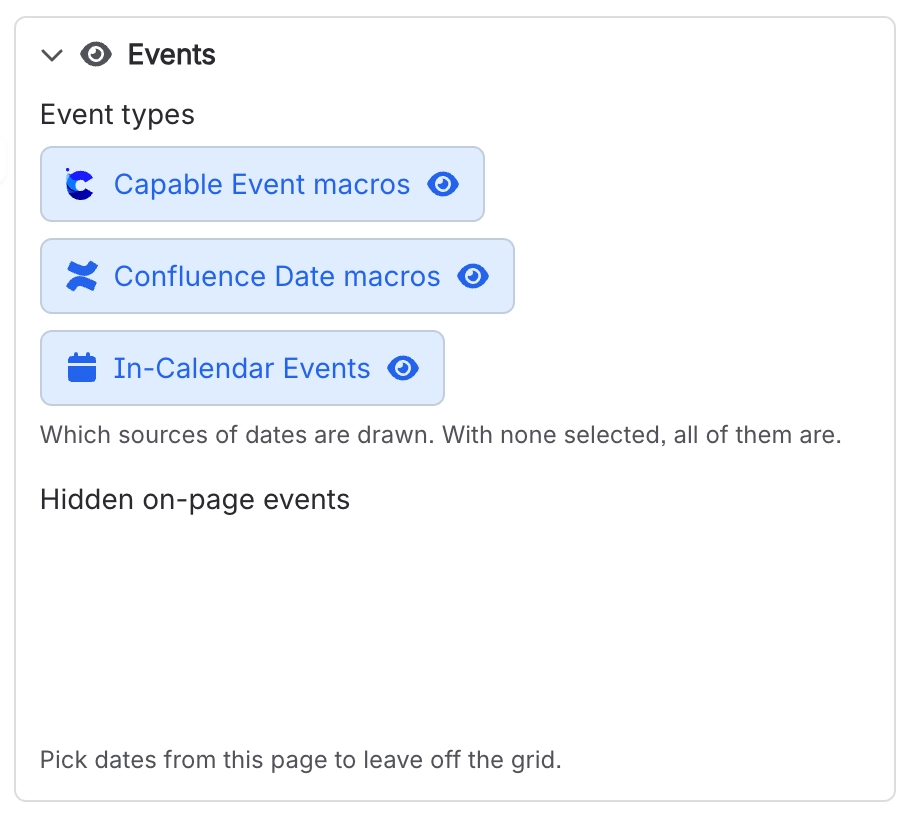
Hide specific dates from the grid | Calendar macro settings → Content tab → Hidden on-page events |
#Settings that affect this
Setting | Where | What it does |
|---|---|---|
Calendar subscriptions | Confluence settings → Capable (Capable Calendar in the standalone app) → Features | Lets people subscribe to Capable calendars from Google, Apple or Outlook through a personal iCal feed. Turn it off to disable subscriptions for everyone. This setting only appears when your installed app includes Calendar. |
Calendar (global settings tab) | Confluence settings → Capable → Calendar | The Calendar subscriptions card lists the personal iCal feed links your users have generated, showing the user, calendar, status and created date. Use Previous and Next to page through them. |
Calendar capability visibility | Space settings → Capable → capability list → Calendar | Auto shows the Calendar byline where it's relevant. In the Suite, that means only on pages Capable already knows carry dates. Always turns Calendar on for the space. Never hides it there. |
#Related
How it actually behaves.






















