
Calendar page
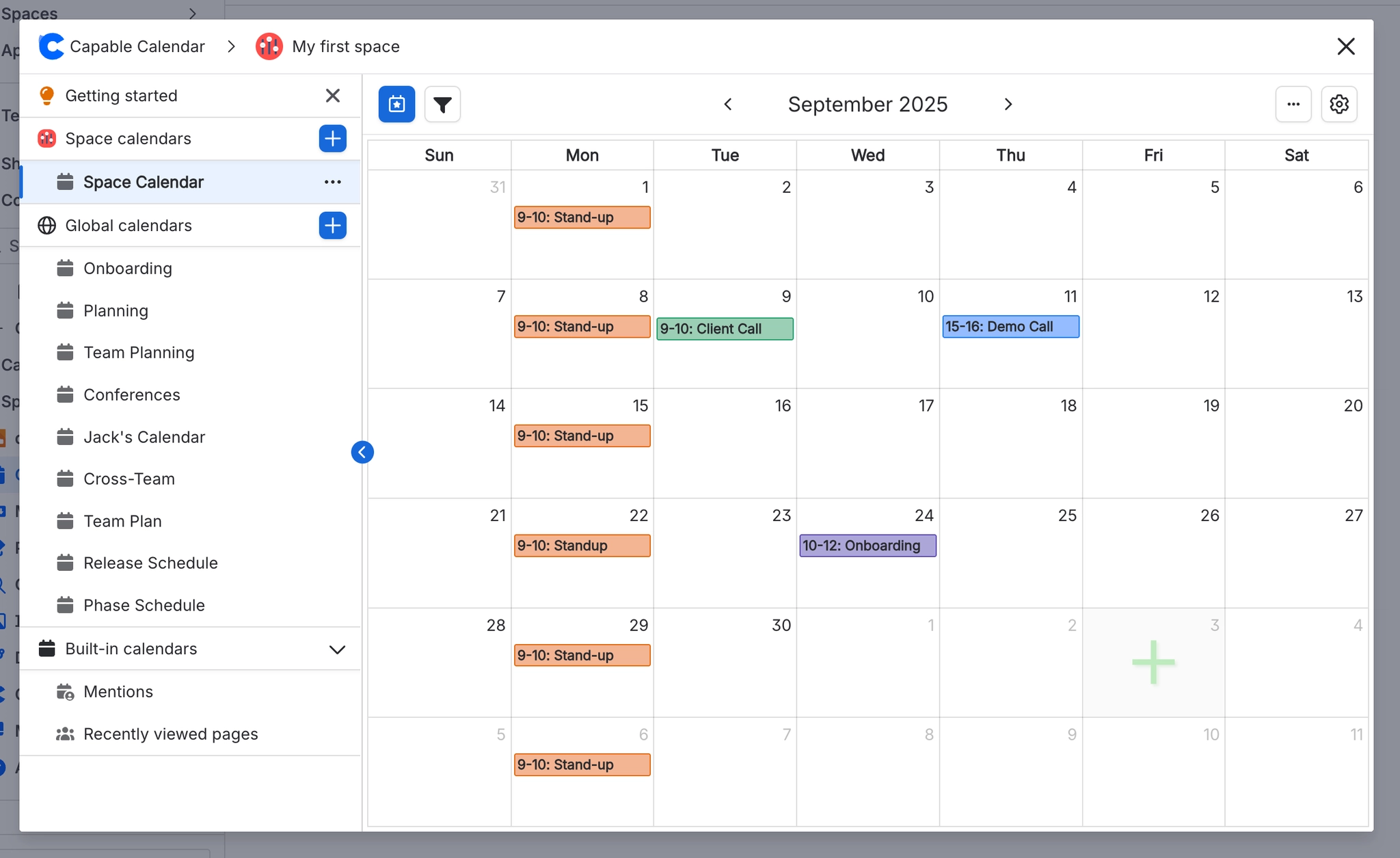
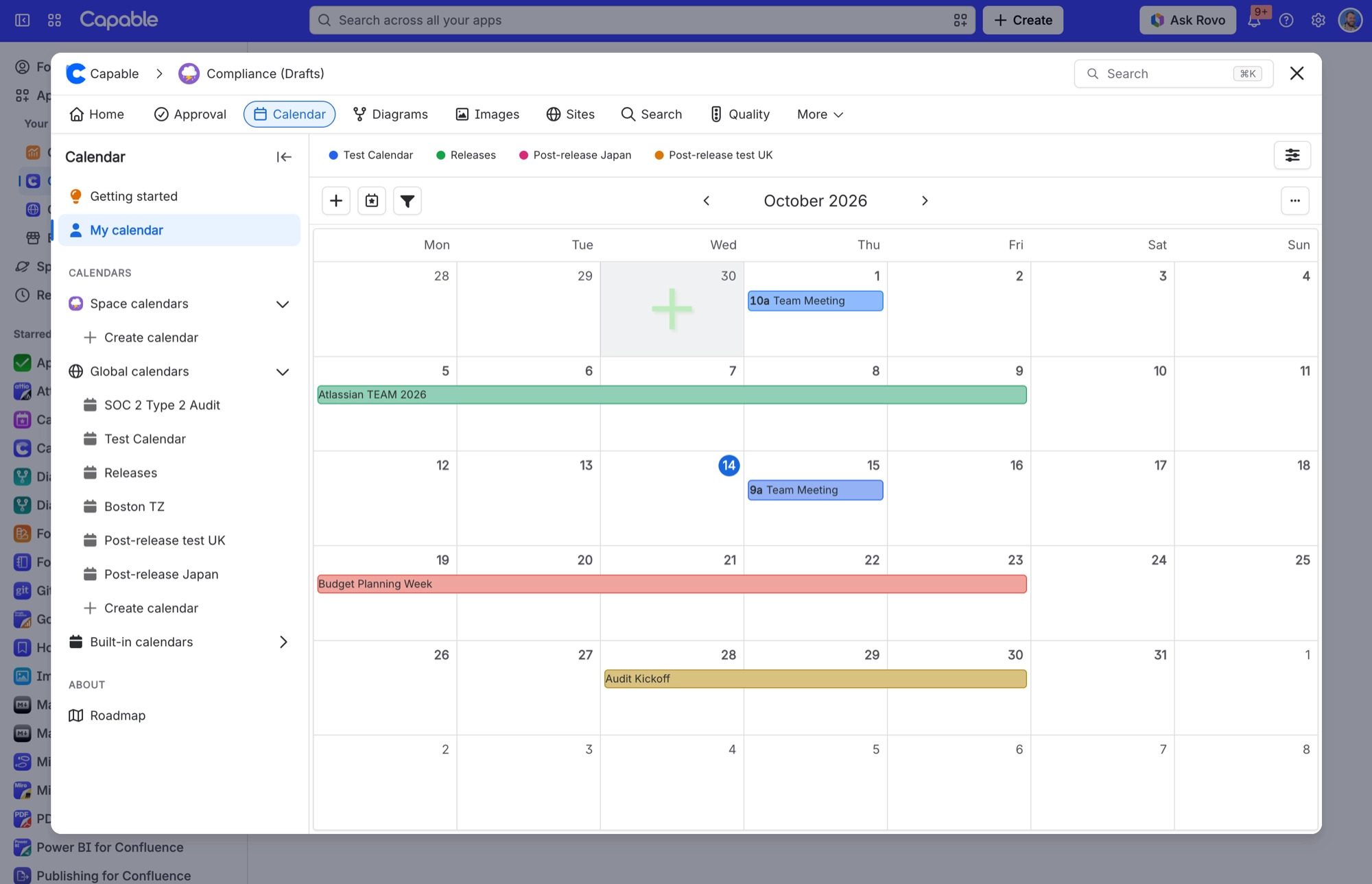
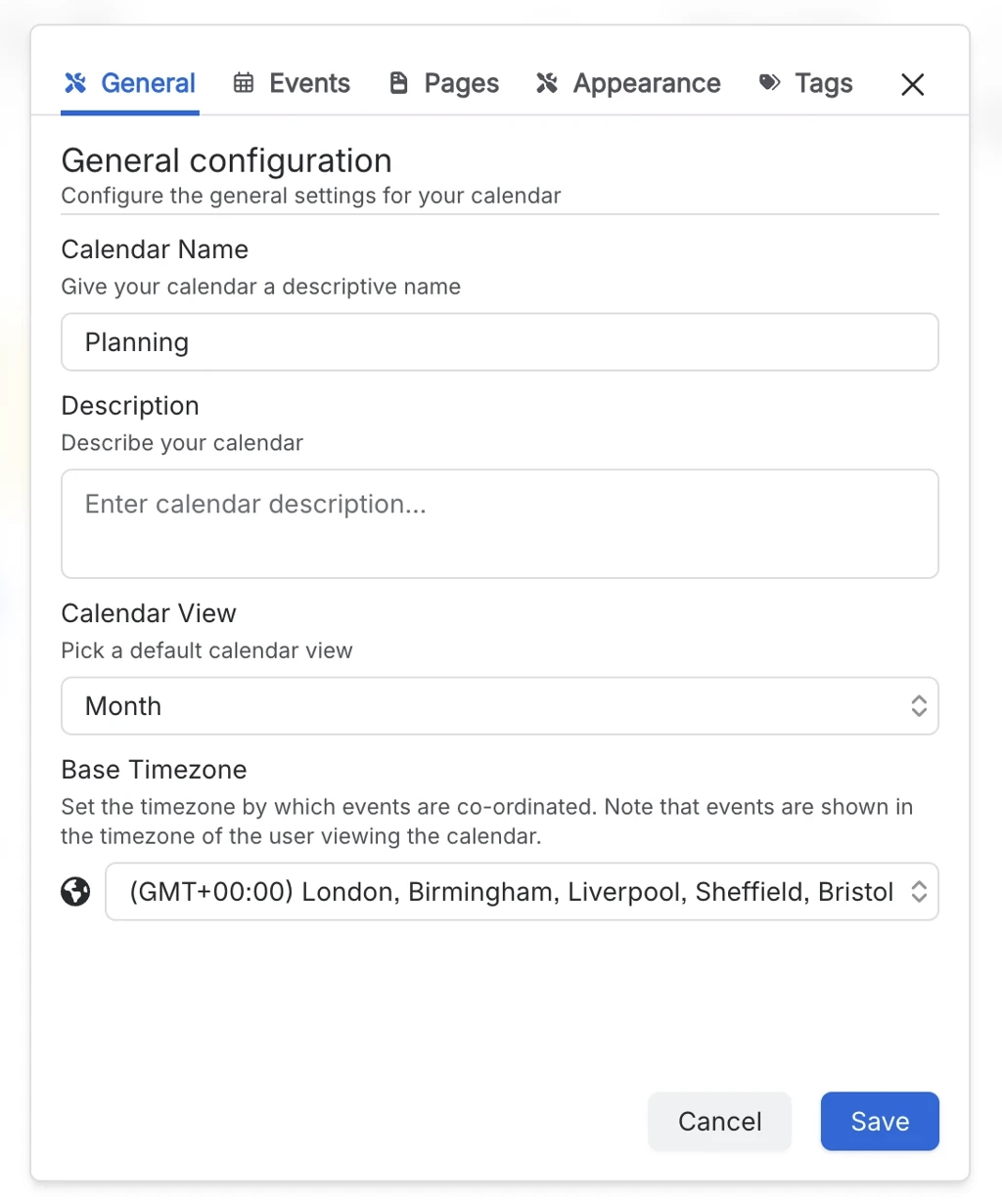
The Calendar page is where you work with your calendars at full size. In the standalone app there are two of them, a space page and a global page, both titled "Capable Calendar". In the Suite it is a single entry titled "Calendar" inside the shared "Capable" page, subtitled "View dates from pages in a calendar". From here you can browse your saved calendars, open any one with the full toolbar and view switcher, use My Calendar, import an .ics file, export, and subscribe from the Subscribe panel.
#Where you do it
Task | Where |
|---|---|
Show the dates already on a page as a calendar | Page editor → insert "Calendar (Capable)" (Suite) or "Calendar macro (Capable)" (standalone) |
Point a page calendar at a shared, saved calendar | Calendar macro config → Content tab → Source |
Choose the view the macro opens in | Calendar macro config → Content tab → View |
#Settings that affect this
Setting | Where | What it does |
|---|---|---|
Calendar subscriptions | Confluence settings → Capable (Capable Calendar in the standalone app) → Features | Turns personal iCal feeds on or off for everyone. The toggle reads "Let users subscribe to Capable calendars from Google, Apple, or Outlook via a personal iCal feed. Turn off to disable subscriptions for all users." It only appears when your installed app includes Calendar. |
Calendar (global settings tab) | Confluence settings → Capable → Calendar | Shows a "Calendar subscriptions" card, described as "Personal iCal feed links your users have generated for calendars." It lists each link's user, calendar, status and created date, with Previous and Next to page through. Only Confluence administrators can see the list. |
Calendar capability visibility | Space settings → Capable → capability list → Calendar | Auto shows the Calendar byline where it is relevant. In the Suite, that means only on pages Capable already knows have dates. Always turns Calendar on for the space, and Never hides it there. |
#Worth knowing
The "By Page" colour mode is not offered on the Calendar macro, but you can choose it in a saved calendar's Color Scheme setting.
#Limits that apply here
These limits affect the Calendar page. You will find the figures on the Limits page.
My Calendar sources
Subscriptions per calendar per user
Static site calendar export
#Related
How it actually behaves.






















