
Saved calendars are Confluence content
Every saved calendar is a piece of Confluence content in its own right, much like a page or a blog post. So it behaves the way you'd expect Confluence content to behave.
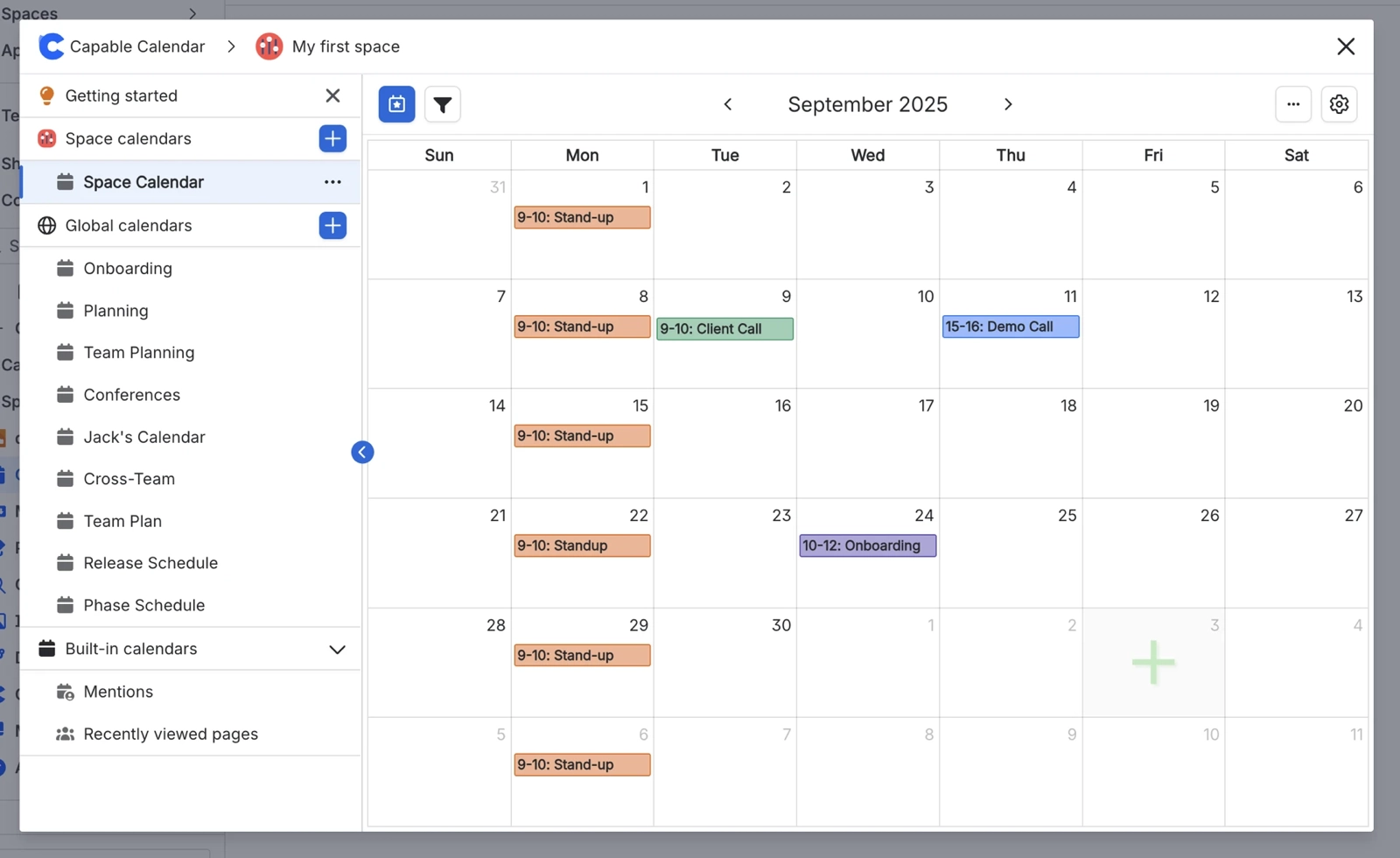
It lives somewhere. A saved calendar sits inside a page, a blog post or a space.
It follows that location's permissions. It inherits the Confluence permissions of wherever it lives, so people who can't see that page or space can't see the calendar either.
It's indexed. Confluence indexes it like other content.
Its name is unique in that location. Two calendars in the same place can't share a title.
It can be trashed. Just like any other content.
In Confluence, saved calendars are stored as the content types "Capable Custom Content (Calendar)" and "Capable Shared Storage (Calendar)" in the standalone app. In the Suite, the names end in "(Suite)" instead.
#Where you do it
Task | Where |
|---|---|
Show the dates already on a page as a calendar | Page editor → insert "Calendar (Capable)" (Suite) or "Calendar macro (Capable)" (standalone) |
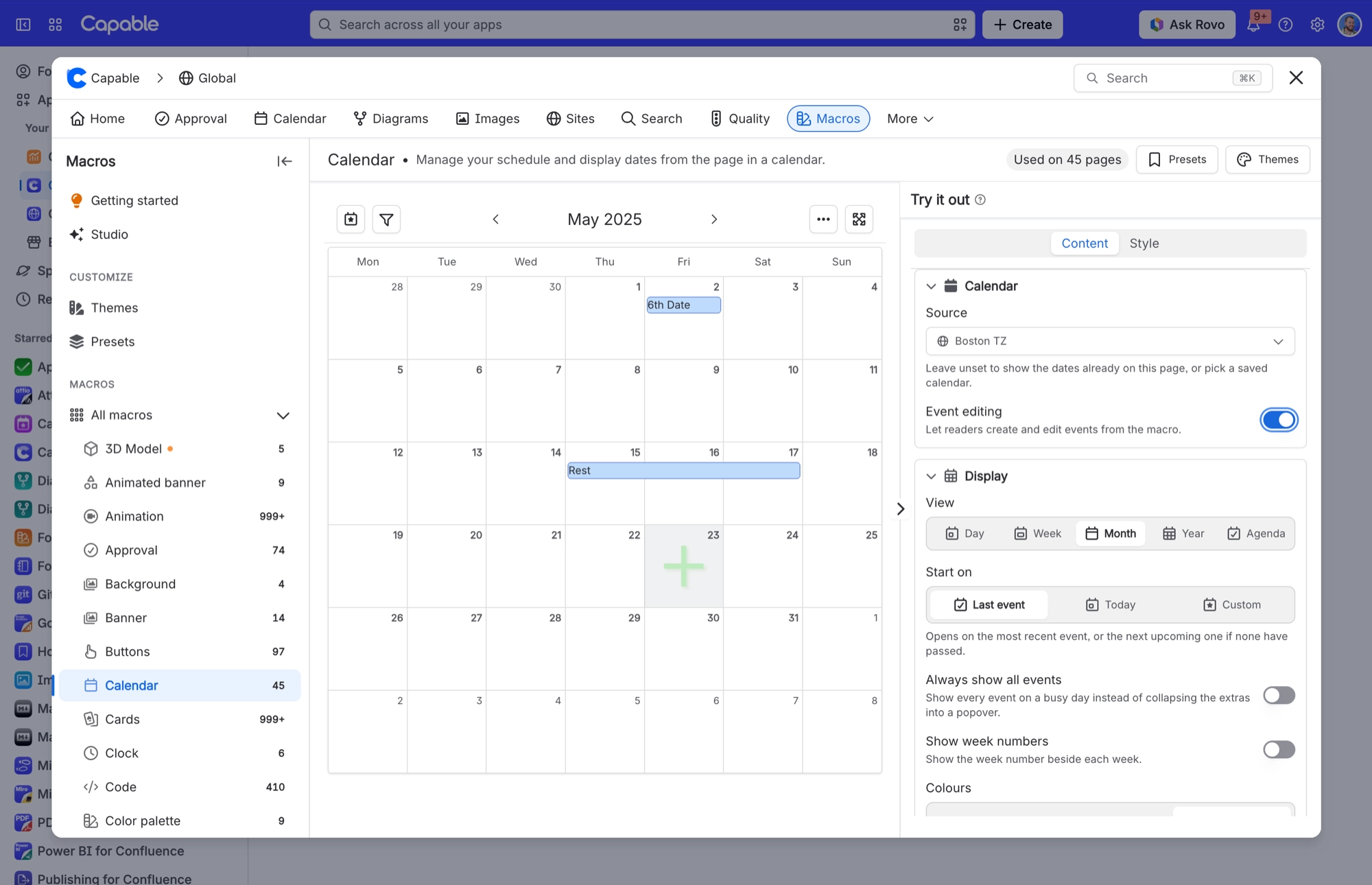
Point a page calendar at a shared, saved calendar | Calendar macro settings → Content tab → Source |
Have Confluence's own dates picked up automatically | Anywhere on a page. A date in a paragraph, a table row, an action item or a decision item. |
#Settings that affect this
Setting | Where | What it does |
|---|---|---|
Calendar subscriptions | Confluence settings → Capable (Capable Calendar in the standalone app) → Features | "Let users subscribe to Capable calendars from Google, Apple, or Outlook via a personal iCal feed. Turn off to disable subscriptions for all users." Only appears when your installed app includes Calendar. |
Calendar (global settings tab) | Confluence settings → Capable → Calendar | The "Calendar subscriptions" card ("Personal iCal feed links your users have generated for calendars.") lists each link's user, calendar, status and created date. Use Previous and Next to page through. Non-administrators see a notice instead of the list. |
Hide the Calendar capability site-wide | Confluence settings → Capable → Capabilities | Removes Calendar across the whole site. Suite only. The standalone Capable Calendar app has no Capabilities tab, although its page byline still follows the same setting. |
#Limits that apply here
Event name: 4 to 100 characters
Event description: up to 255 characters
Event text: up to 500 characters
Event tags: 3 to 50 characters each
Event priority: lowest, low, medium, high, highest or none
See Limits for the full list.
#Related
How it actually behaves.






















