
Live editor dates
While a page is open in the Confluence editor, a Calendar macro reads dates from what you are typing rather than the saved page, so new dates appear immediately. Those live events are read-only.
#Where you do it
Task | Where |
|---|---|
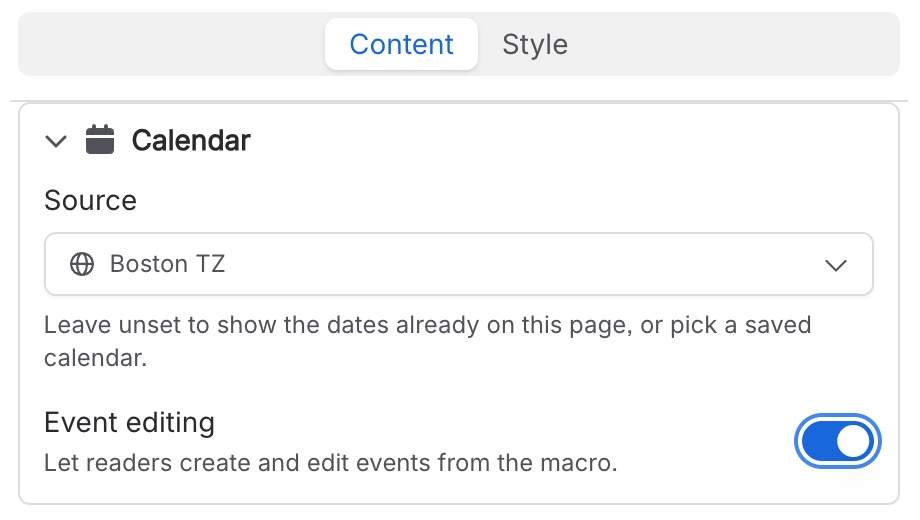
Show the dates already on a page as a calendar | Page editor → insert "Calendar (Capable)" (Suite) or "Calendar macro (Capable)" (standalone) |
Point a page calendar at a shared, saved calendar | Calendar macro config → Content tab → Source |
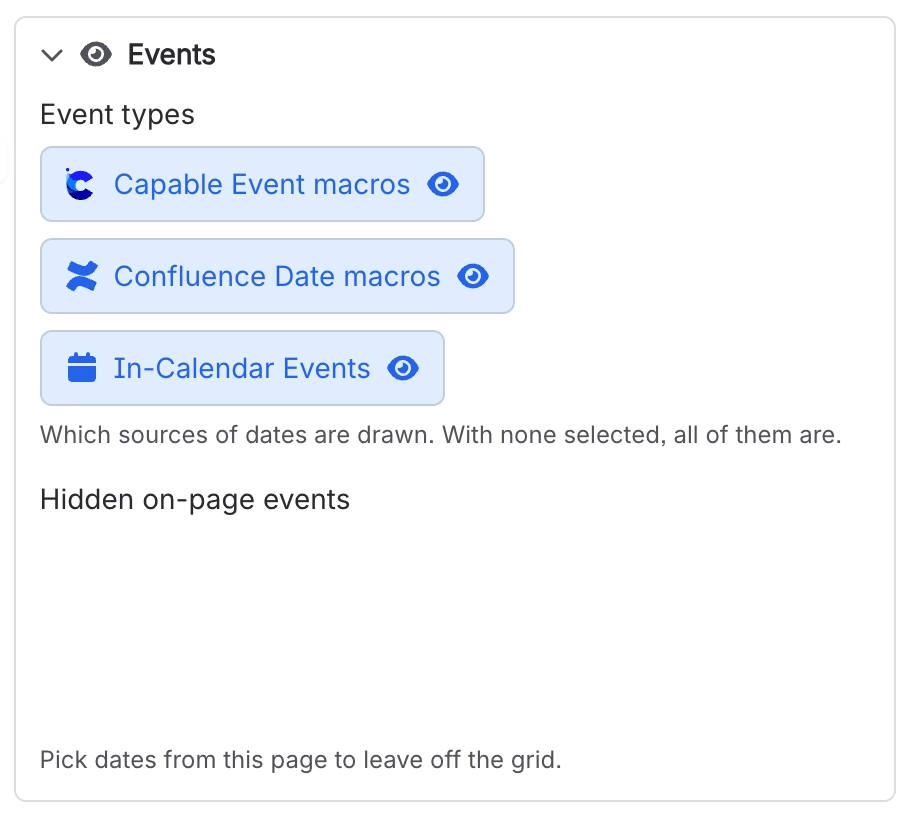
Hide specific dates from the grid | Calendar macro config → Content tab → Hidden on-page events |
#Settings that affect this
Setting | Where | What it does |
|---|---|---|
Calendar capability visibility | Space settings → Capable → capability list → Calendar | Auto shows the byline where relevant. In the Suite, that means only on pages Capable already knows contain dates. Always turns Calendar on for the space; Never hides it there. |
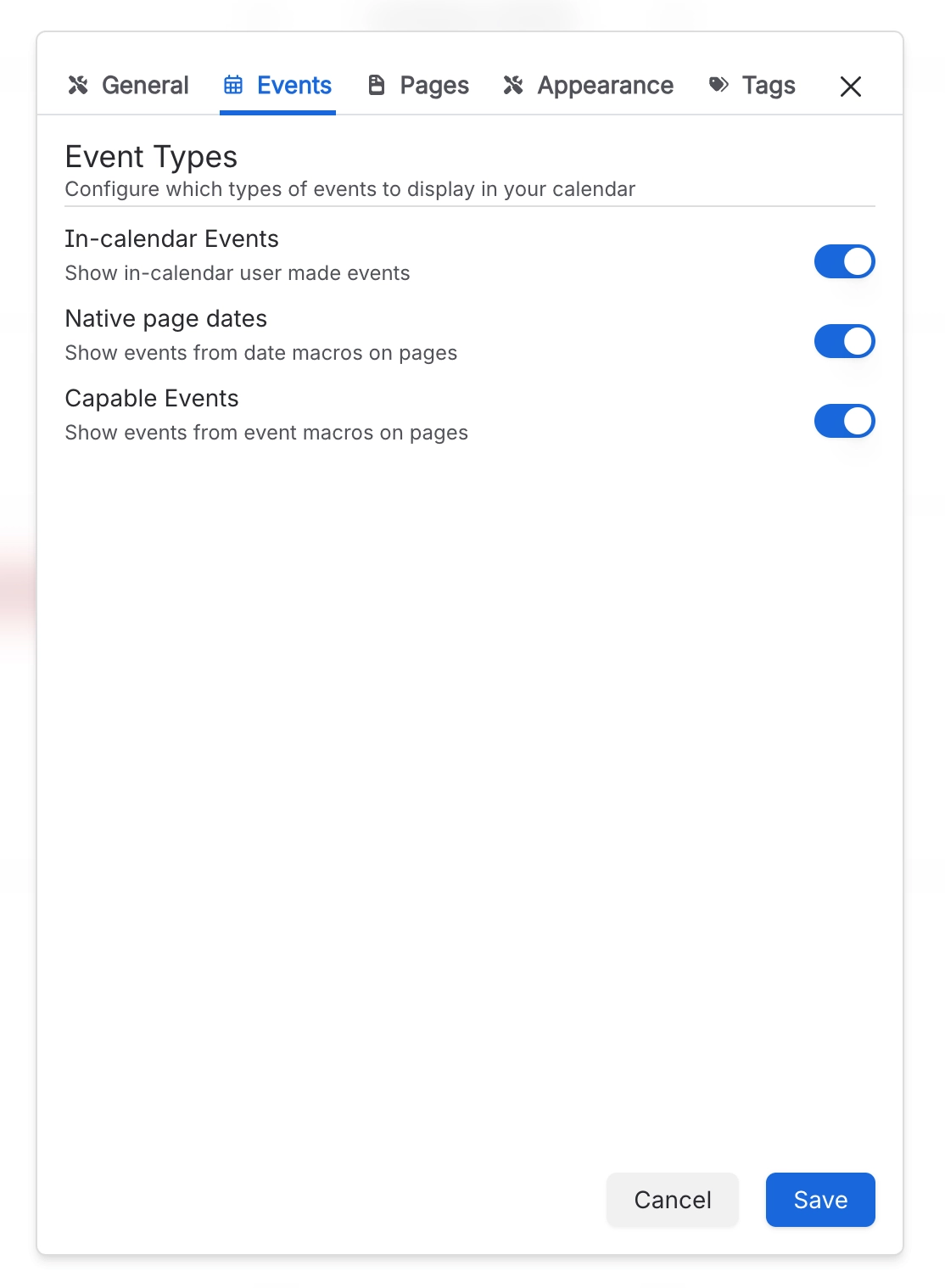
Native page dates | Calendar Configuration panel → Events | "Show events from date macros on pages". Picks up Confluence's own date chips from the calendar's source pages. |
Pages from search | Calendar Configuration panel → Pages | "Search for pages to include". Capable checks every page the search returns for dates. The filters and limit only become available once the toggle is on. |
#Related
How it actually behaves.






















