
Colleague in another country sees the event at a different time or on a different day
What you are seeing
A colleague in another country sees your event at a different time, or even on a different day.
#Why it happens
The calendar always shows events in each viewer's own time zone. A 09:00 meeting in London shows as 10:00 for someone in Paris, and near midnight that shift can push it onto a different day.
A calendar's Base Timezone setting doesn't change this. It only pre-fills the time zone in the event editor when you create or edit an event.
#What to do
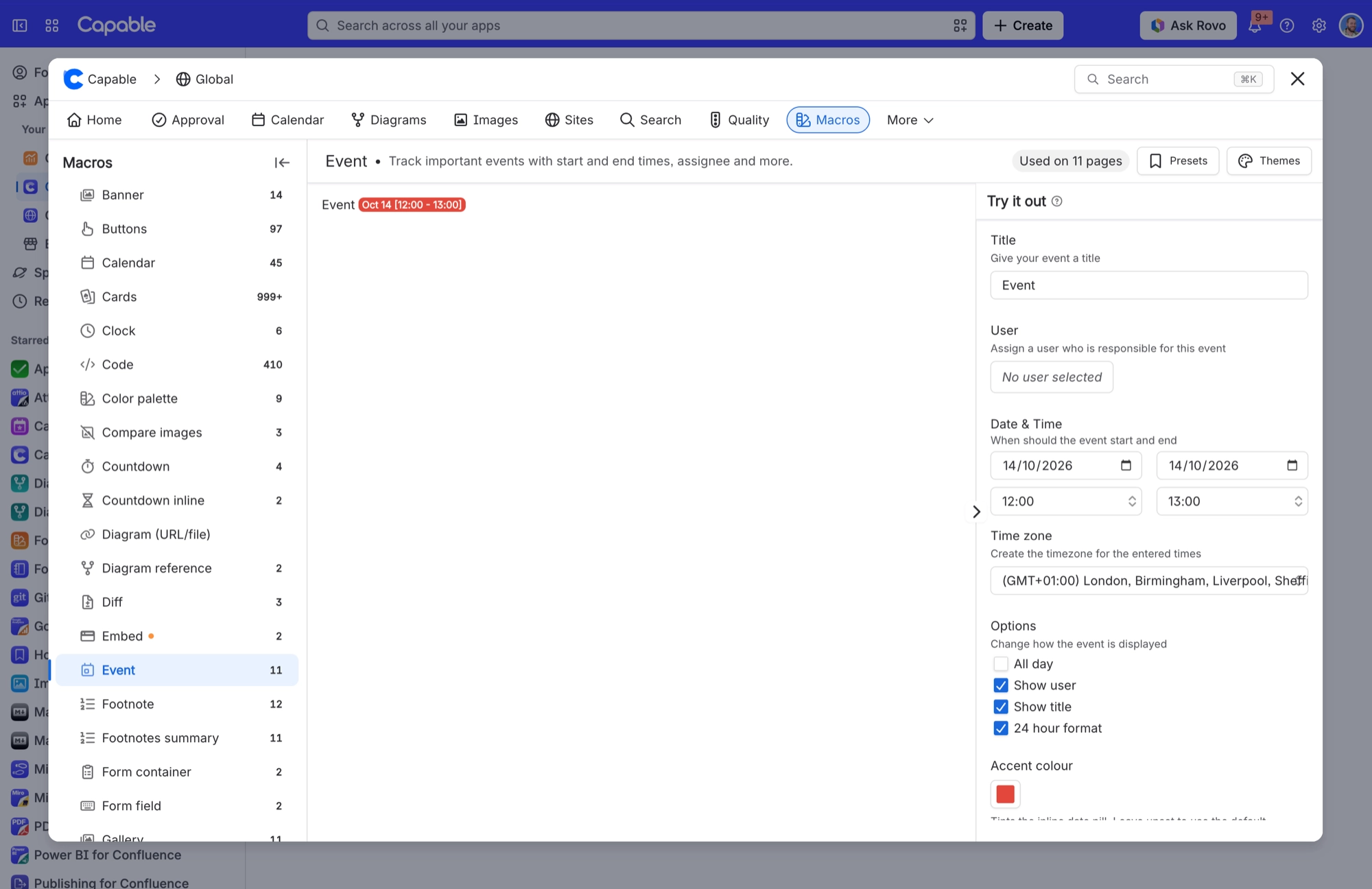
This is expected. Each person sees the time in their own zone, which is usually what you want for a meeting. When it isn't:
The date must not move (a deadline or a holiday, say). Mark the event All day.
The time is fixed in one place. Set the Event macro's Time zone explicitly, rather than leaving it on the viewer default.
#Related
Event macro pill shows a time that looks shifted by the timezone offset (for example 14:00 rendering
A known bug in date-range formatting: when a timezone is supplied the time is converted tw
Set a Base Timezone on a calendar and nothing changed
Either it only affects the event editor , or the stored zone is not a recognised one, in w
Everything else
The rest of this family.
Found it? Good.






















