
What Capable Calendar is
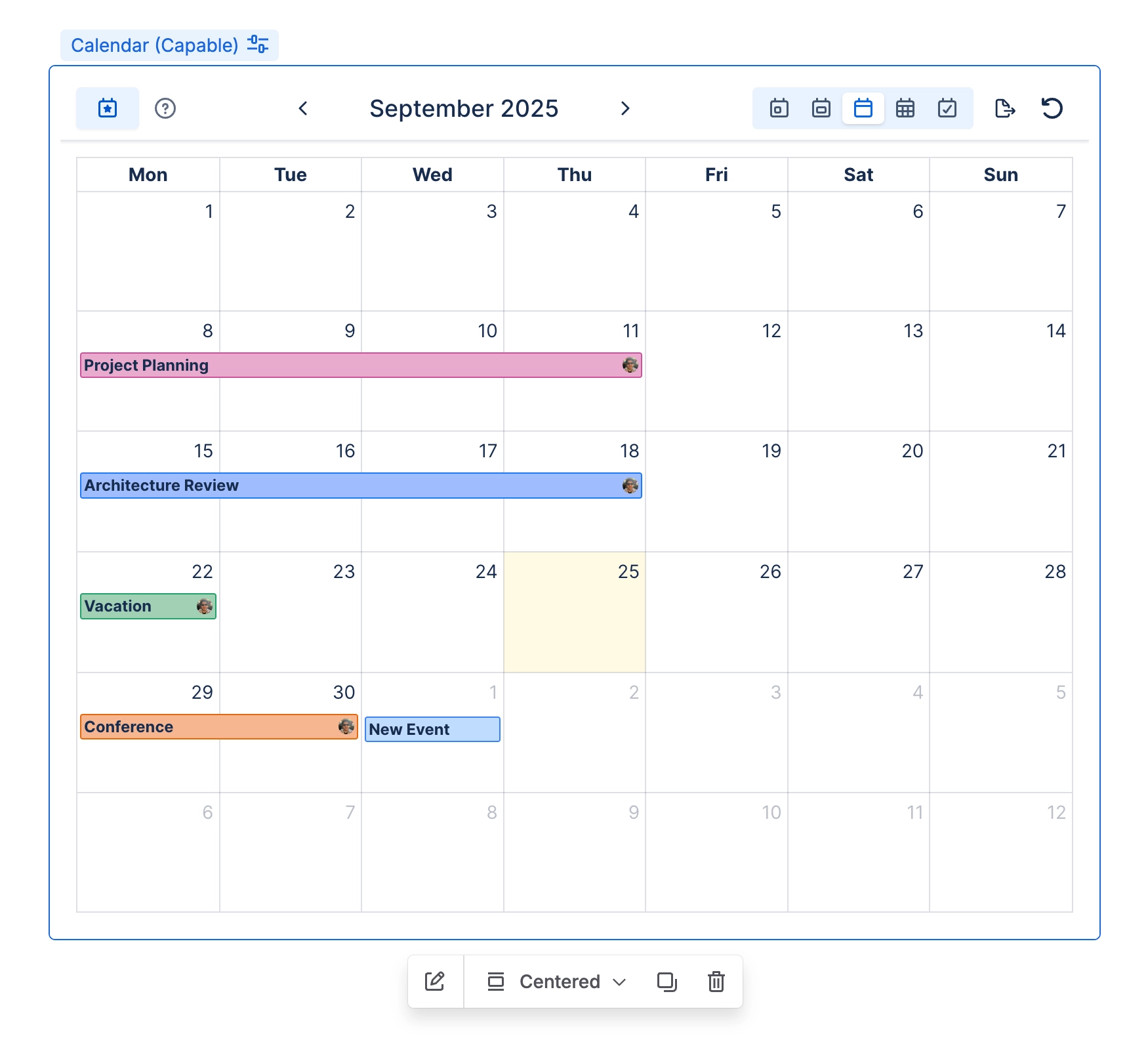
Capable Calendar turns the dates already living on your Confluence pages into real calendars, and adds shared, saveable calendars of its own.
Here’s what you get:
three page macros
Calendar
Clock
Event
a full Calendar page where you create and manage saved calendars
a page byline showing how many dates a page contains (hidden when there are none)
a Confluence dashboard widget that lists the upcoming events you’re assigned to
a Capable Search panel and column that show dates from pages (suite only)
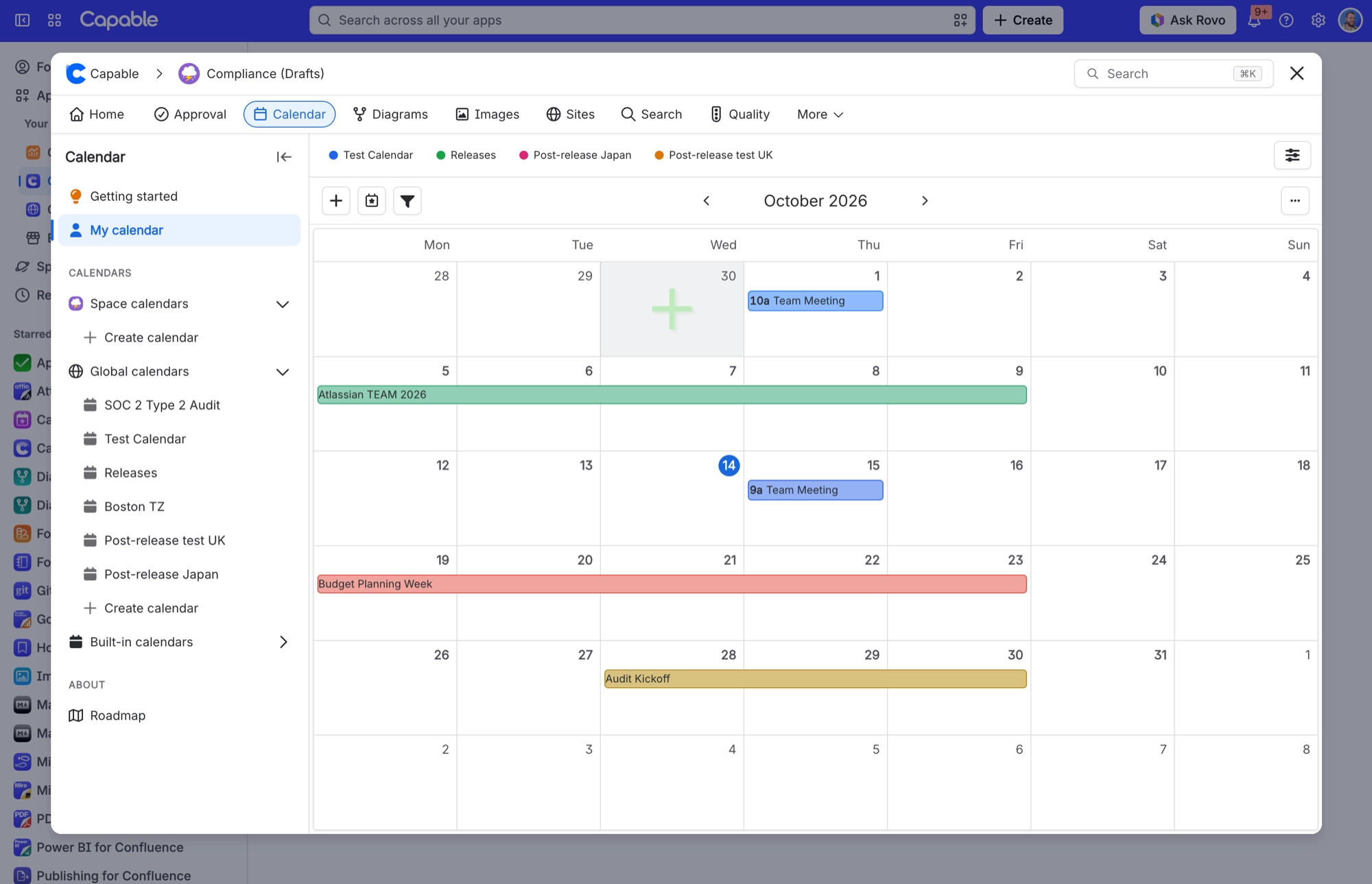
Events come from three sources:
Capable Event macros on pages
Confluence's own date chips on pages (in paragraphs, table rows, task items and decision items)
events saved inside a Capable calendar
Want your events in Google, Apple or Outlook too? Every signed-in user can create a personal, read-only iCal subscription link that follows a saved calendar. Confluence administrators can see and revoke all of these links from a global settings tab.
#A few things worth knowing
The By Page colour mode isn’t available on the Calendar macro, but you can choose it in a saved calendar’s Color Scheme setting.
Two things can catch you out. The Export → iCal and CSV options in the Calendar macro’s overflow menu don’t do anything at the moment, so use an iCal subscription link to follow a saved calendar instead. And if you select no event types, you’ll see all of them rather than none.
#Related
The short version.






















