
Date chip on a line by itself never appears on any calendar
What you are seeing
You put a date chip on a line of its own, with no text around it, and it never shows up on any calendar.
#Why it happens
A date with no surrounding text has nothing to give the event a name, so it is named "Unknown". Events named "Unknown" are filtered out everywhere, so this one never appears.
#What to do
Give the date a name. Either:
Add some text alongside the date, on the same line.
Use an Event macro instead. It always carries a title.
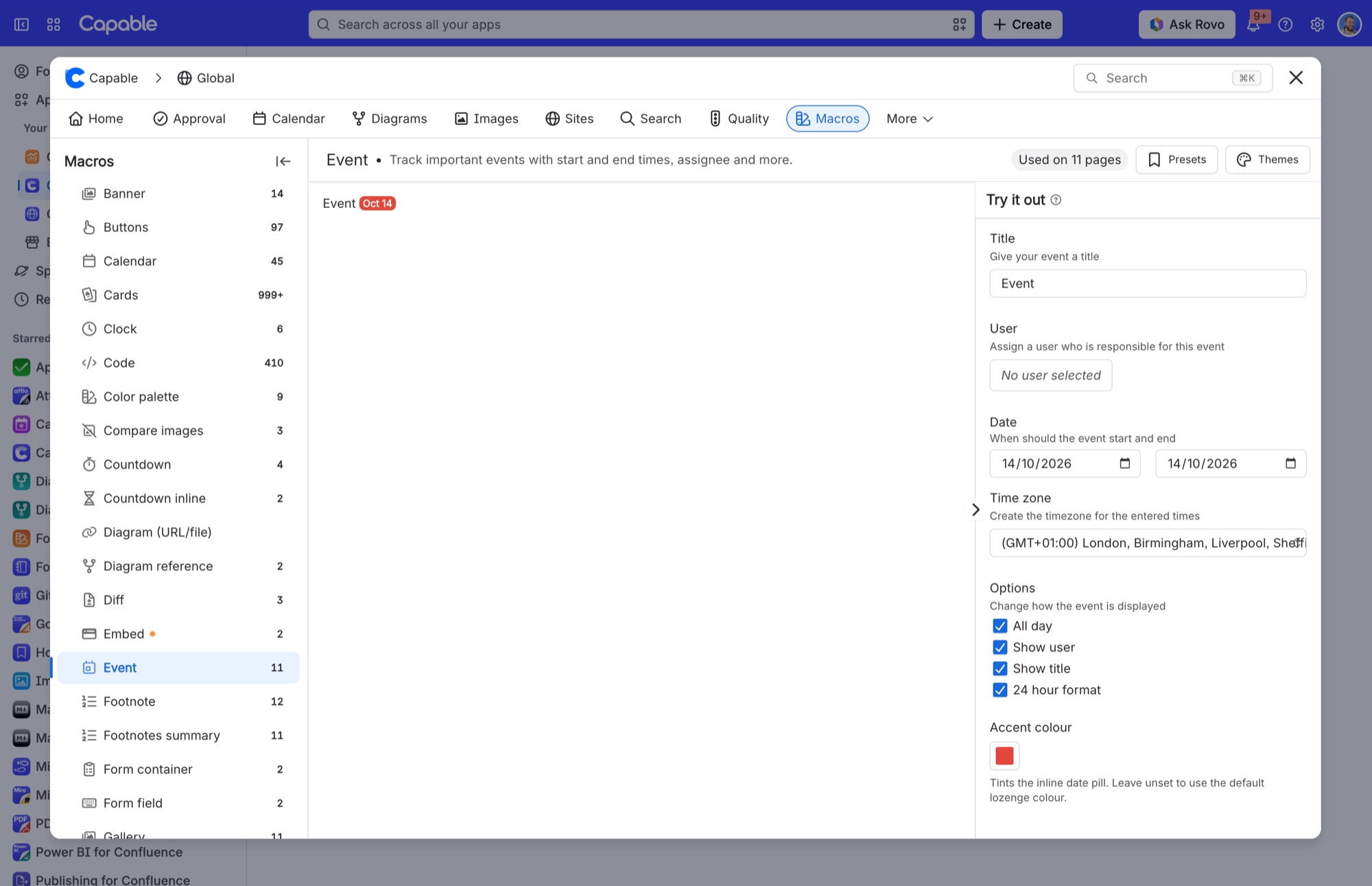
#Settings involved
Setting | Where | What it does |
|---|---|---|
Calendar subscriptions | Confluence settings → Capable (Capable Calendar in the standalone app) → Features | "Let users subscribe to Capable calendars from Google, Apple, or Outlook via a personal iCal feed. Turn off to disable subscriptions for all users." Only appears when the installed app includes the Calendar capability. |
Calendar capability visibility | Space settings → Capable → capability list → Calendar | Auto shows the Calendar byline where it is relevant. In the Suite, that means only on pages Capable has already indexed as having dates. Always forces Calendar on for the space; Never hides it there. |
Indexing tab | Confluence settings → Capable → Indexing | Where an administrator starts or checks content indexing. Indexing runs in both products; only the admin tab differs. |
#Limits that apply here
Limit | Value | What happens |
|---|---|---|
Specific pages source | - | The picker disables itself and shows "Limit reached". |
iCal feed window | - | Events outside this rolling window never reach a subscriber's calendar app, even though they show fine inside Confluence. |
#Related
Colleague in another country sees the event at a different time or on a different day
The grid always draws events in the viewer's own timezone. A calendar's "Base Timezone" on
Event macro pill shows a time that looks shifted by the timezone offset (for example 14:00 rendering
A known bug in date-range formatting: when a timezone is supplied the time is converted tw
Everything else
The rest of this family.
Found it? Good.






















