
Duplicate collapsing
When the same event reaches a calendar from more than one source, you see it once, not twice. If one of those copies comes from the page you are on, that is the copy the calendar keeps.
#Settings that affect this
Setting | Where | What it does |
|---|---|---|
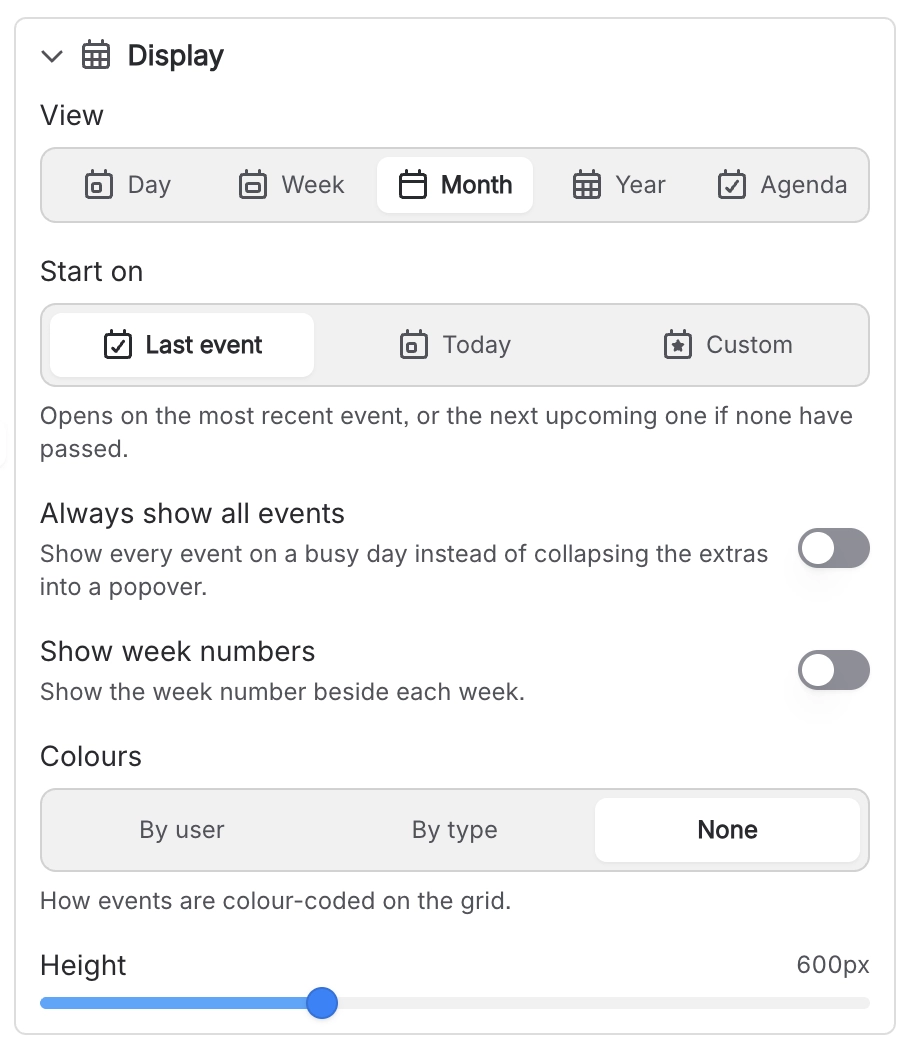
Always show all events | Calendar Configuration panel | Shows every event on a busy day instead of collapsing extras into a "+N more" popover. |
#Related
How it actually behaves.






















