
Renaming one page changed the URL of a different page too
What you are seeing
You renamed one page, and the address of a different page changed as well.
#Why it happens
When two pages in the same space have the same title, Sites adds the page ID to the end of both their addresses so they don't collide. As soon as the clash goes away, for example because you renamed one of them, the ID comes off both pages.
So renaming one page can quietly change the address of the page it used to share a title with.
#What to do
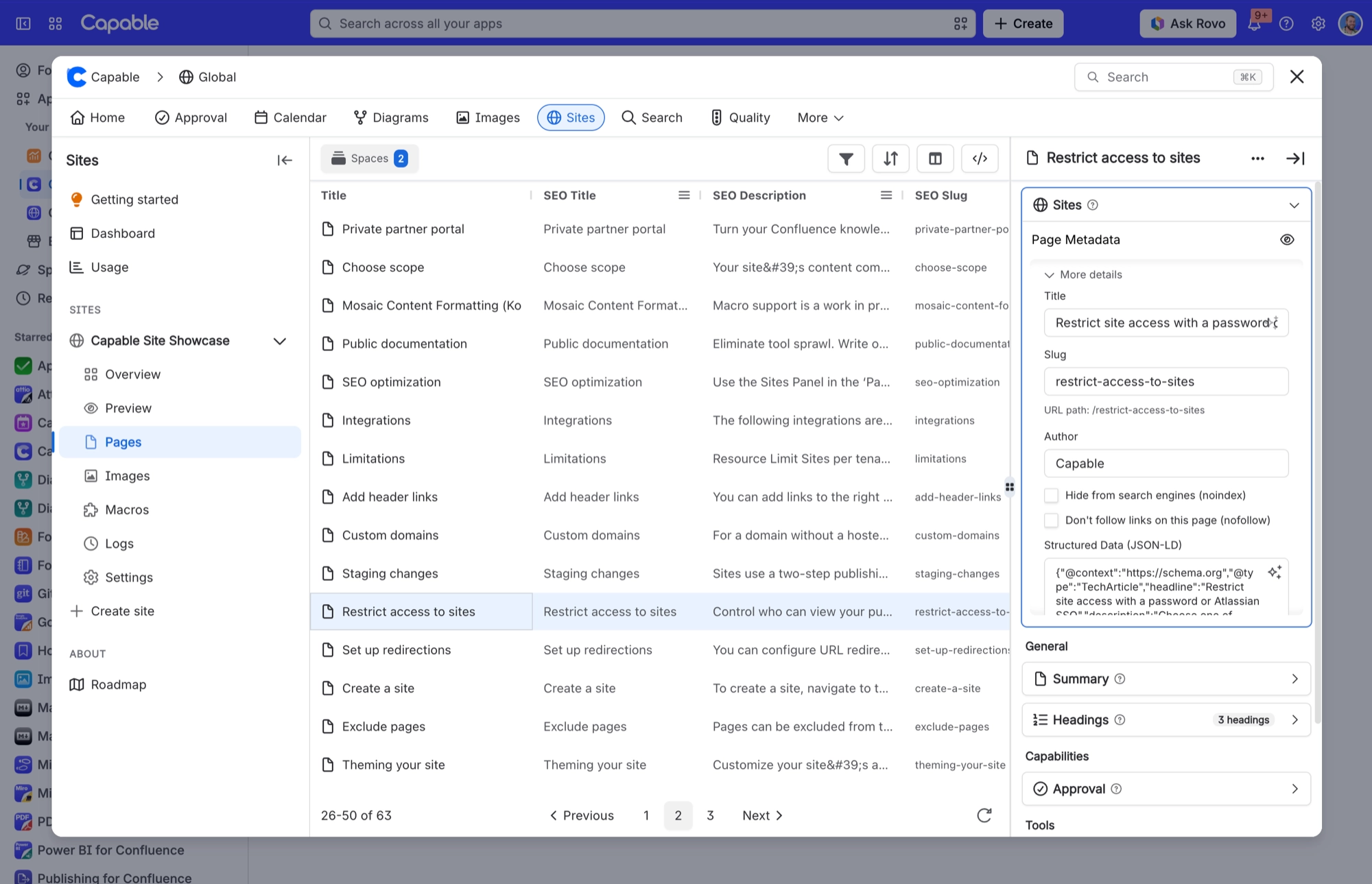
For any page whose address needs to stay put, such as one you link to from elsewhere, set its slug yourself. An explicit slug stays the same whatever happens to the titles around it.
Open the Page Metadata panel for the page.
Expand More details.
Enter the address you want in Slug. The URL path underneath shows the result.
#Related
Published image downloads as WebP even though it is a .png
Published raster images are converted to WebP and written back under the same file name.
Ticked "Publish it right away" but my site address does not work
That checkbox only starts a deploy, which builds a staging preview. Its help text ("the ad
Publishing problems
The rest of this family.
Found it? Good.






















