SEO optimization
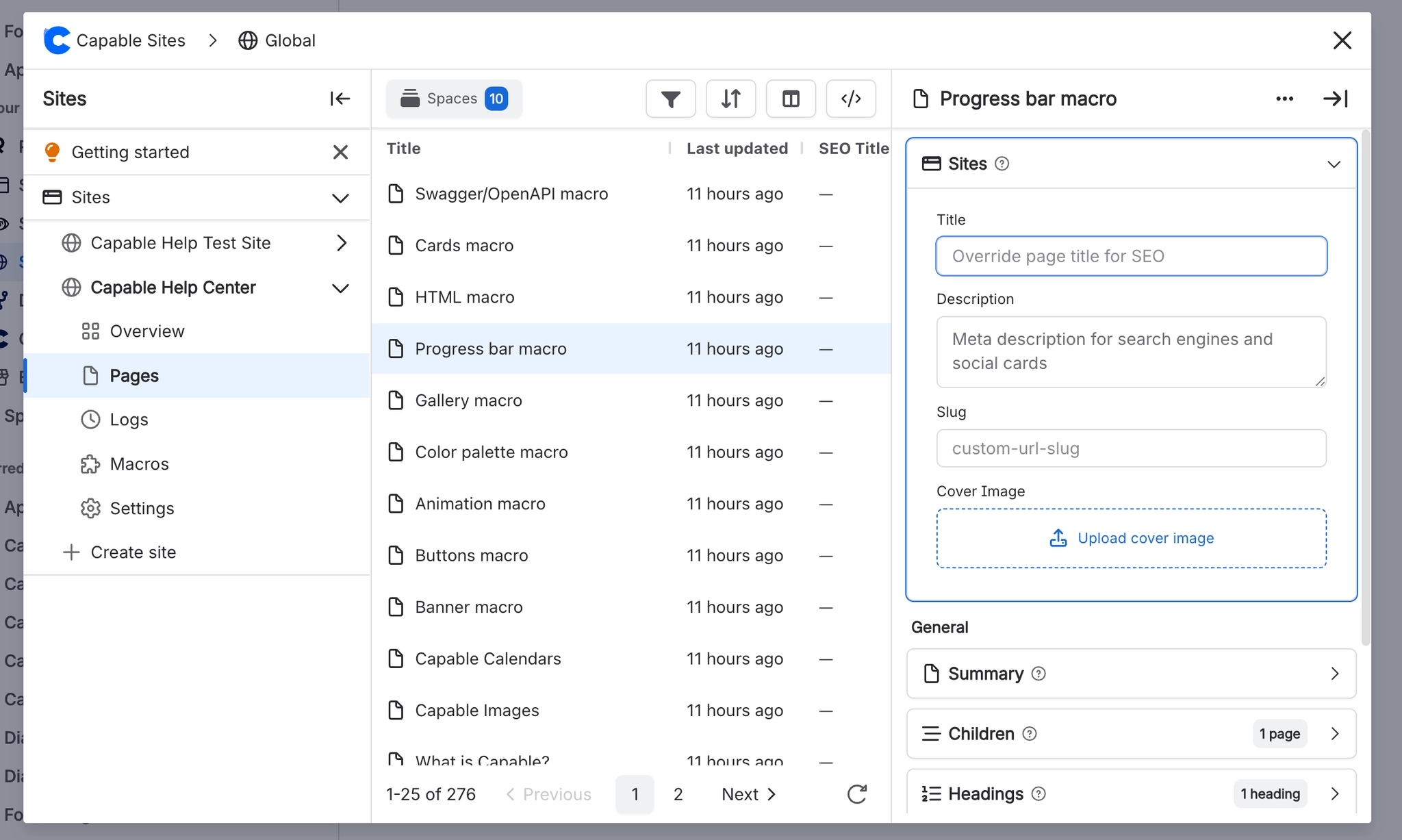
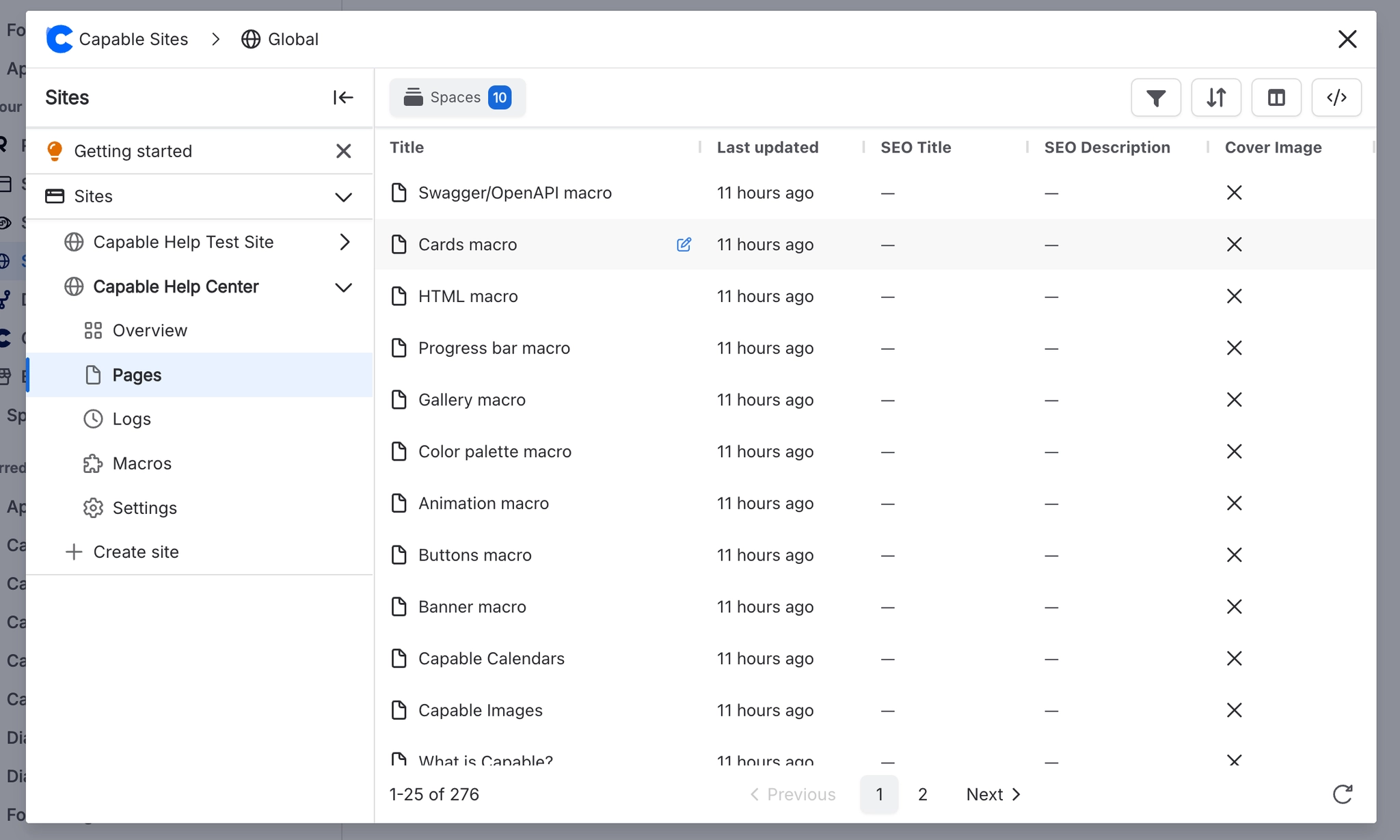
Use the Sites Panel in the ‘Pages’ tab to manage each pages' SEO settings.
#Customizable items
You can configure the following options:
Field | Description | Max length |
|---|---|---|
Title | Override the page title for SEO and social sharing | 200 chars |
Description | Meta description for search engines and social cards | 500 chars |
Slug | Custom URL slug (e.g., | 200 chars |
Tags | Comma-separated keywords for meta tags | 500 chars |
Cover image | Attachment to use as | 500 chars |
#Default SEO behavior
Without the SEO macro, pages use:
Title: The Confluence page title
Description: Not set (search engines will auto-generate from content)
URL slug: Derived from the page title
og:image: The site's default cover image (if configured in theme settings)
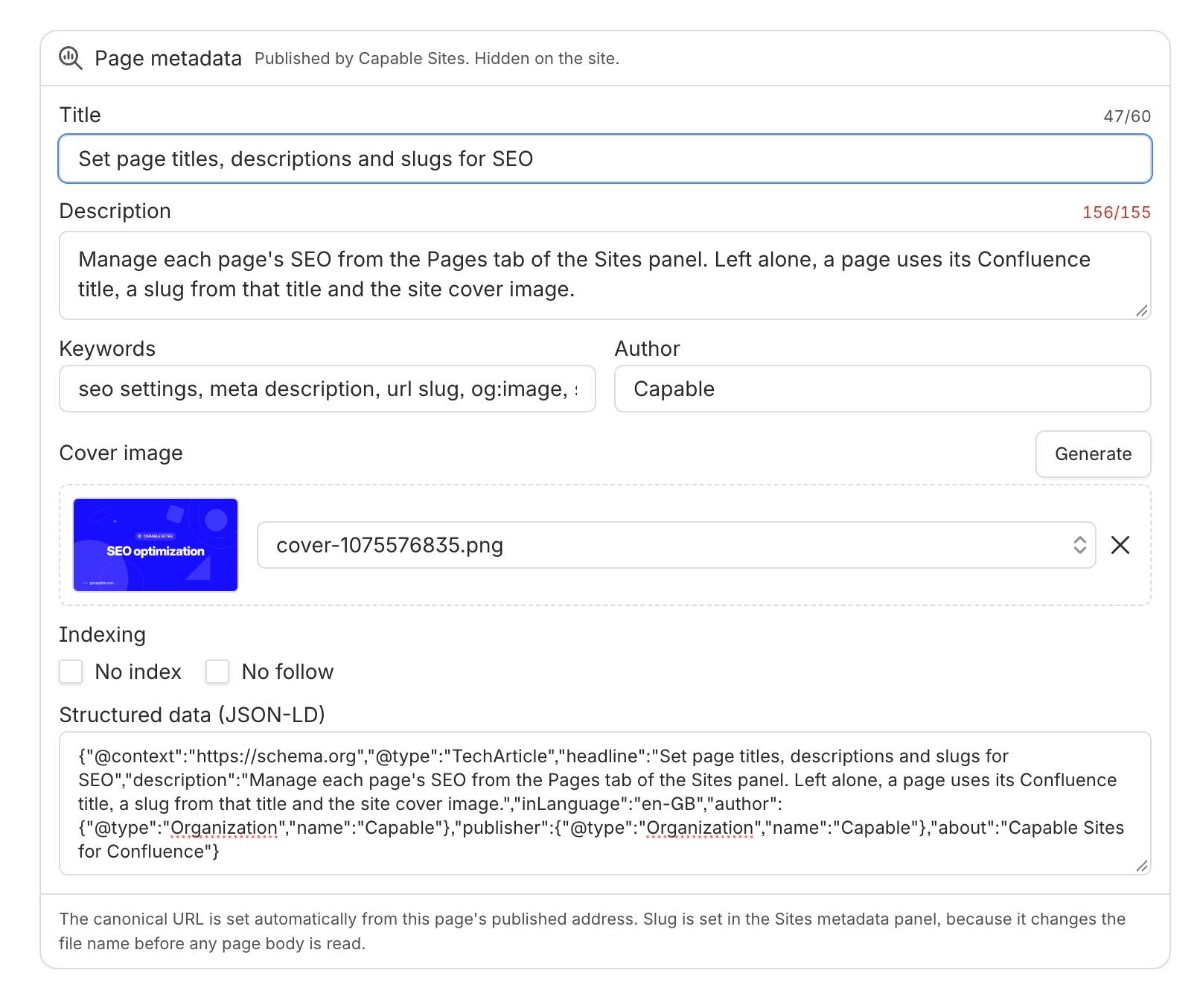
#Page metadata macro
Insert the Page metadata macro to manage a page’s SEO information. It won’t appear on the published site. You can also generate cover images here.