
Project docs
Project docs are where a team agrees what it is building and why. Publish them with Capable Sites and everyone who needs to follow along, inside Confluence or not, reads the same pages your team keeps up to date.
Here is a short example of the kind of page a project space might hold.
#The problem
Customer success managers at the fictional company BrightMarket Analytics need a faster way to identify accounts at risk of churn before renewal conversations begin. Today they combine notes from support tickets, product usage exports, renewal dates, and call summaries by hand. This takes 2-3 hours per account review and means warning signs are often spotted only after the customer has already escalated.
Users expect to open one workspace and immediately understand which accounts need attention, why they are at risk, and what action is recommended next. Fixing this matters because earlier intervention should improve retention, reduce emergency escalations, and give customer-facing teams a shared view of account health.
#Goals
Launch an account health dashboard that highlights the top risk drivers for each strategic customer.
Reduce manual account-review preparation time from 2-3 hours to under 30 minutes.
Give customer success managers a recommended next action for at least 80% of high-risk accounts.
Improve forecast confidence for Q3 renewals by making risk signals visible well before renewal conversations begin.
#Who it is for
Primary persona: Maya, Senior Customer Success Manager. Maya owns 35 enterprise accounts, prepares renewal plans monthly, and needs a clear, evidence-backed view of account risk before executive business reviews.
Secondary personas: Liam, Customer Success Director, who needs roll-up reporting for portfolio reviews; and Nora, Support Operations Lead, who needs to see which recurring support issues are affecting account health.
#User story
As a customer success manager, I want to see a ranked list of risk signals, recent product usage changes, open support themes, and suggested actions,
So I can prioritise outreach, prepare a focused customer conversation, and prevent avoidable churn.
#Settings that matter for this
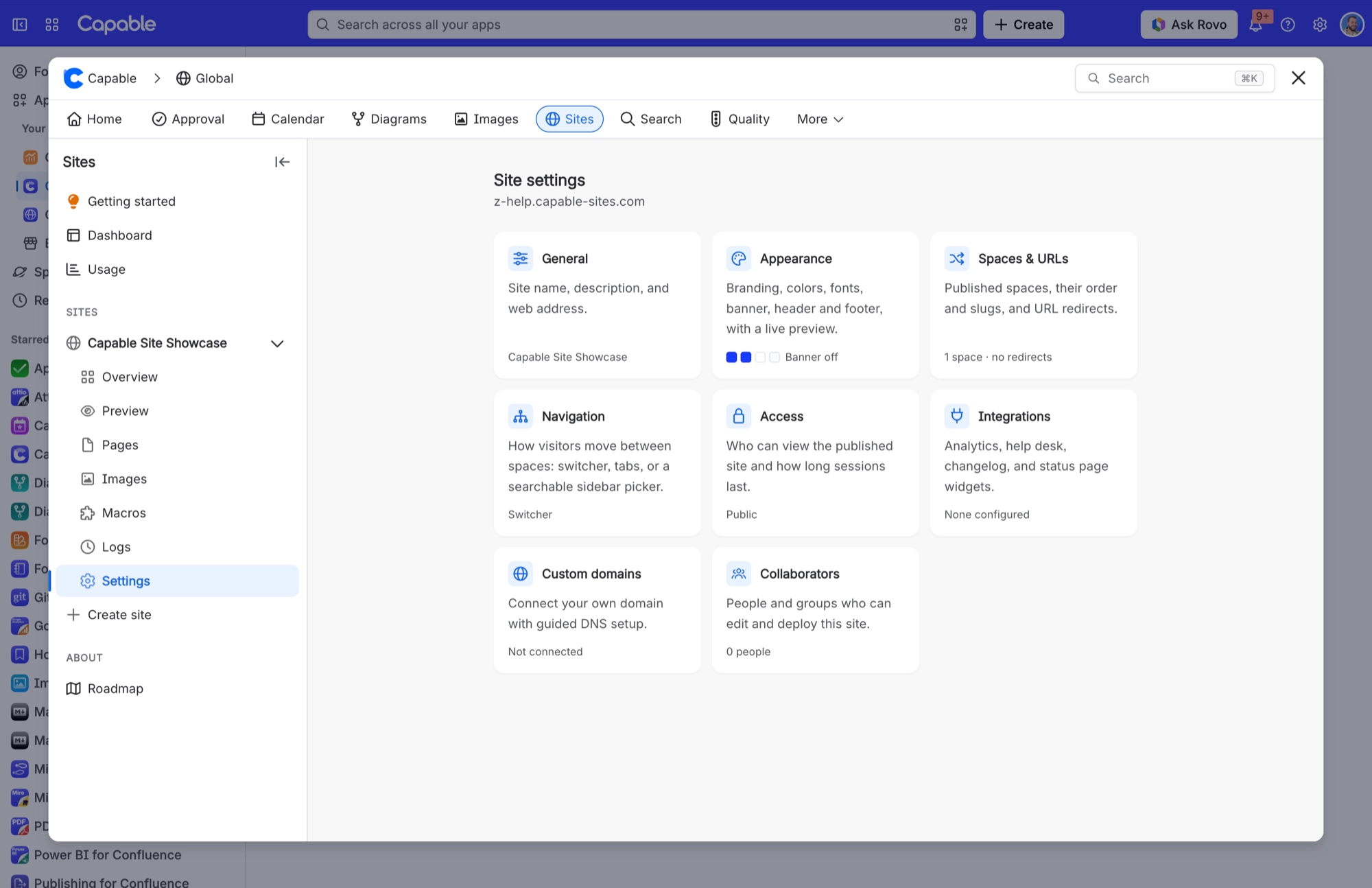
Four decisions shape a project docs site. Each one has its own place in your site settings.
Decision | Where |
|---|---|
Who can see it | Access modes |
Which spaces, in what order | Spaces and navigation |
How it looks | Theming your site |
Your own address | Setting up a custom domain |
#Related
A pattern, not a template.






















