
Setting up a custom domain
A site can carry one custom domain. Setting it up walks through four stages, and at each one the product shows you exactly which DNS record it wants.
The first record is genuinely optional. The second is not, and it's where most setups stall.
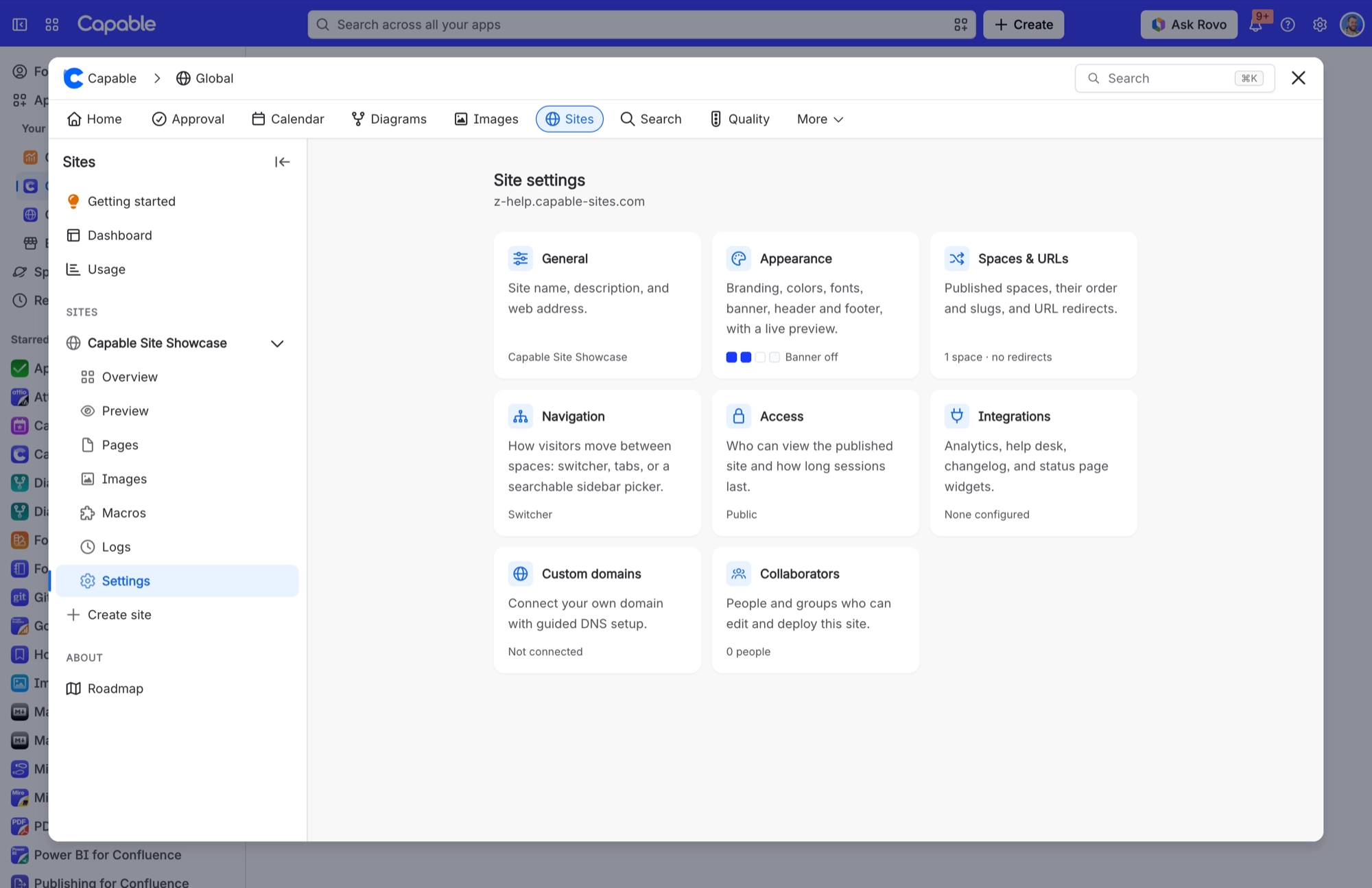
You'll find everything on the Custom domains card in Site settings.
#The four stages
Stage | What you add | Status shown |
|---|---|---|
Stage 1, Claim | A TXT record at _capable-verify.{your domain}, with a random 12-character value | "Continue setup" |
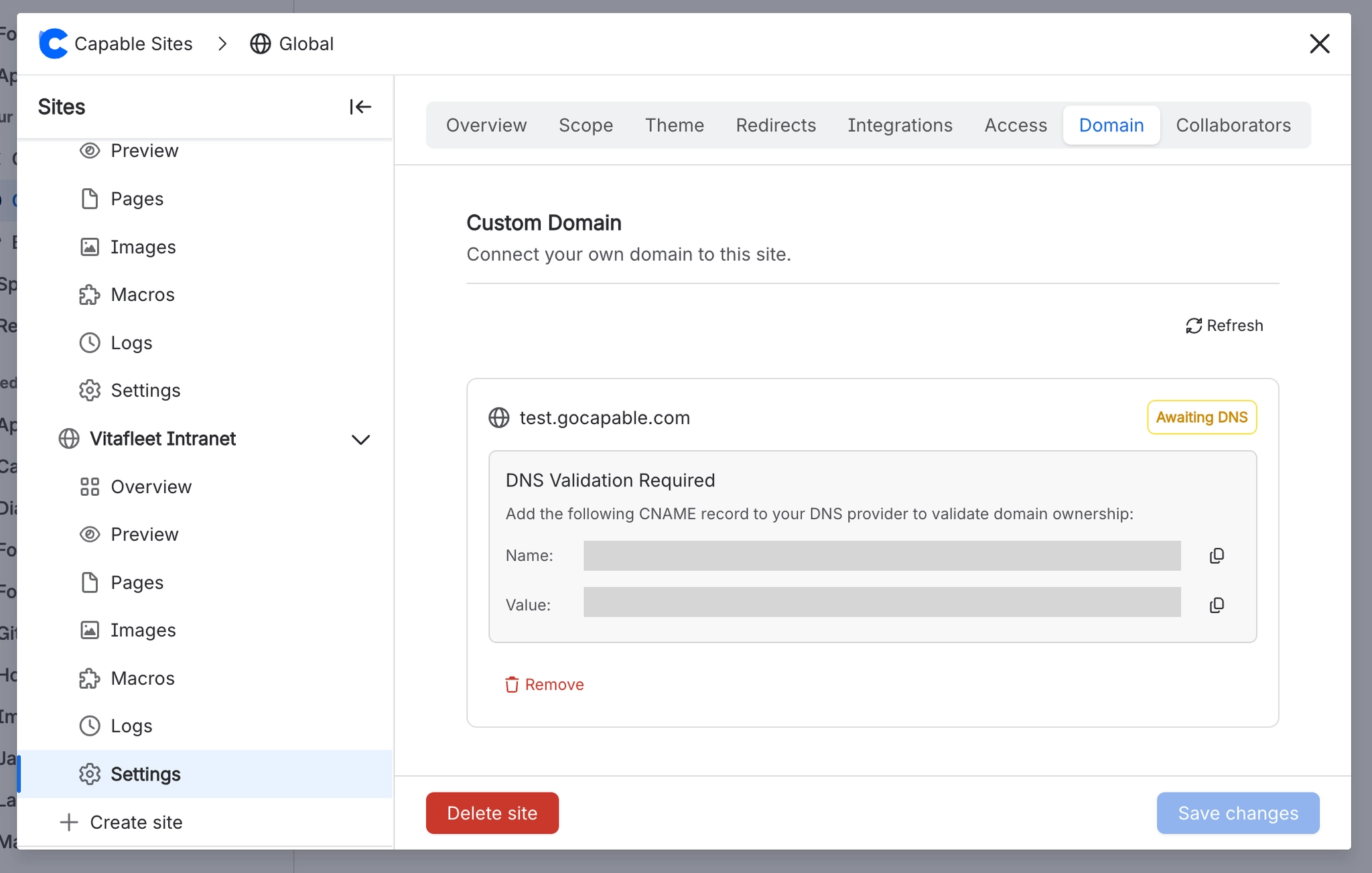
Stage 2, Certificate | A CNAME record shown on the card under "DNS Validation Required", with a Name and Value you can copy | "Validating..." |
Stage 3, CDN | Nothing yet. Sites is setting up the delivery network for your domain | "Setting up CDN..." |
Stage 4, Traffic | A CNAME record pointing your domain at the hostname shown under "DNS Configuration" | "Active" |
#What each stage means
#Stage 1, Claim
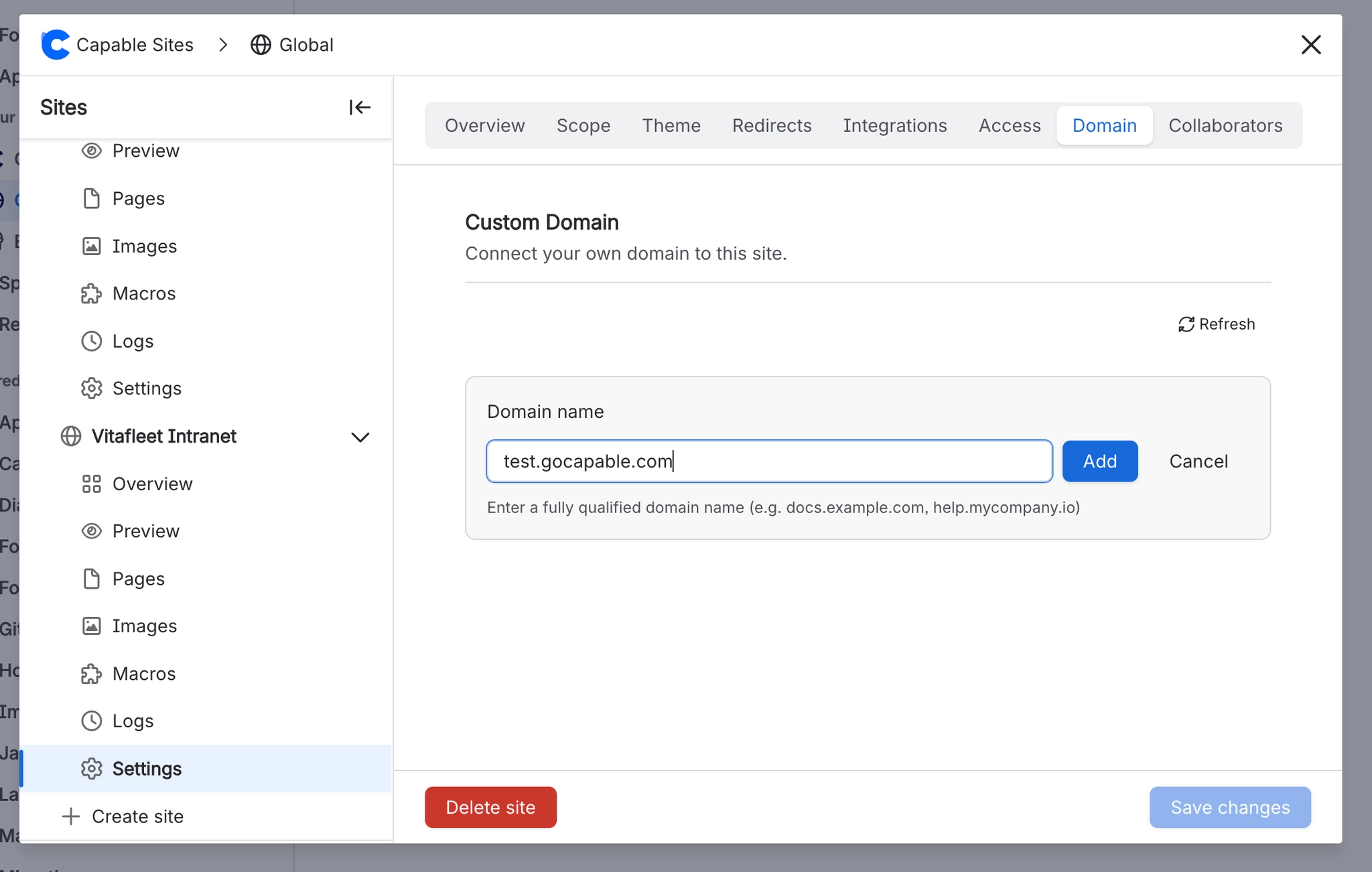
Your claim lasts 48 hours, and the card shows "Claim expires at: {date}". After that, Continue setup returns "Domain claim has expired. Start setup again."
#Stage 2, Certificate
Without a certificate, nothing moves on. Sites checks for the record every 5 minutes for up to 48 hours, then fails with "Certificate validation timed out. Ensure the DNS CNAME record is correctly configured."
#Stage 3, CDN
Nothing for you to do here. Sites sets up the delivery network for your domain, which takes up to 20 minutes.
#Stage 4, Traffic
Once the domain is Active, the site address shown throughout the product (settings header, overview, catalogue, share cards) switches to your custom domain. It can take up to a minute for the change to show everywhere.
#Failure, Domain is already in use on another CloudFront distribution
This is the most common failure. Sites delivers your site through Amazon CloudFront, and a domain can only be attached to one CloudFront distribution anywhere in the world. Usually the domain is still set up somewhere else, often in an AWS account of your own. The card walks you through the fix. Find the other distribution in every AWS account you own, remove the domain from it or delete the distribution, wait about 5 minutes, then select Retry.
#Failure, CloudFront CNAME limit reached
You can't retry this one from the card. The card asks you to contact support, so we can raise the limit or free up a distribution.
#Failure, DNS validation did not complete in time
The validation CNAME record wasn't found within 48 hours. Check the record is there and isn't behind a CDN or proxy, then select Retry.
#Failure, Certificate request failed / Certificate is not valid for this domain
Check the domain resolves publicly, then remove the domain and add it again to request a fresh certificate. Retry won't help here.
#Failure, Could not create the CDN distribution / edge function / storage access control / incomplete response
You can retry all of these from the card. Anything that was partly set up is cleaned up first.
#Rejected, Invalid format
"Use lowercase letters, numbers, and hyphens only. It must start and end with a letter or number."
#Rejected, Domain not allowed
Reserved domain endings, and endings that belong to hosting infrastructure, can't be used.
#Rejected, Platform domain
"You cannot register a domain that matches or is part of the Capable Sites hosting domain."
#Rejected, Possible impersonation or phishing / Recognized brand or trademark / Misleading name / Offensive language
Every requested domain name goes through an automated AI safety review. For the first three, a "Contact support for a review" button takes you to https://help.gocapable.com/confluence-sites.
#Rejected, Safety check unavailable
"We could not complete our automated safety review right now. Please try again in a few minutes." If the review can't finish, the domain is held back to be safe rather than let through, so this can happen for reasons outside your control.
#Rejected, Domain is already registered
This includes a domain that's still attached to another of your own sites, or to a site you've deleted.
#Security
Your custom domain uses TLS 1.2 or later, supports HTTP/2 and HTTP/3, and redirects all plain HTTP traffic to HTTPS. Custom-domain sites get the same web application firewall as the shared address.
#A few things worth knowing
One custom domain per site. The Add button disappears once you have one.
The claim TXT record expires after 48 hours, and you'll need to start setup again after that.
An apex domain needs a DNS provider that supports flattening or ALIAS records. See the troubleshooting page.
#Related
Two records. One of them matters.






















