
Edited pages in Confluence but the live site still shows the old content
What you are seeing
I edited pages in Confluence but the live site still shows the old content.
#Why it happens
Nothing publishes automatically. There is no auto-deploy, so saving a page in Confluence doesn’t change your live site. Visitors keep seeing the version you last published until you publish again.
#What to do
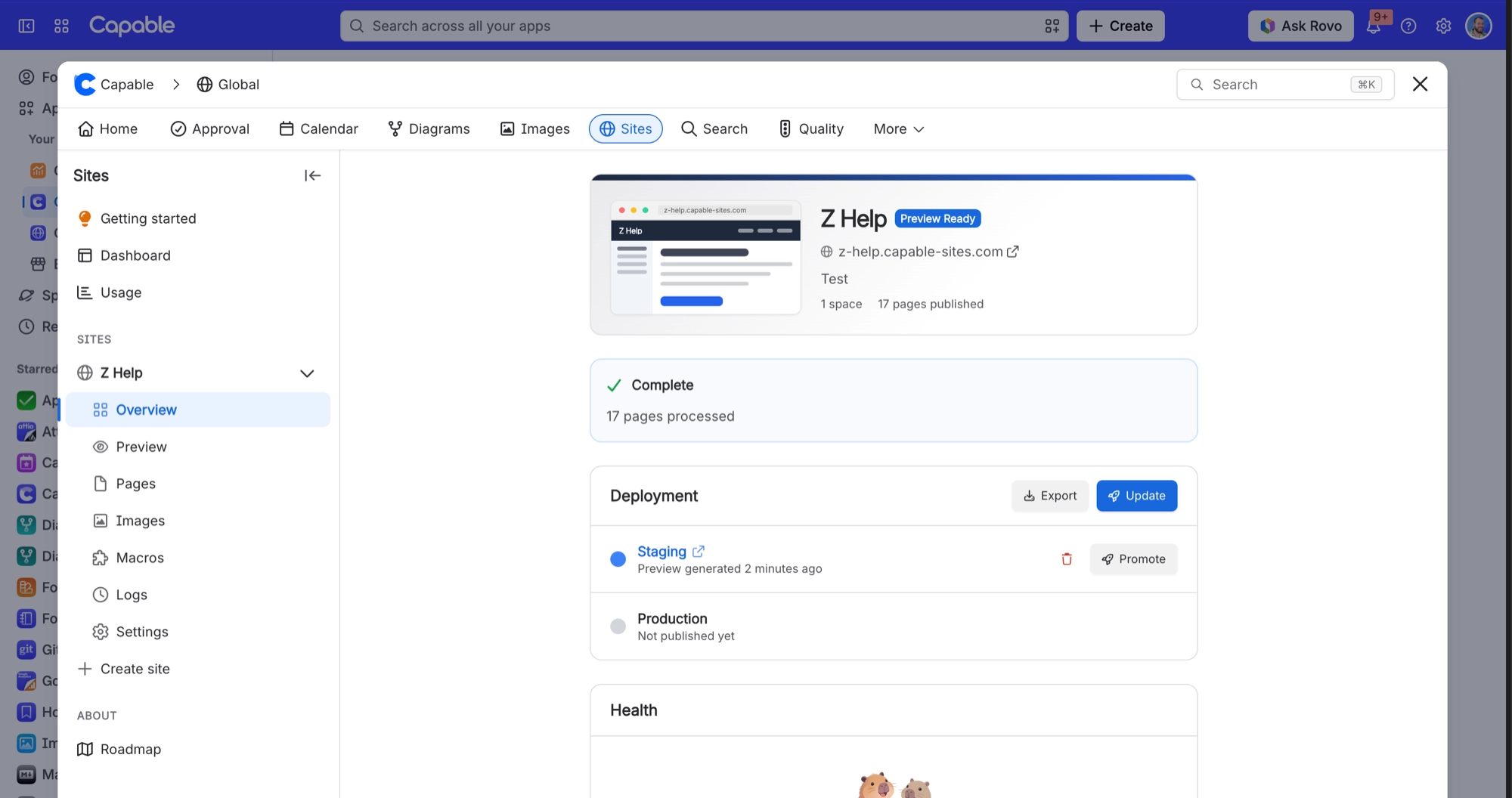
Open your site’s Overview. The yellow panel tells you how many pages have changed.
Select Update preview to rebuild the preview with your latest edits.
When the build finishes, select Publish to promote the preview to your live site.
#Related
Changed a page's SEO settings and the site still says "Preview matches Confluence"
Why saving SEO settings on its own may not show up as a changed page.
Deleted a page in Confluence and it is still on the live site
The same change counter only finds pages that were modified, never pages that were deleted
Publishing problems
The rest of this family.
Found it? Good.






















