
Public documentation
Eliminate tool sprawl. Write once in Confluence. Publish everywhere with full branding, search, and analytics.
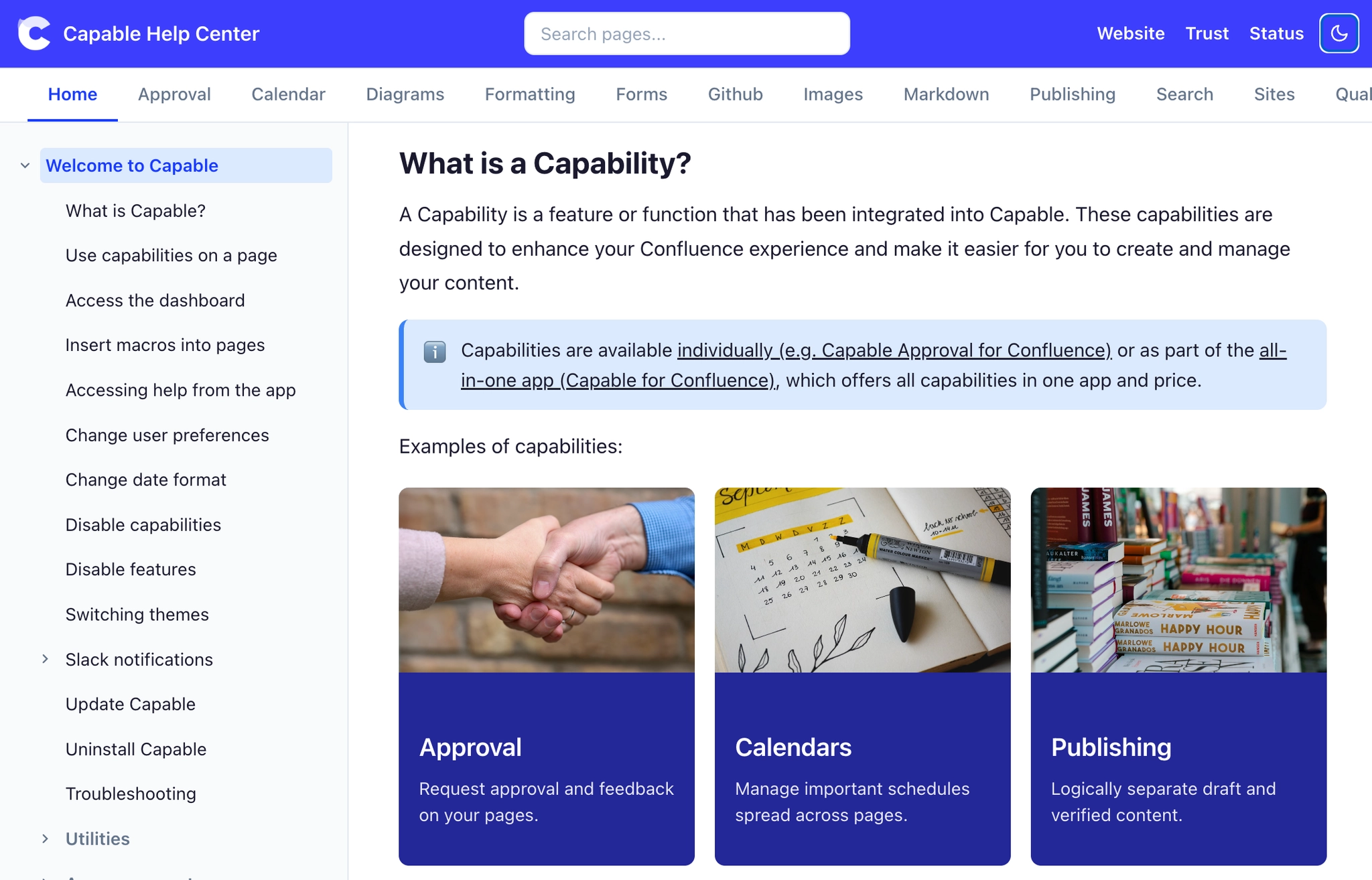
#Why help centres get messy
A help centre shouldn't come with a technology overhead. Yet most teams struggle with scattered tools, outdated content and constant manual work.
Documentation lives in Confluence, your help centre in Zendesk Guide, and customer-facing content somewhere else. Every update increases the chance of things falling out of step.
Licences for platforms like Zendesk, GitBook and ReadMe add up fast, before you factor in set-up time, maintenance and admin.
When publishing takes several steps across disconnected tools, content goes stale. SEO suffers. Readers get frustrated.
#How Sites helps
You write your documentation in Confluence, and Capable Sites turns your spaces into a polished, public documentation site automatically.
Write in Confluence. Use your existing spaces, pages and structure as your documentation source.
Publish with Capable Sites. Add branding, navigation and search for a proper help centre experience, without moving any content.
Your site is published as lightweight static pages and served from a fast global network. Docs typically load faster, with fewer moving parts than Confluence page views, which is good news for your readers and for SEO.
The upshot: your team spends more time writing and improving content, and less time maintaining tools and copying things between them.
#Settings that matter for this
Decision | Where |
|---|---|
Who can see it | Access modes |
Which spaces, in what order | Spaces and navigation |
How it looks | Theming your site |
Your own address | Setting up a custom domain |
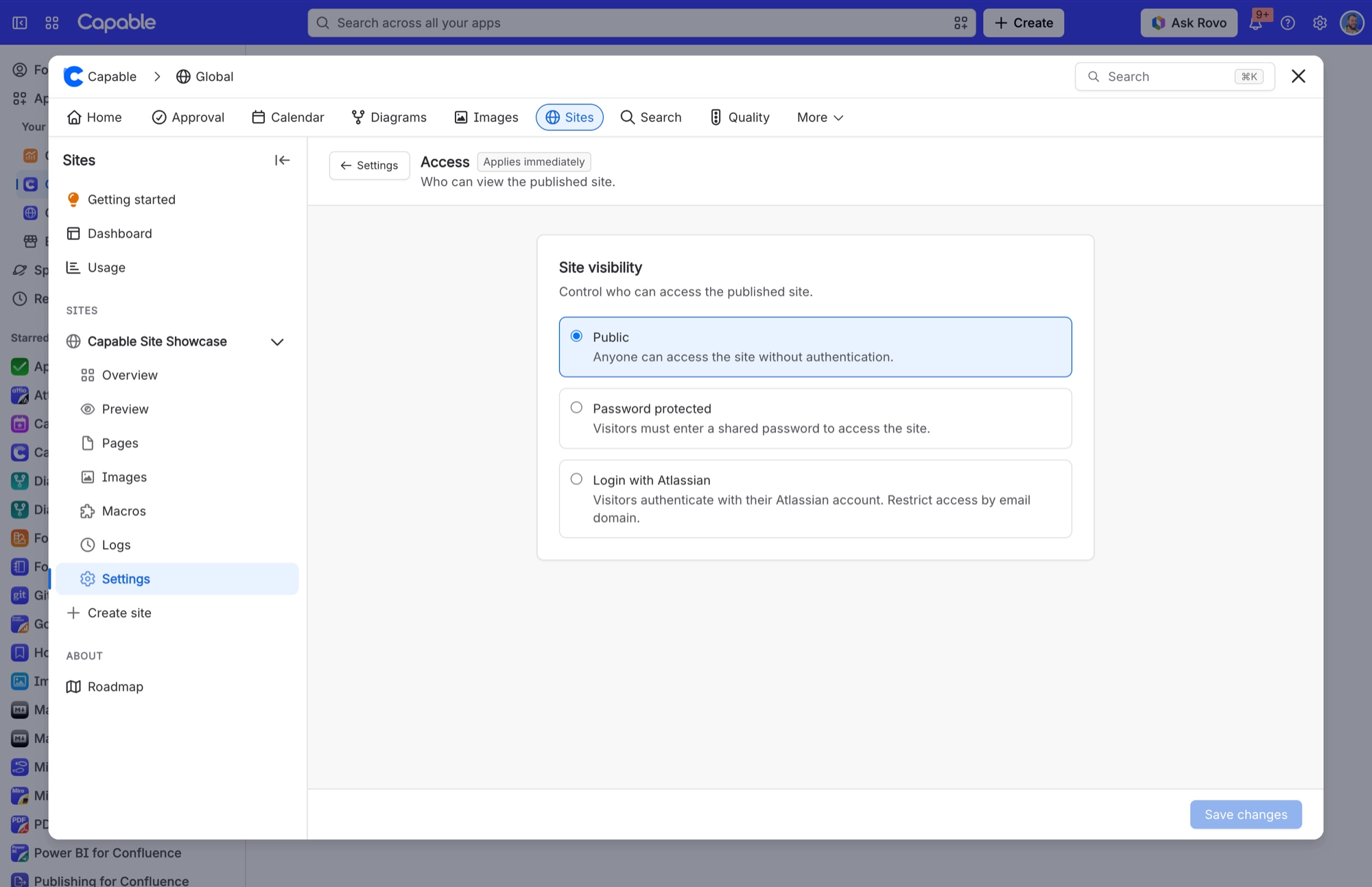
For a public help centre, set Access to Public so anyone can read your docs without signing in.
#Related
A pattern, not a template.






















