
Update and promote
Every publish is two actions. Update builds; Promote publishes. They are separate so that you always get to look at the site before the public does.
This is also why a Confluence edit never reaches the live site on its own.
#Update
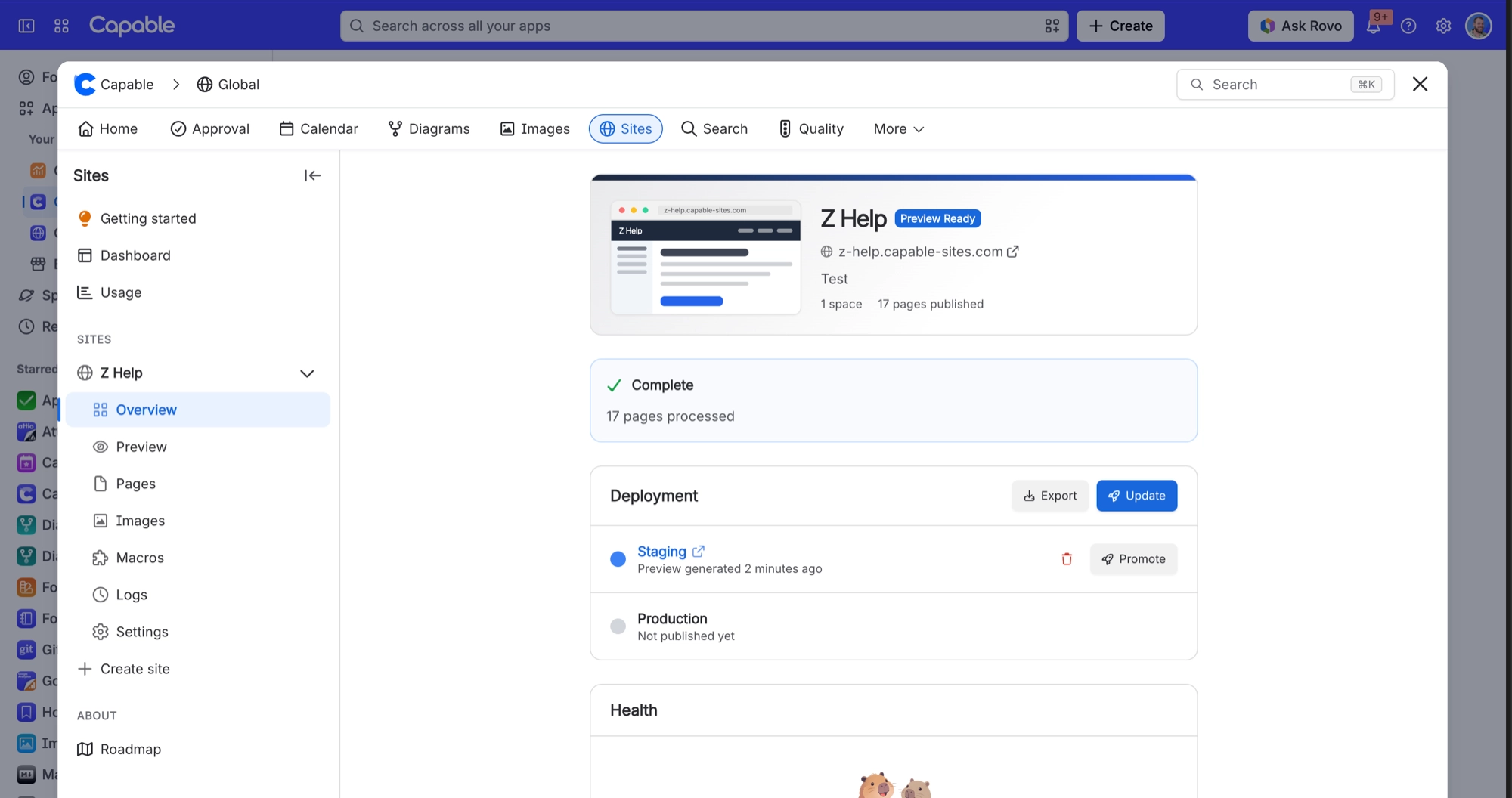
Builds the whole site and uploads it to a private staging preview. You can follow it on the site's Overview as it moves through Queued, Preparing, Processing N of M pages, Finalizing and Complete.
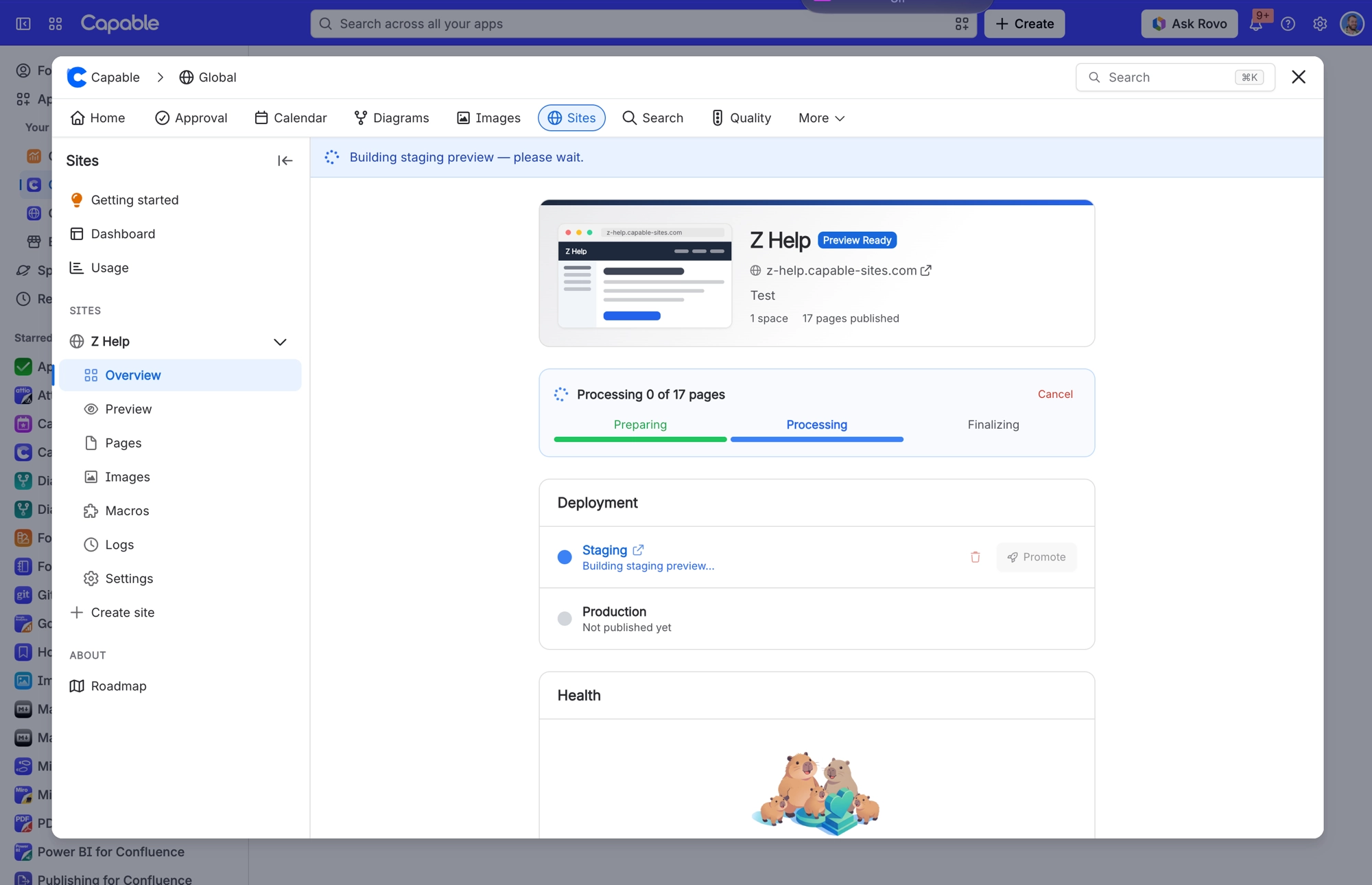
The preview address includes a random code that changes with every deploy, so old preview links stop working.
The preview always blocks search engines (its robots.txt disallows everything), so a preview never turns up in search results.
The preview is kept for 90 days. You'll see a warning once it has 14 days left.
Your live site is not touched.
#Promote
Copies the staging preview onto your live site. It asks you to confirm first, and names the live address it will publish to.
Anything on the live site that the new build does not contain is removed.
Sitemaps are updated to point at the live address, or at your custom domain if you have one.
The search engine block is lifted, so search engines can index your live site.
Cached copies of the old site are cleared, so visitors get the new version.
Promote copies the build you already previewed. It does not rebuild. If you have changed anything in Confluence since the Update, either promote the build as it is or run Update again first.
#Keeping track
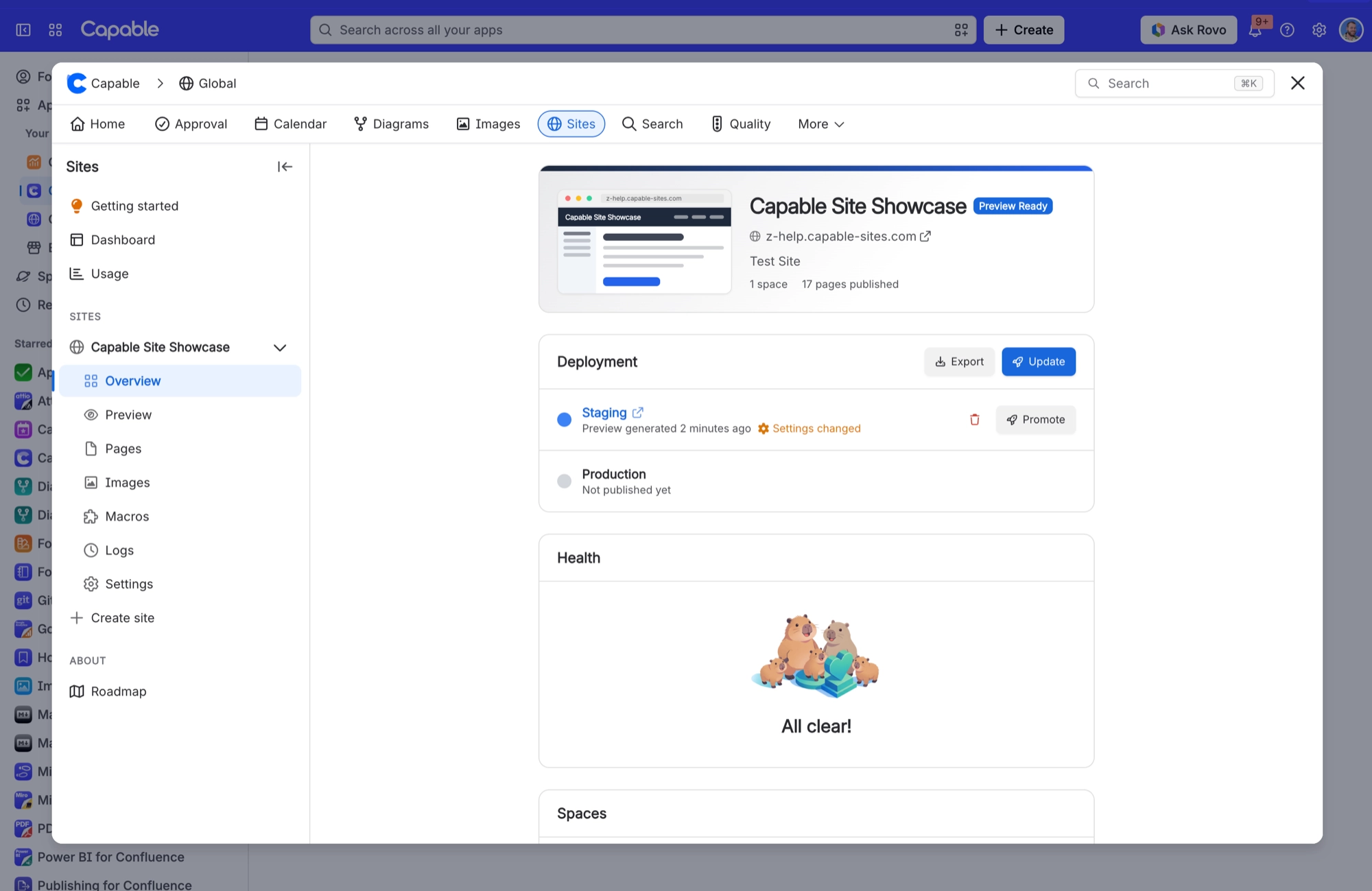
The Overview panel tells you where you stand: "N pages changed since last deployment", a link to review the changed pages, and either "Preview matches Confluence" or "Preview is N changes behind Confluence".
Once the site has been promoted, the small picture of your site at the top of the Overview opens the live site. Hover over it and it shows Visit site.
#A few things worth knowing
An expired staging preview cannot be promoted. Run Update to build a fresh one.
You can deploy up to 12 times an hour per site, with a further cap of 12 across all your sites. Exports count towards these limits too.
Only one deploy can run per site at a time.
Access changes are the exception to all of this. They apply to staging and the live site straight away, without an Update or Promote.
#Related
Update builds. Promote publishes. Neither happens by itself.






















