
Page I restricted in Confluence is visible on my public site
What you are seeing
A page you restricted in Confluence is showing on your public site, and anyone who can reach the site can read it.
#Why it happens
When Capable Sites builds your site, it reads pages with the app's own access and doesn't check Confluence page restrictions. So a restricted page in a published space goes live like any other page.
Labels are the only way to keep a page off your site.
#What to do
In Confluence, add the label
capable-sites-excludeto the page.In Capable Sites, open your site's Overview and select Update.
When the staging preview is ready, select Promote. The page drops off your live site.
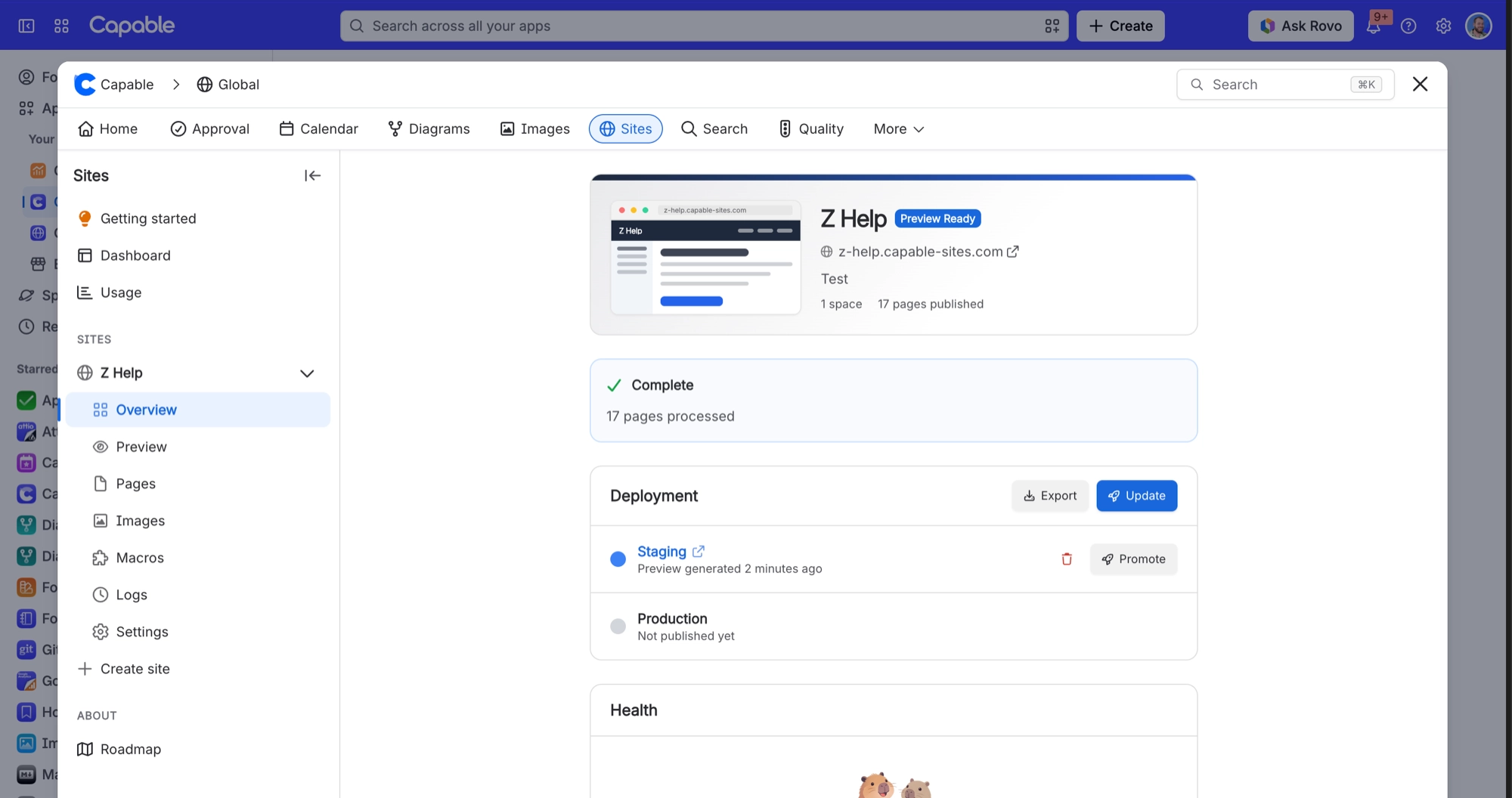
Before you publish any space, check it for restricted pages and add the exclusion label to any you want to keep private.
#Related
Macro shows as a grey box quoting a strange name on the live page
It is a third-party or unsupported Confluence macro with no exporter. Only Capable's own m
Macro placeholder is left unresolved inside a deeply nested layout
Macro resolution stops after 12 passes; containers nested deeper than that (tabs inside ex
Content problems
The rest of this family.
Found it? Good.






















