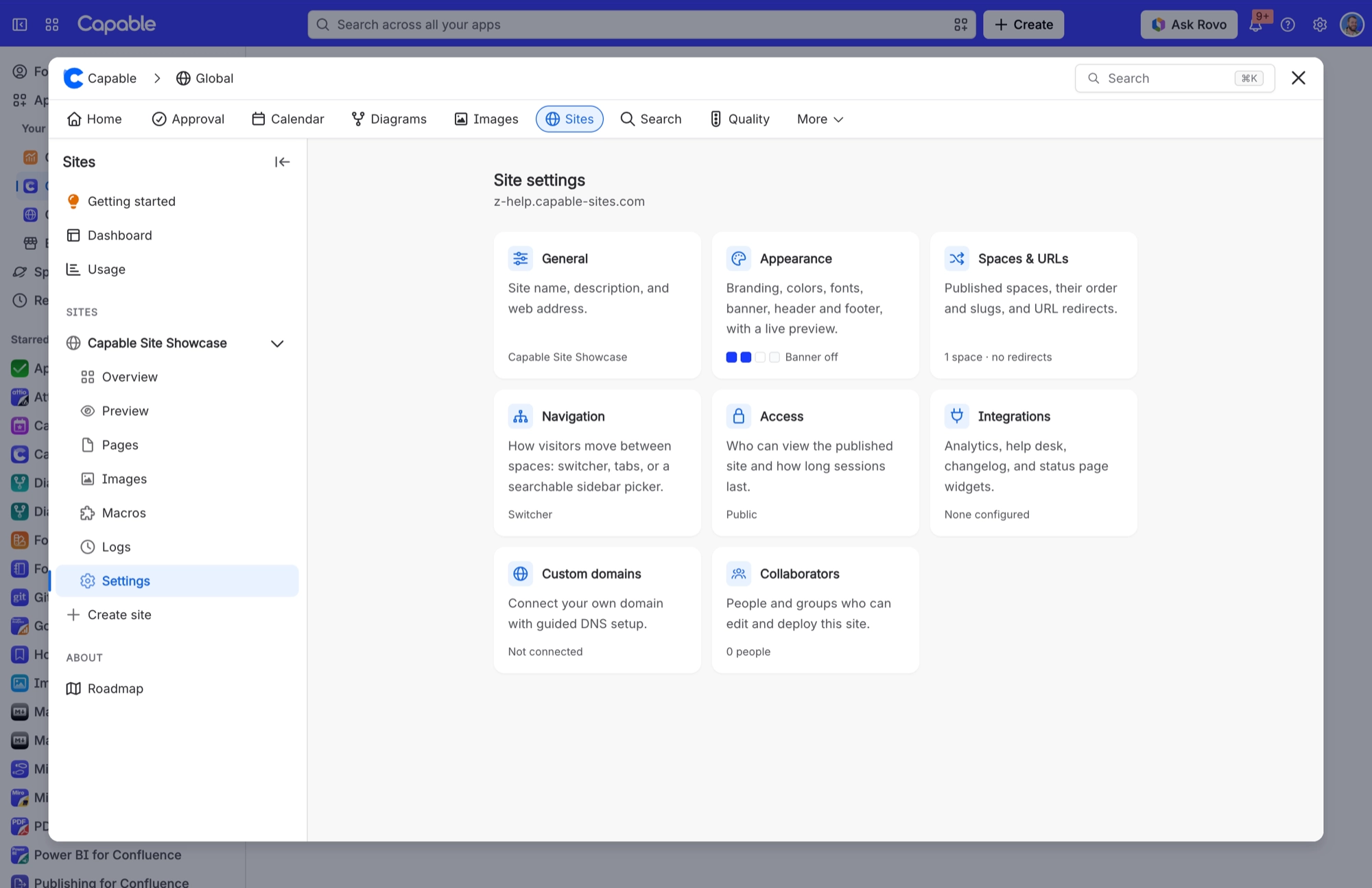
Custom domains

You can connect a custom domain to your site instead of using the default *.capable-sites.com subdomain.

Capable Sites Custom Domain

#Adding a custom domain

  1. Go to the Domains tab in your site settings

  2. Enter your custom domain (e.g., docs.yourcompany.com)

  3. The system will begin provisioning an SSL certificate and provide you with a CNAME record for DNS validation

#DNS configuration

After adding a domain, you need to create two DNS records with your DNS provider:

  1. Validation CNAME: Points the validation hostname to the ACM validation target. This proves you own the domain and allows the SSL certificate to be issued.

  2. Domain CNAME: Points your custom domain to the CloudFront distribution domain provided in the domain details.

Flowchart

#Provisioning status

Domain provisioning goes through several stages:

Status

Description

Pending validation

Waiting for you to add the DNS validation CNAME record

Validating

DNS record detected, certificate is being validated

Provisioning

Certificate issued, CloudFront distribution is being created

Active

Domain is fully configured and serving your site

Failed

Provisioning failed — check the failure reason for details

#Setting a primary domain

If you have a custom domain, you can set it as the primary domain. The primary domain is used in canonical URLs and is the preferred URL for your site. Only domains with active status can be set as primary.

#Removing a domain

Removing a custom domain cleans up the associated SSL certificate and CloudFront distribution. Your site remains accessible via the default *.capable-sites.com subdomain.

#Domain restrictions

  • Maximum 1 custom domain per site

  • Domains must be valid DNS hostnames (lowercase, alphanumeric, dots, hyphens)

  • Platform domains (e.g., *.capable-sites.com), infrastructure domains (e.g., *.amazonaws.com, *.cloudfront.net), and other PaaS provider domains are blocked

  • IP addresses and localhost variants are not allowed

  • Reserved TLDs (.test, .local, .internal, .example) are not allowed