
Who can do what
Two roles matter. Confluence admins can do everything. Site collaborators can run the site day to day without being able to destroy it or change who can see it.
The split is deliberate: publishing is routine, deleting and opening up access are not.
#The split
Action | Confluence admin | Site collaborator |
|---|---|---|
Create a site | Yes | No |
Change settings and theme | Yes | Yes: General, Appearance, Navigation, Redirects and Integrations |
Change which spaces are published, their slugs, names and the home space | Yes | No. Spaces & URLs is read-only |
Change the access mode | Yes | No. The mode cards show Admins only |
Set a new password, Atlassian email domains or session length | Yes | Yes, within the current mode |
Set up Google or Microsoft sign-in, or change who it lets in | Yes | No |
Sign everyone out | Yes | No |
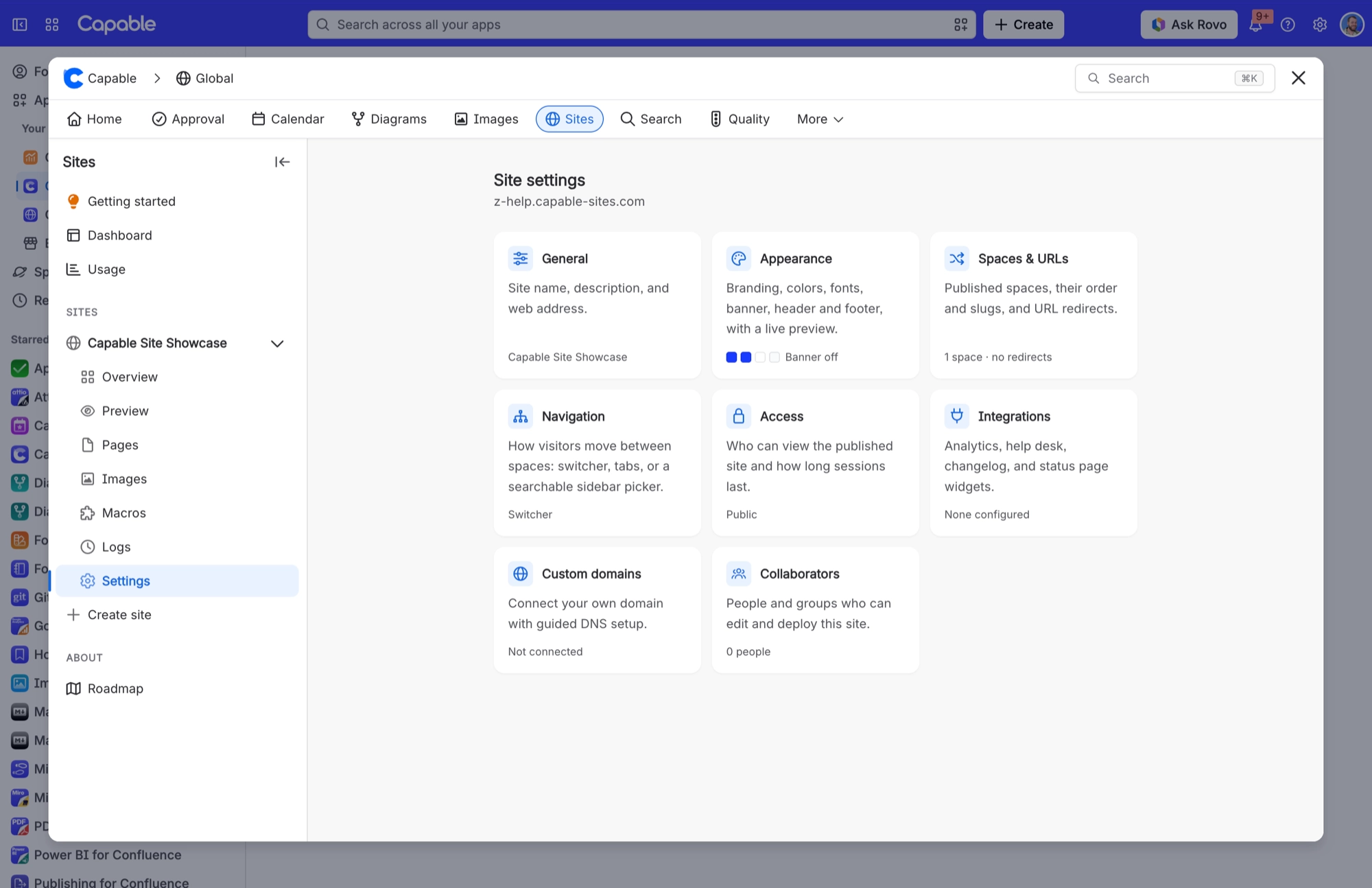
Custom domains and collaborators | Yes | No. The cards are not shown |
Update and promote | Yes | Yes |
Discard a staging preview | Yes | Yes |
Remove the production deployment | Yes | No |
Delete the site | Yes | No |
Anyone who can see the app can see the dashboard and a site's tabs. Only admins and collaborators get Settings.
#A few things worth knowing
Collaborators are set per site, in the Collaborators section of its settings.
Taking a site offline is admin-only even though publishing is not.
Switching a site to Public is an admin decision, because it opens the site to everyone.
Uninstalling the app applies to your whole Confluence site, so it destroys every site, not just one.
#Related
Publishing is routine. Deleting is not.






















