Export to ZIP
Capable Sites lets you export your whole website as a ZIP archive, so you can host it yourself or fold it into an existing website.
This gives you full control over how you deploy and manage your site. It's particularly useful when the built-in deployment doesn't quite meet your needs, as you can choose the hosting that suits you best.
#Export your site
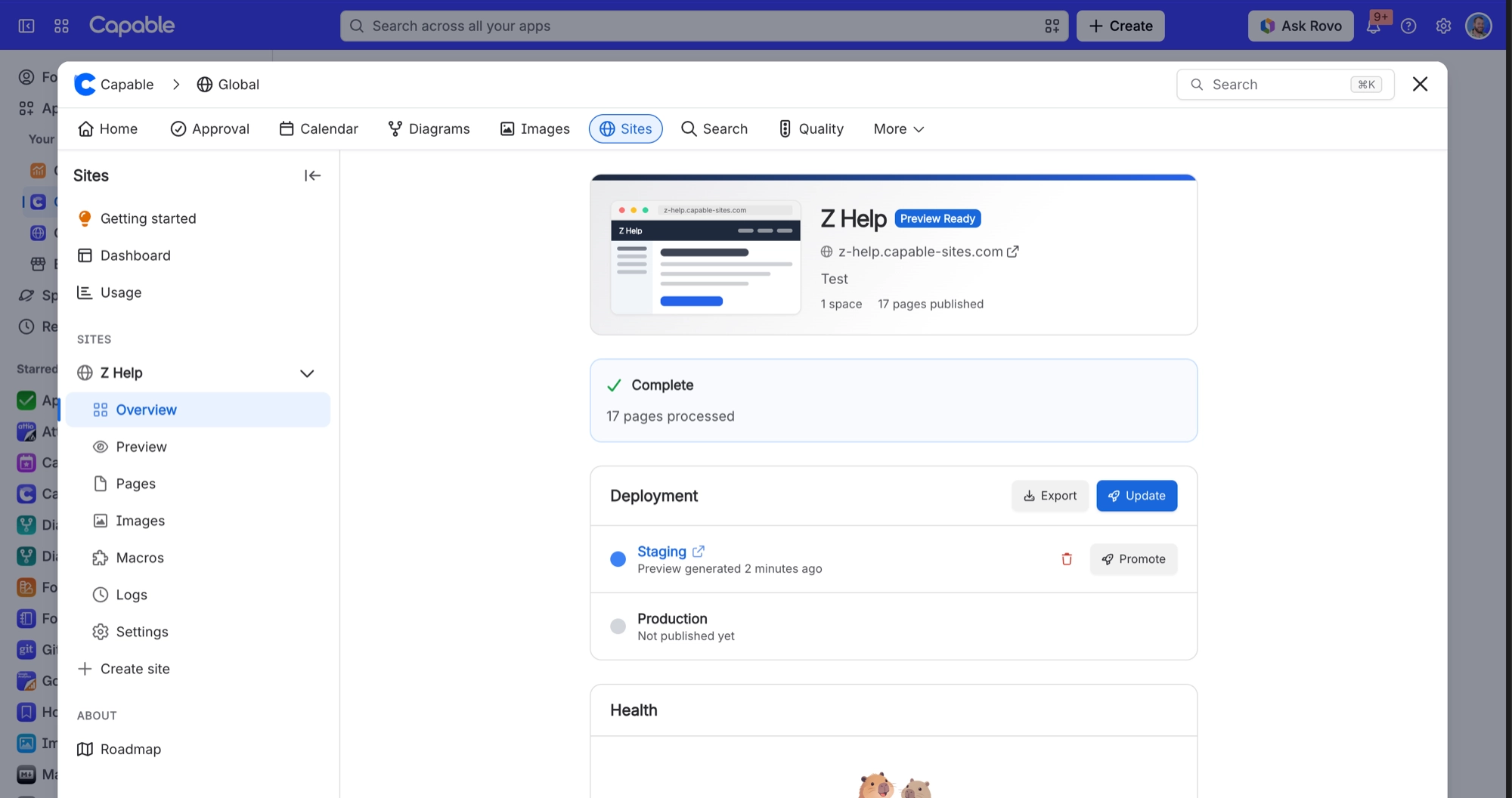
In Capable Sites, open your site and select Overview.
In the Deployment card, select Export.