
Taking a site down
There are three ways to remove something, and they differ in what survives. Knowing which is which matters, because one of them releases your subdomain to anybody who wants it.
#The three
Action | What goes | What survives |
|---|---|---|
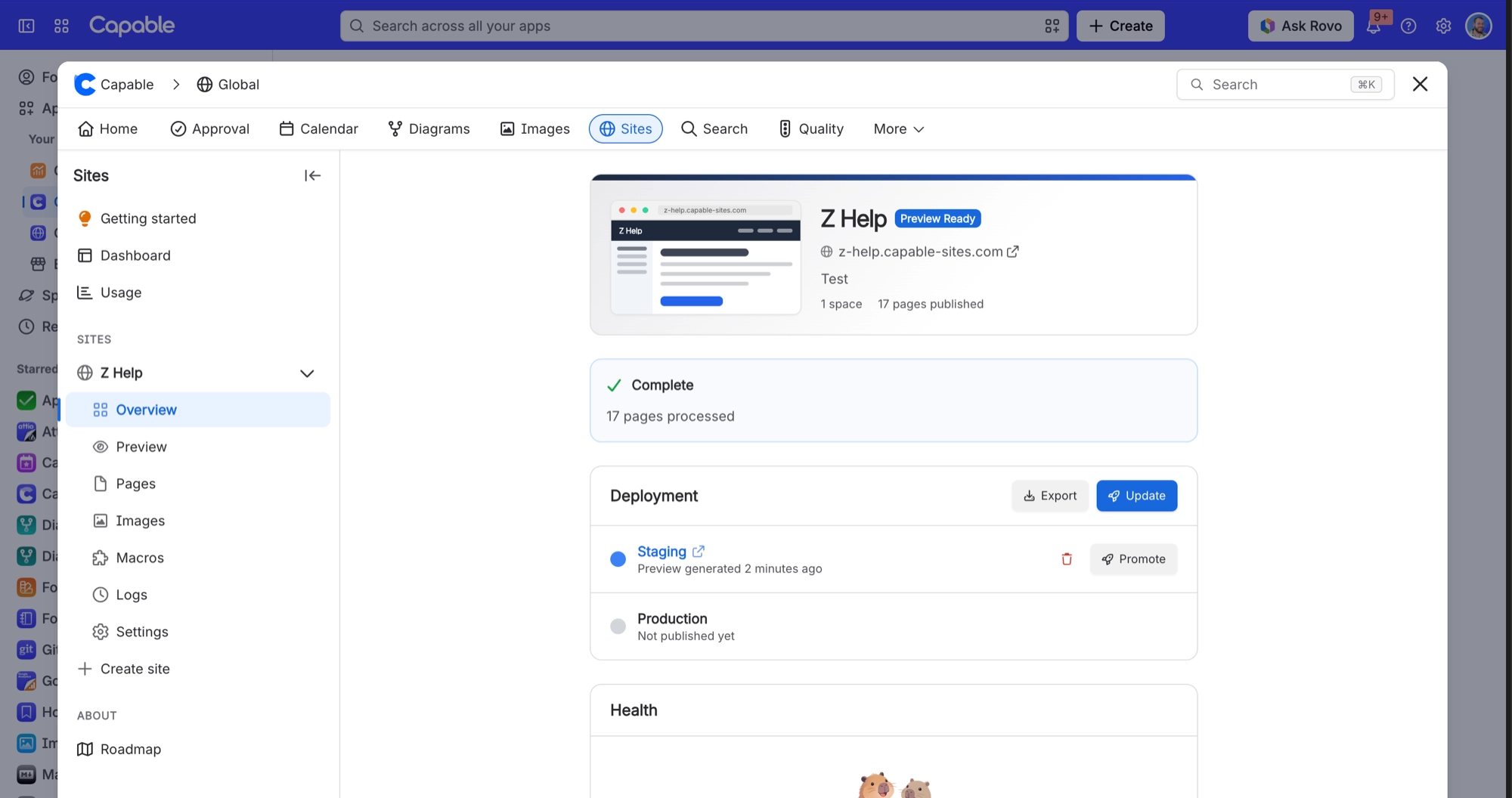
Discard staging | The preview only | The live site, untouched |
Remove production | The live site goes offline | The site record, its settings and its subdomain |
Delete site | Everything, immediately and permanently | Nothing. The subdomain is released |
Deleting releases the subdomain for anyone else to claim. It also removes the site's access settings and the site details Capable stores on your Confluence spaces. It cannot be undone.
#Who can do what
Discarding a staging preview: admins and site collaborators.
Removing the production deployment: Confluence admins only.
Deleting the site: Confluence admins only.
After you create or delete a site, wait 30 seconds before creating or deleting another.
#Uninstalling the app
Uninstalling Capable destroys every published site on your Atlassian site. It removes every site's published files, every custom domain's hosting and security certificate, and all access settings. Export anything you want to keep first.
#A few things worth knowing
Removing production keeps the subdomain reserved, which is the safe way to take a site down temporarily.
A deleted site's custom domain can be slow to become reusable. See the troubleshooting page on that.
Any records left behind after an uninstall are kept for a 7 day grace period.
#Related
Offline and deleted are not the same thing.






















