
Password-protected site's sign-in button does nothing
#What you are seeing
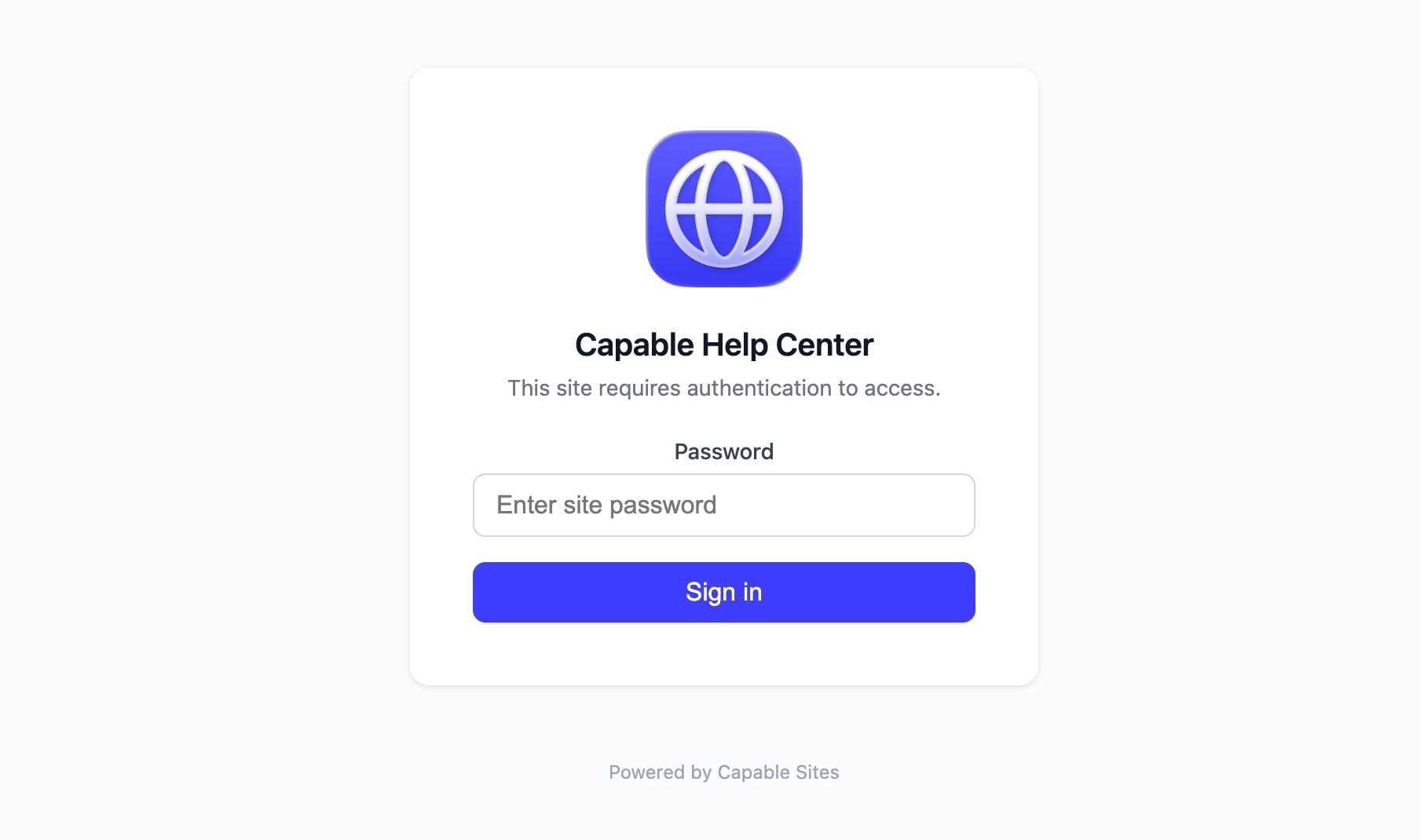
A visitor types the site password and selects Sign in, but nothing happens. The page stays on the sign-in screen.
#Why it happens
Password sign-in runs in the visitor's browser, so it needs JavaScript and an up-to-date browser. With JavaScript turned off, the form cannot submit, and selecting Sign in has no effect.
#What to do
Ask the visitor to turn on JavaScript for the site, then sign in again.
If sign-in still fails, the page shows a general "Sign in failed. Please try again." alert. That is all it can tell the visitor, so it will not say why.
#Related
Everyone was signed out of my protected site at once
A platform update to the sign-in mechanism invalidates all existing sessions.
Saving Access settings fails with a generic error
There is a hidden cap of 12 access-configuration changes per hour per tenant, with no mess
Other problems
The rest of this family.
Found it? Good.






















