
Deleted a page in Confluence and it is still on the live site
What you are seeing
I deleted a page in Confluence and it is still on the live site.
#Why it happens
Capable Sites spots changes by looking at when pages were last edited. A page that was deleted or moved has no new edit, so it never shows up as a change, and the live site keeps its old copy until you publish again.
#What to do
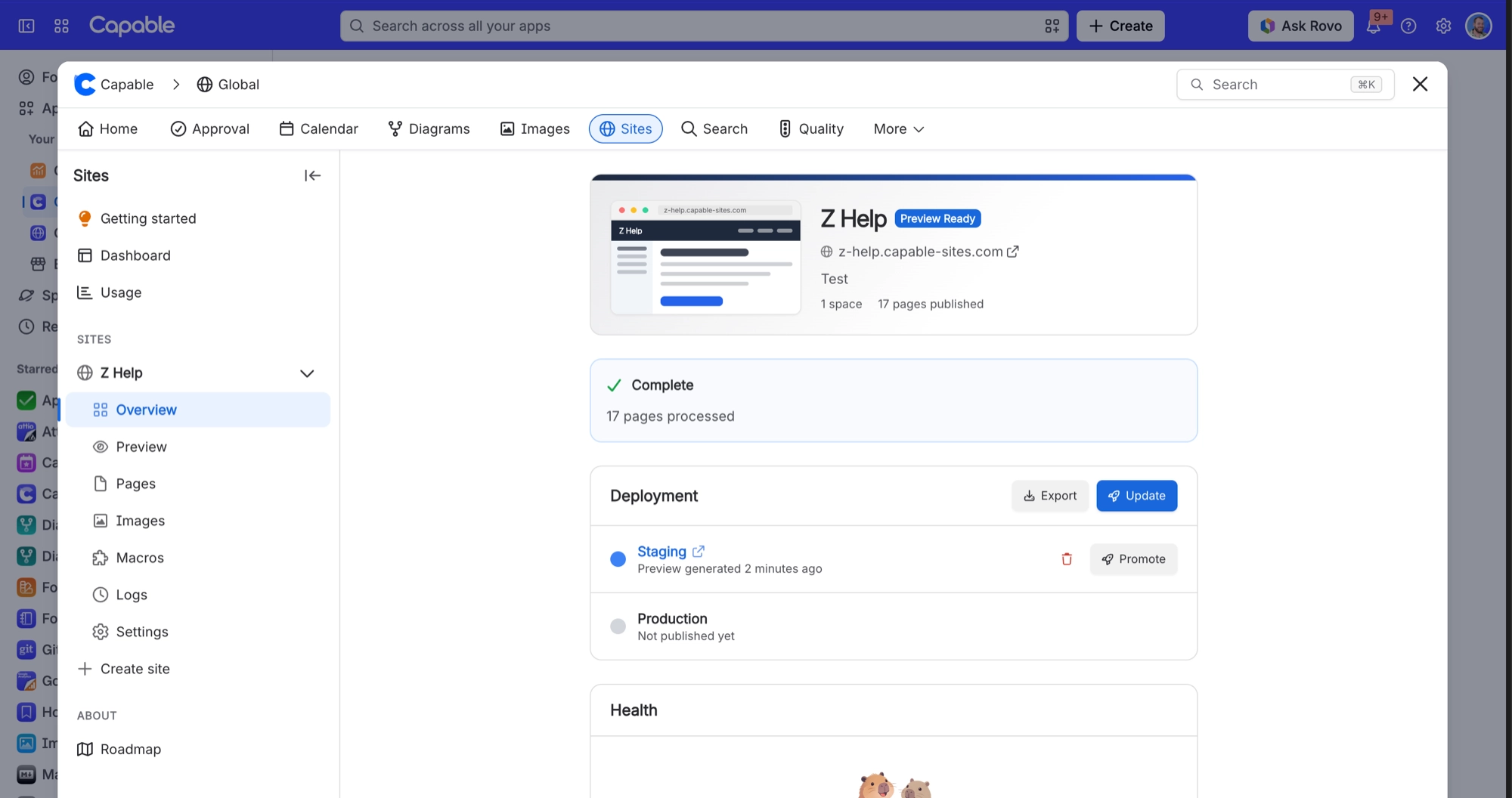
Open the site's Overview and click Update to build a fresh staging preview.
When the preview is ready, click Promote.
Promote removes anything from the live site that the new build does not contain, so the deleted page disappears at that point.
#Related
Promote fails with "Staging preview expired"
Previews are only kept for 90 days, then deleted with no notice.
Deploying is refused with "A deploy is already in progress for this site."
Only one deploy runs per site at a time, and a stalled deploy is not marked failed on its
Publishing problems
The rest of this family.
Found it? Good.






















