
Deploying is refused with "A deploy is already in progress for this site."
What you are seeing
You try to deploy your site and it is refused with "A deploy is already in progress for this site."
#Why it happens
Each site runs one deploy at a time. If an earlier deploy stalls, it is not marked as failed on its own, so it can keep new deploys waiting.
#What to do
If a deploy is genuinely running, wait for it to finish, then deploy again.
If it looks stuck, an admin can press Cancel on the progress panel on the site's Overview.
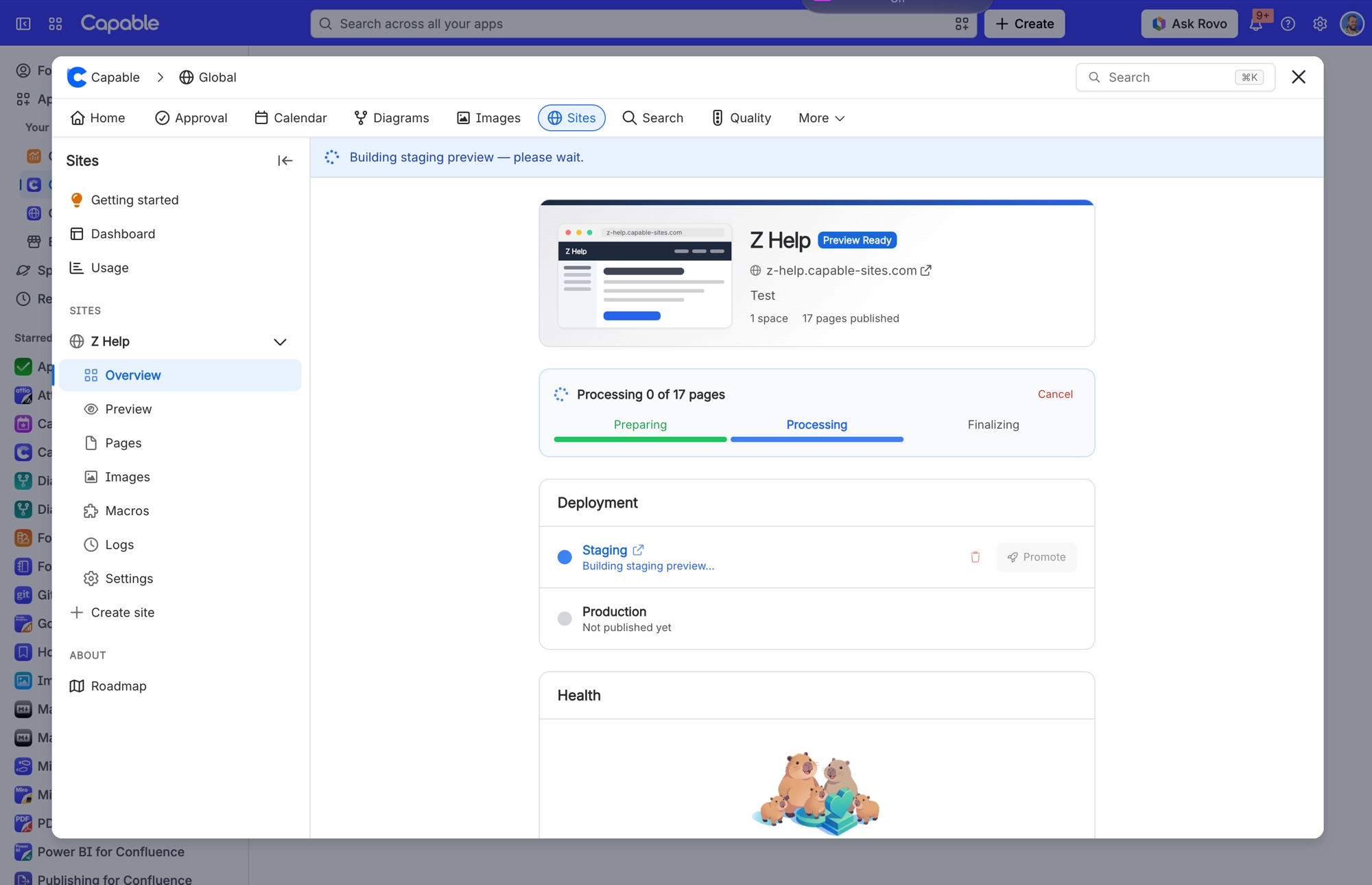
Admins also have a separate "cleanup stuck deploys" action, which marks any deploy untouched for over 30 minutes as failed.
#Related
Deploying is refused with "Deploy limit reached" even though I have barely deployed this site
The 12-per-hour cap applies per tenant as well as per site, so activity on your other site
Site published fine but some attachments are missing, showing "Attachment not available"
The file was over 20 MB, the site hit its 1 GB storage cap, or the file type is not on the
Publishing problems
The rest of this family.
Found it? Good.






















