
Formatting settings
Formatting has one set of site-wide settings. Site administrators can now change them from inside the app, in Global settings in the Macros sidebar, as well as from Confluence administration. Both show the same panel, so they never disagree.
A few switches live at the product level rather than in this capability, and those are listed at the end.
#Where to find them
Where | How to get there |
|---|---|
Global settings in the Macros sidebar | Open the app from Apps in the Confluence top bar, then choose Global settings under Manage at the bottom of the sidebar. Only Confluence site administrators see it, and it is left out of the dialog you use to insert a macro. |
Confluence administration | Capable's settings page in Confluence administration, Formatting tab. The Manage button on the Themes and Presets pages opens Global settings in the app when you are a site administrator. |
#The tabs
Tab | What it holds |
|---|---|
Features | AI integrations, which applies to every Capable capability that uses AI, and JavaScript in HTML macro, which lets authors add JavaScript that runs in an isolated, sandboxed frame. Each switch saves as soon as you change it. |
Brand guidelines | Up to eight themes, each with five colour roles plus default corners, shadow, spacing, alignment and borders, and the Allow custom colours switch |
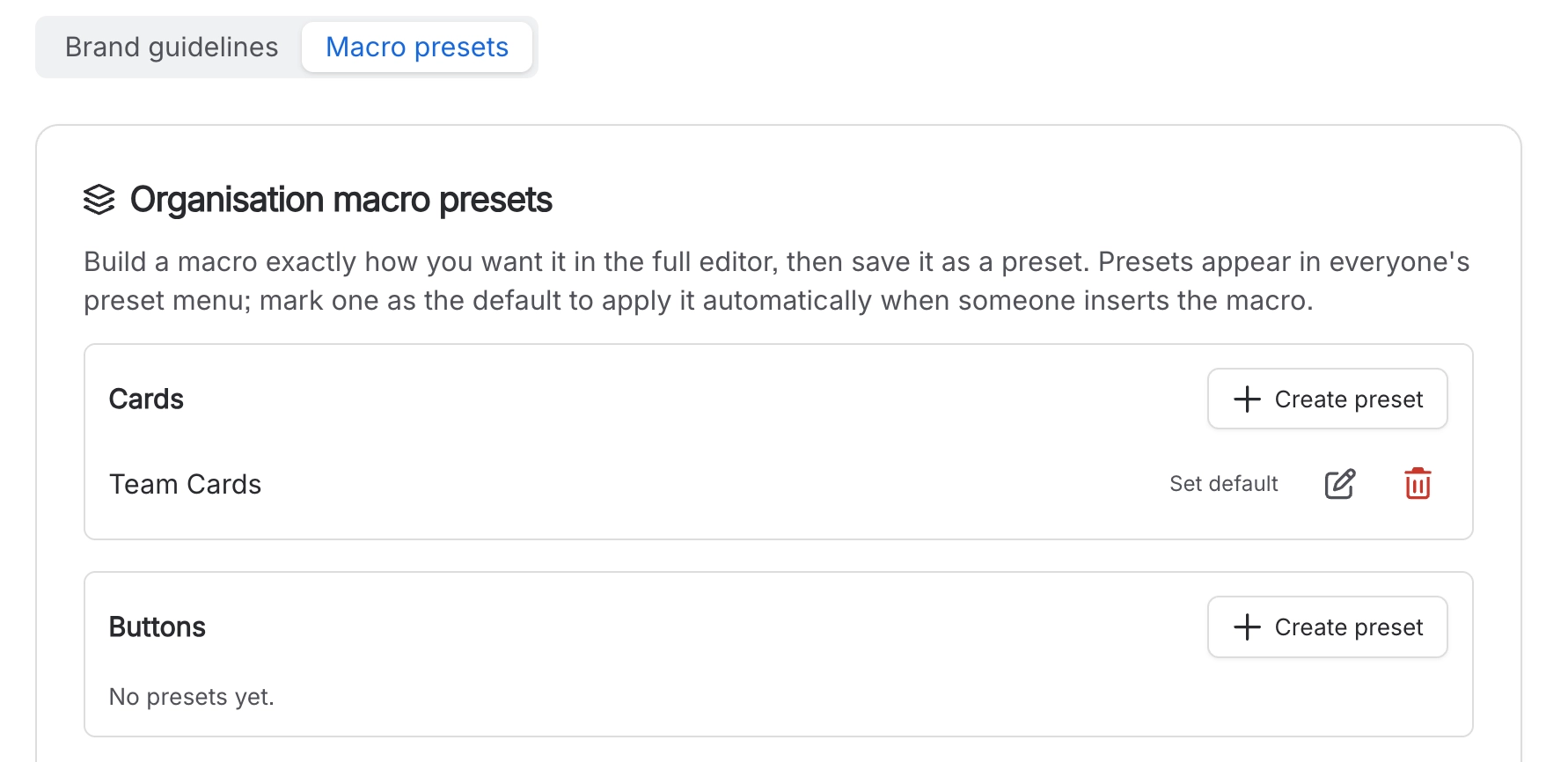
Macro presets | Your organisation's ready-made setups for each macro, up to ten per macro across twenty supported macros |
Status badges | Up to 20 organisation status sets, offered first in every Status badge macro |
The branding tabs wait for a fresh read. Brand guidelines, Macro presets and Status badges show a loading placeholder until the latest settings arrive, so you never edit on top of an older copy. If the read fails, the tab says Could not load macro branding. with a Retry button.
#Switches that live elsewhere
Setting | Where | What it does |
|---|---|---|
Hide Formatting site-wide | Product global settings | Removes the capability from the navigation and byline. Macros already on pages keep rendering |
Turn Formatting off for one space | Space settings | Removes it in that space only |
Approved external domains | Atlassian Admin Hub | Lets macros fetch external images, feeds and embeds |
Approved domains are configured in the Atlassian Admin Hub, not in the app. That surprises people, because every other setting here is in Confluence.
#A few things that catch people out
Space administrators do not see Global settings. These settings apply to the whole site, so they need a Confluence site administrator.
Turning off AI integrations here turns AI off in every Capable capability, not just macros.
Hiding a capability is a visibility change. The macros stay in Confluence's own insert menu and existing ones keep rendering.
Brand guidelines are set per theme, light and dark. Set both, or dark mode will look like an afterthought.
Changes to settings can take up to a minute to reach everyone else.
#Related
One panel, two doors. Most of the value is in the branding.






















