
What Capable Formatting is
Confluence gives you headings, tables and panels. That is enough for a meeting note and not enough for a landing page, a knowledge base article or an API reference.
Capable Formatting adds 38 macros that fill the gap: panels and banners, card grids and galleries, buttons and tabs, progress indicators, footnotes, code and maths, embedded data. Each one is configured through a form rather than by writing markup.
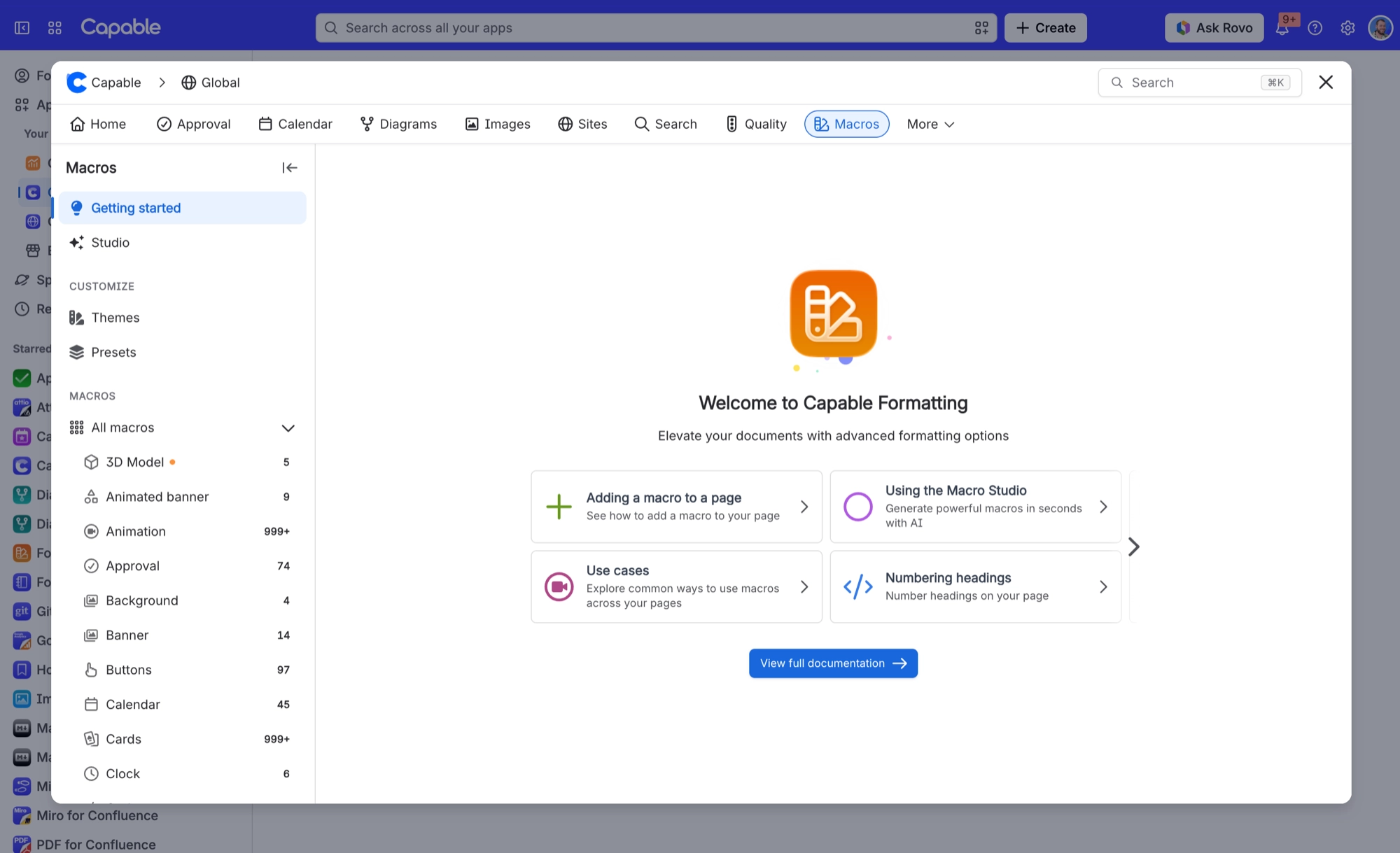
#The seven families
Family | Macros | Includes |
|---|---|---|
Panels and banners | 3 | Background, Banner and more |
Cards, images and media | 5 | Cards, Gallery and more |
Buttons and navigation | 4 | Buttons, Tabs and more |
Progress, status and feedback | 7 | Progress bar, Progress tracker and more |
Technical and data | 12 | Code, LaTeX math and more |
Footnotes | 2 | Footnote, Footnotes summary |
Page utilities | 5 | Metadata, Color palette and more |
#What holds it together
One colour system. A brand colour control appears in twenty-two of the macro forms, so a page built from six different macros still looks like one page.
Starter templates. Sixteen macros ship curated starting points, so you are editing something rather than facing an empty form.
One image picker. Every image-driven macro picks images the same way.
Admin presets. An administrator can save house configurations that everyone starts from.
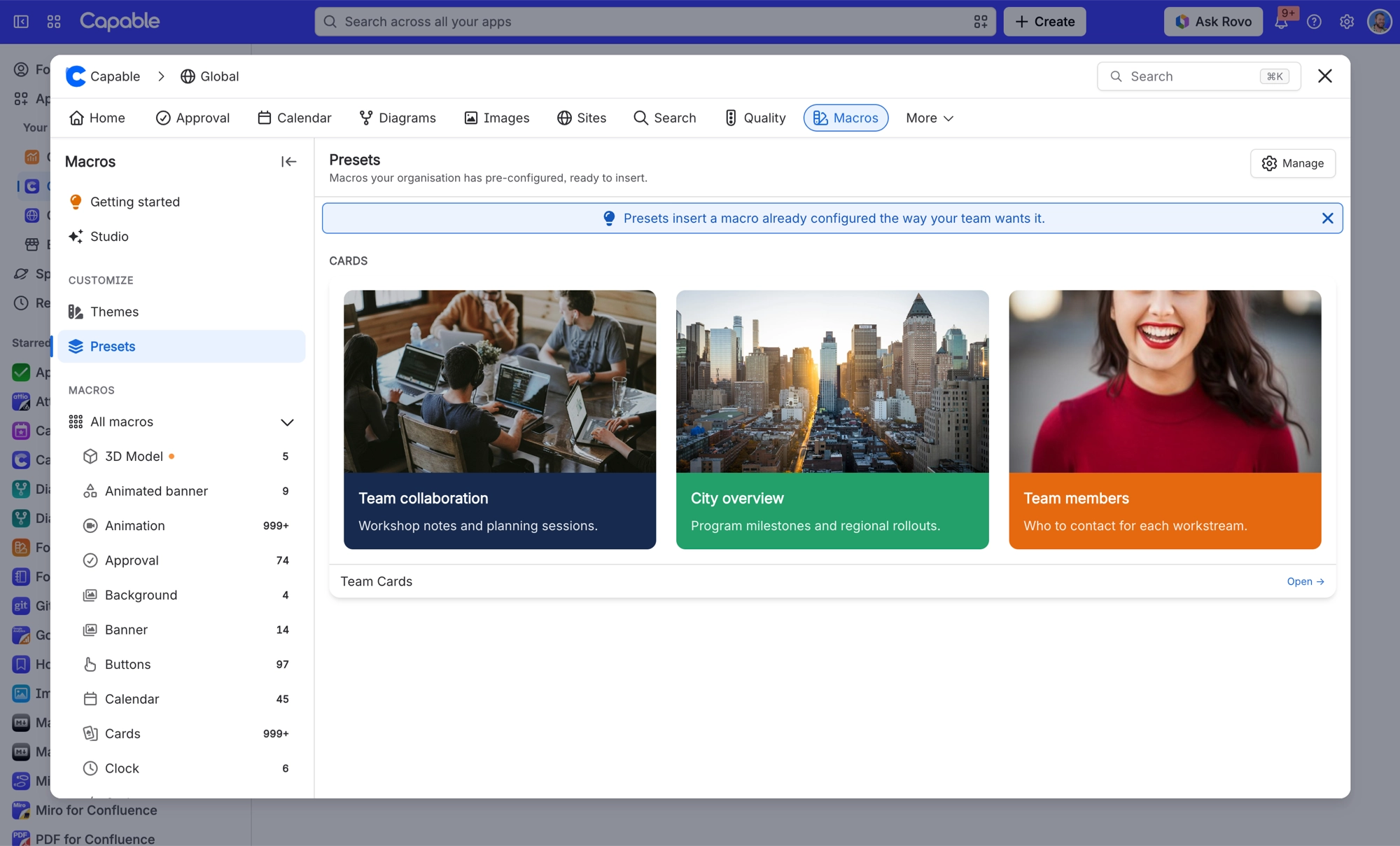
Two things that ship alongside these are not Formatting macros. Links and numbered headings are separate features with their own settings, even though the standalone Formatting app includes them.
#A few things worth knowing
Most people use around eight of these. The rest are there for the day you need them.
Macro names differ slightly between the suite and the standalone app: the standalone one usually adds the word macro.
Not every macro exports equally well. If a page has to become a PDF, check your macros export before you build it.
#Related
Thirty-eight macros. You will use eight.






















