
Neighbouring capabilities
The standalone Formatting app includes three features that belong to other capabilities. They behave differently from the macros and have their own settings, so it helps to know which is which.
In the suite they are separate capabilities in their own right.
#The three
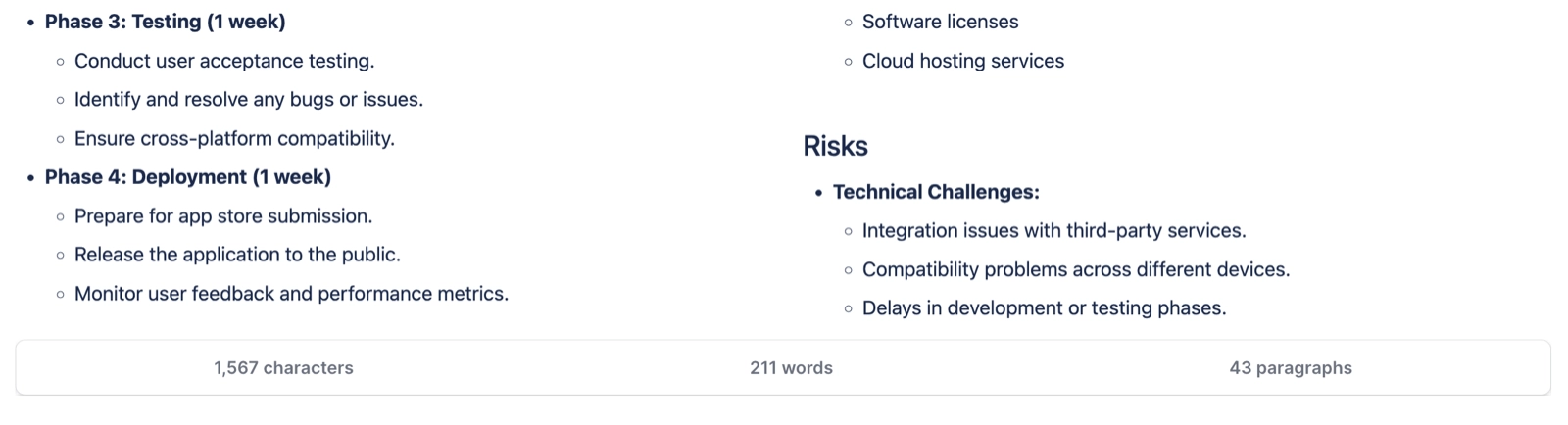
Feature | What it actually is | Where it lives |
|---|---|---|
Links | A macro owned by the Links capability, listing the links on a page | Also a byline panel, a search column and a search filter |
Numbered headings | Not a macro at all. A byline item that numbers a page's headings | Appears once headings are configured on that page, or the space forces it on |
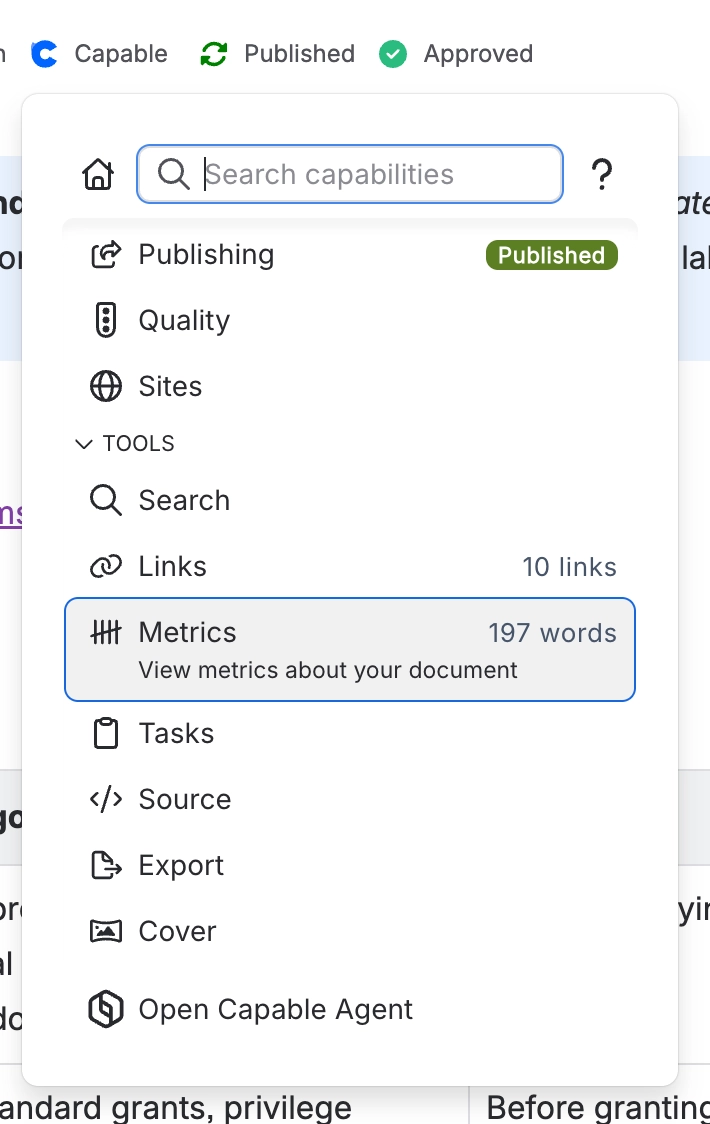
Word count | A macro owned by the Metrics capability | Also a byline panel and a right-click menu item |
Numbered headings re-numbers when the page is updated. It relies on Confluence telling the app about each update, which is why it stops working on an unlicensed site.
All three are documented in full in Capable for Confluence, because in the suite they are capabilities rather than macros.
#A few things worth knowing
If you are looking for these in the Formatting settings, they are not there. They have their own settings.
We include them in the standalone app on purpose, because people who want formatting usually want these too.
Numbered headings only appears once a page has headings configured, so it can look missing at first.
#Related
Bundled with us. Owned elsewhere.






















