
Images in macros
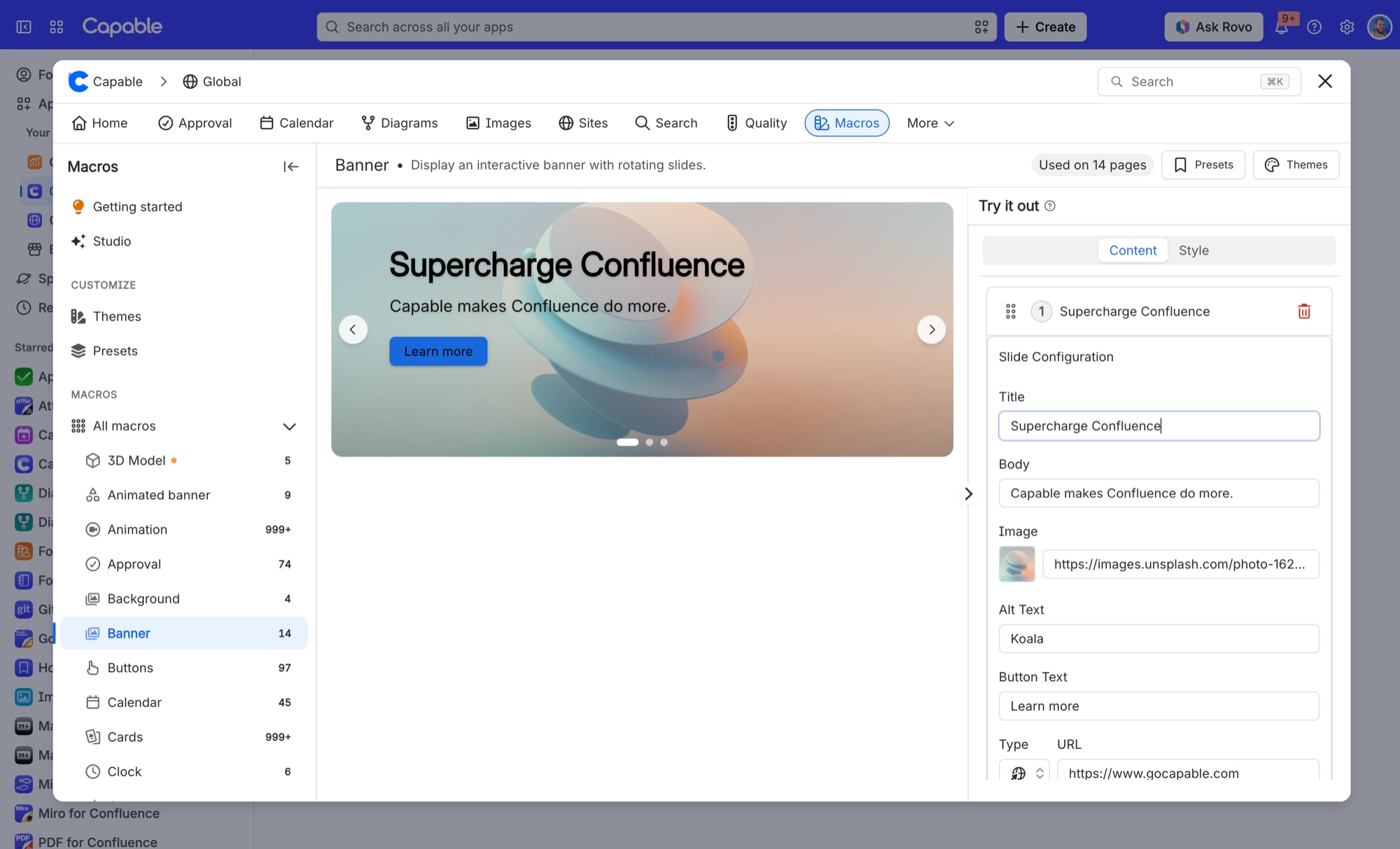
Background, Cards, Gallery, Compare images and Banner all share one image picker. It works the same way in all five, and when something goes wrong, it goes wrong the same way too.
There are three ways to give a macro an image, and they behave differently on a published site.
#Three sources
Source | How it behaves |
|---|---|
A page attachment | Travels with the page. The safest choice. |
A direct URL | Loaded from wherever it lives. If it is on an external site, that domain needs to be approved. |
The picker | Browses what is available and sets one of the above for you. |
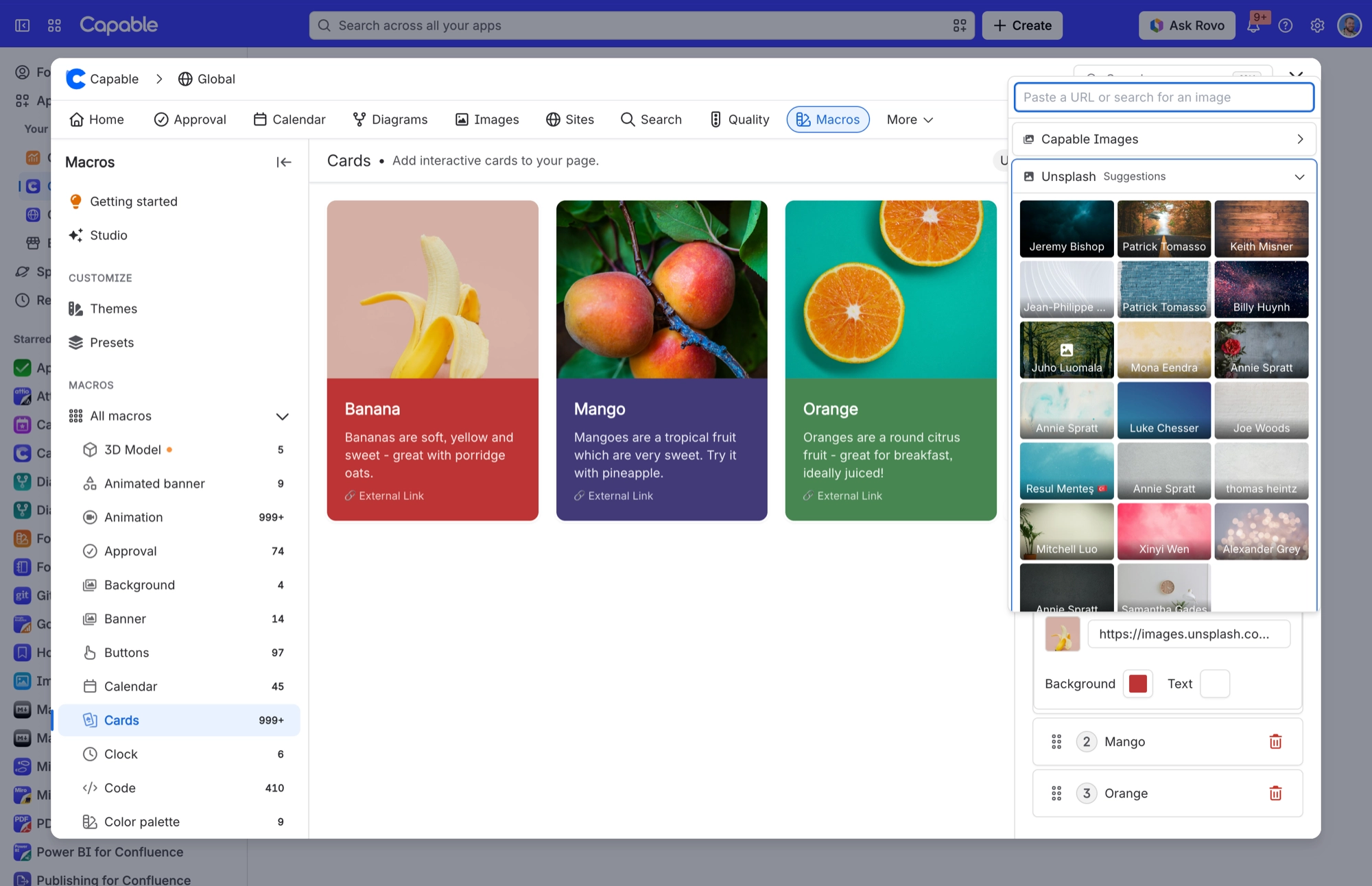
An external image needs an approved egress domain. Without one, the browser is not allowed to fetch it, and the macro shows a placeholder instead of your picture.
#On a published site
When your site is published, its images are copied into the site itself. That means a published site doesn't depend on your Confluence instance to show them, and it's why attachments are the safest source.
#A few things worth knowing
Alt text is a proper field, but several macros have no editor control for it. Those macros use the card or panel title instead.
A very large image makes the page heavy. Resize it before uploading rather than relying on the macro to scale it.
The same picker appears in all five macros, so once you've learned it, you've learned it everywhere.
#Related
Attachments travel. URLs need approving.






















