
Table from CSV
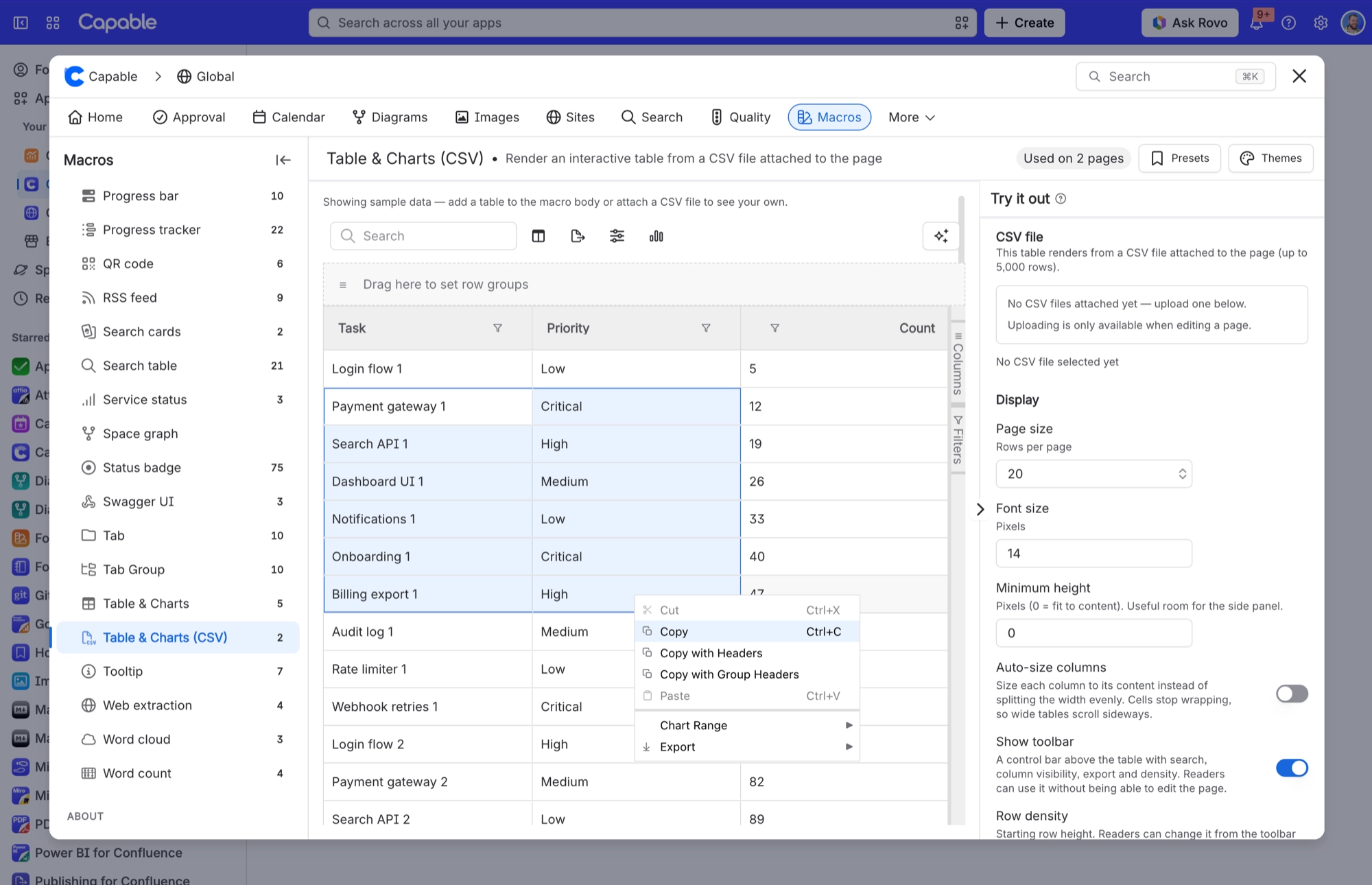
Renders an interactive data grid from a CSV file attached to the page - no table in the body.
Use it for data that arrives as a file rather than something you would type by hand: an export from a reporting tool, a price list, a set of survey results. Attach the CSV to the page (or upload it straight from the macro's settings panel) and the macro turns it into the same grid the Table macro produces, with the same display, header-colour and charting settings. To update the numbers, replace the attachment - the page itself does not change. It works exactly like the Table macro; the only difference is where the rows come from.
#See it
Every example below is a real macro on this page, not a screenshot, and each one is a configuration taken from a page somebody actually built. Open this page in the editor to see how any of them is set up.
#14px
#Settings
Setting | Values | What it changes |
|---|---|---|
CSV file | Any | Chooses the file the grid is built from. Once you pick one, the panel confirms how many columns and rows it found. Uploading is only offered while you are editing a page. |
Page size / Font size / Minimum height / Auto-size columns / Header colours / chart toggle and Placement / Legacy sort | Identical to the Table macro - see that entry for the full list of values and defaults. | Same behaviour. The two macros share the same options and the same settings panel; only where the data comes from differs. |
#Related
The largest family, and the most precise.






















