
Generating macro content with AI
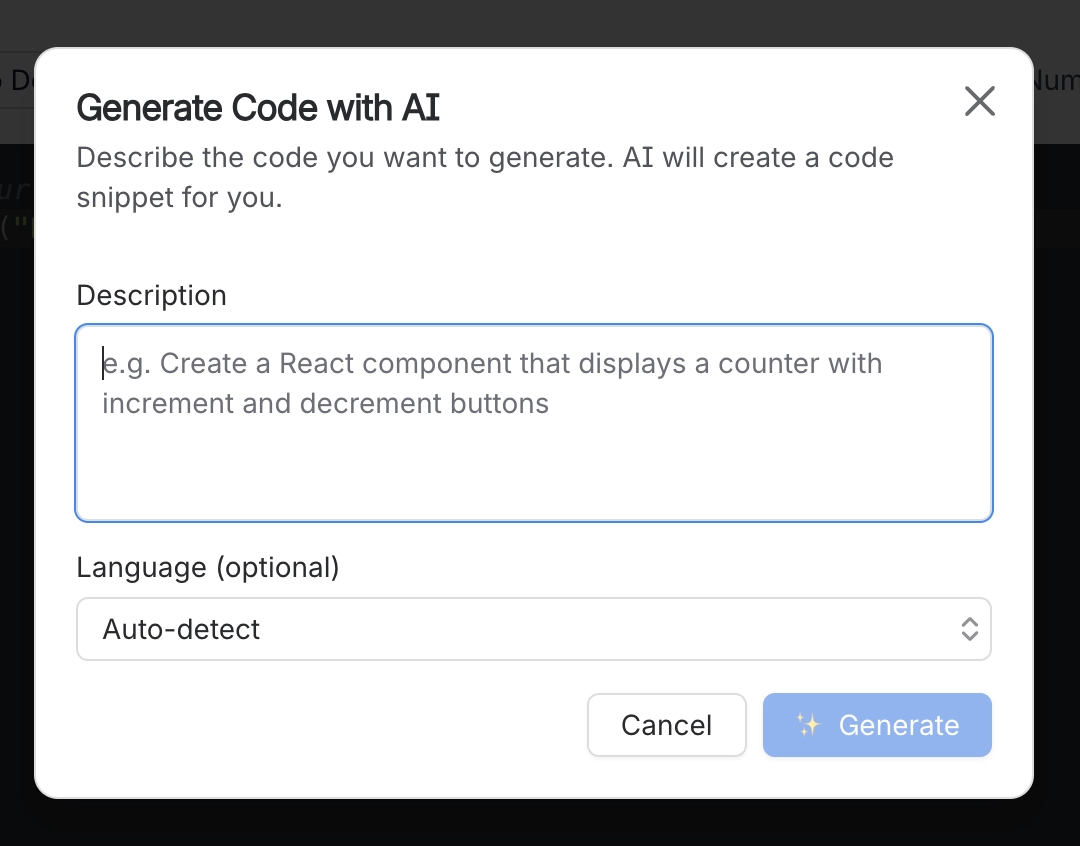
Where a macro needs a lot of repetitive content, cards, buttons and banners in particular, it can draft that content for you from a description.
It produces a real configuration you then edit. Nothing is locked, and nothing is hidden.
#What it does
Six macros have an AI dialog in their configuration panel.
Three of those also offer a bulk version, which generates several items at once.
The result is an ordinary macro configuration. Edit it exactly as if you had typed it yourself.
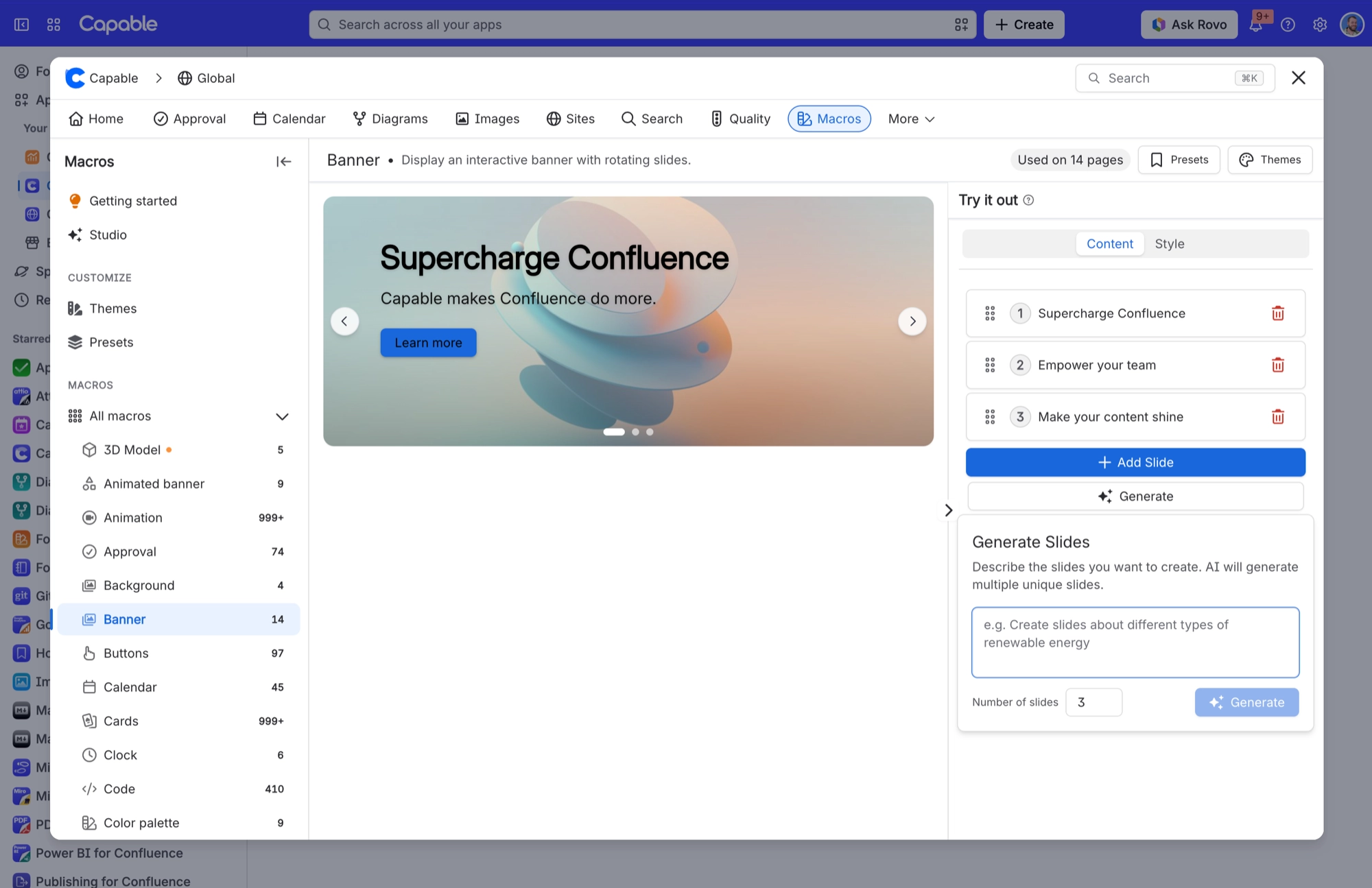
Bulk generation can go past a macro's own limits. Cards, for example, caps its Add button at six, but bulk generation adds everything it produced without checking. You can end up above the cap, with the Add button no longer working.
#Turning it off
All of the AI dialogs disappear together when AI is turned off for the site. That switch is in the suite's global settings under Features. See Capable for Confluence.
#A few things worth knowing
Read what it produced before publishing. It is a fast first draft, not a finished page.
The AI option looks and works the same in every macro that has it.
If the dialogs are missing entirely, AI has been switched off for the whole site, not just for you.
#Related
A fast first draft. Read it.






















