
HTML
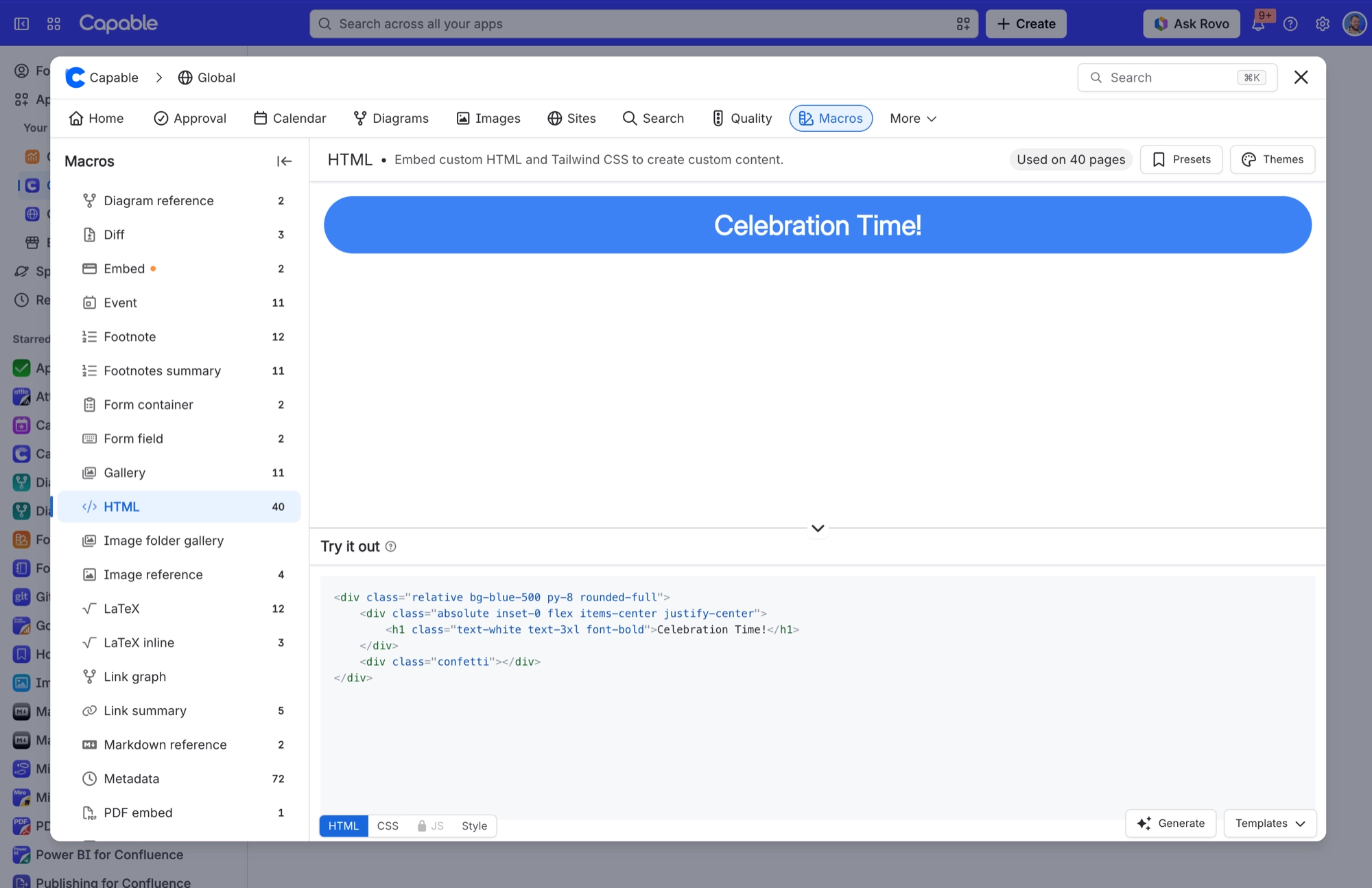
Write raw HTML - with Tailwind classes, your own CSS, and optionally JavaScript - and have it rendered inside the page.
This is the escape hatch for the thing Confluence has no macro for: a bespoke pricing table, a styled callout that matches your brand exactly, a small interactive widget. You paste or write HTML in a code editor, and Tailwind utility classes are styled for you automatically, so your markup looks right without any setup. You can add your own CSS on a second panel. A third panel accepts JavaScript, but only once an admin has explicitly enabled it for the site; when it is enabled the whole widget moves into an isolated sandbox that cannot touch Confluence. A Style panel wraps whatever you built in an optional neutral frame with padding, a border, rounded corners and a shadow.
#See it
Every example below is a real macro on this page, not a screenshot, and each one is a configuration taken from a page somebody actually built. Open this page in the editor to see how any of them is set up.
#A step-by-step progress bar
#An activity timeline
#A pair of article cards
#Settings
Setting | Values | What it changes |
|---|---|---|
HTML | Free-form HTML with Tailwind classes | The markup rendered into the page. Edited in a syntax-highlighted code editor on the HTML panel. |
CSS | Free-form CSS | Your own stylesheet, applied on top of Tailwind. Always applied, with no admin setting needed. Edited on the CSS panel. |
JS | Free-form JavaScript | Script that runs with your markup. The panel is locked behind a padlock until a site admin turns on "JavaScript in HTML macro" under Global settings → Features. |
Corner radius | 0 to 24 (px slider) | Rounds the frame around your HTML. Anything above 0 also trims your content to fit inside the rounded corners. |
Padding | 0 to 48 (px slider) | Space between the frame and your HTML. |
Shadow | None, S, M, L | Drop shadow around the frame. |
Border | On / Off | Draws a neutral border around the frame. Turning it on reveals Width and a colour swatch. |
Width | 0 to 6 (px slider) | Border thickness. Only shown when Border is on. |
Border colour (unlabelled swatch beside Width) | A brand-palette colour or custom hex | Border colour. Only shown when Border is on. |
#Related
The largest family, and the most precise.






















