
Tooltip
A small information icon you drop into a sentence; hovering it shows a note.
Use this for the definition, caveat or aside that would otherwise clutter the sentence - an acronym expansion, a "this only applies to the EU site" footnote, a warning about a field. It sits inline in the middle of a line of text as a small (i) circle, and the note appears when the reader hovers over it or reaches it with the keyboard. Your page stays short, and the detail is still there for anyone who wants it.
#See it
Both info icons in this paragraph are real Tooltip macros, not screenshots. Hover over one, or tab to it, to read its note ℹ. Open this page in the editor to see how each one is set up ℹ.
#Settings
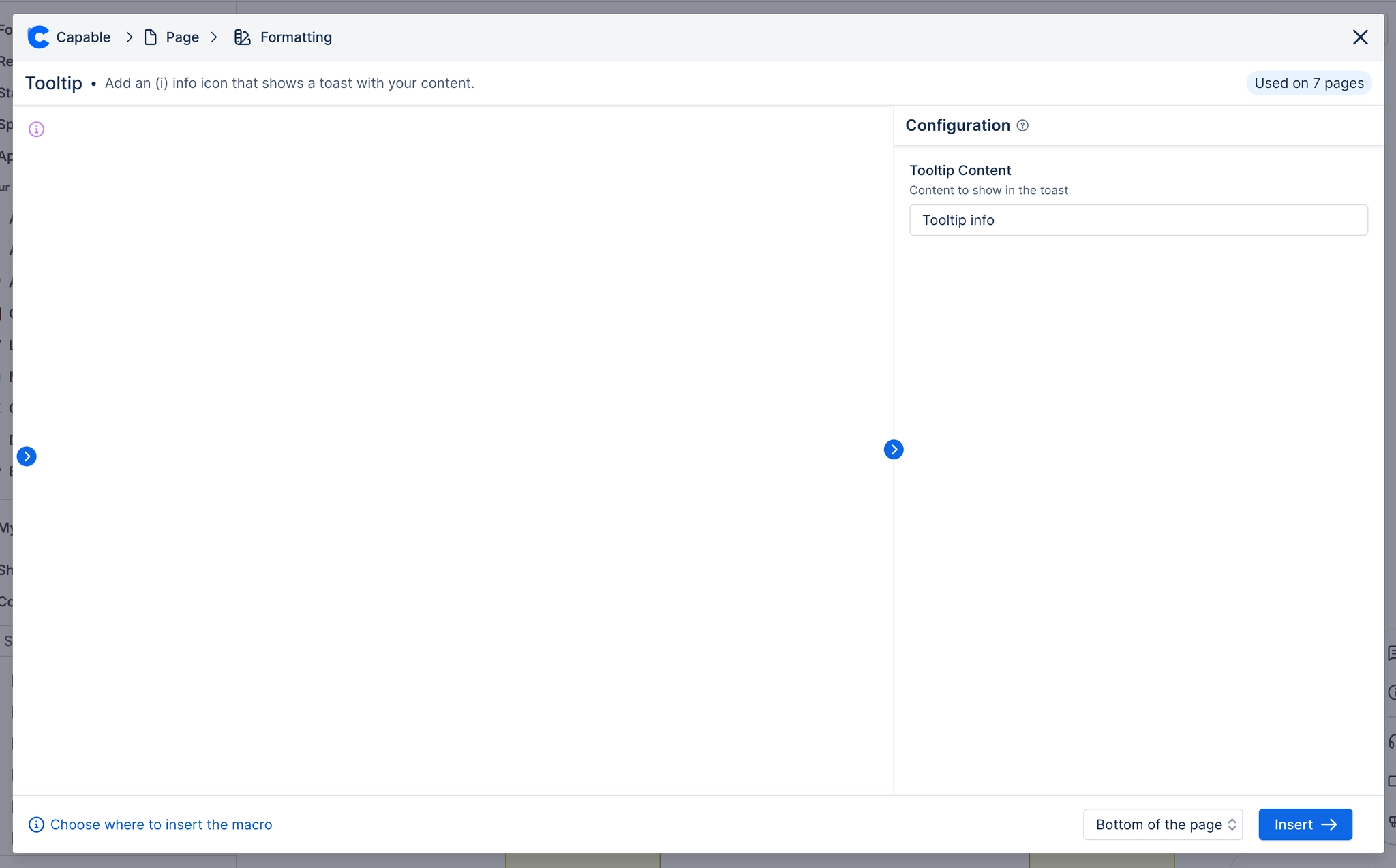
Setting | Values | What it changes |
|---|---|---|
Tooltip Content | Free text, single line | The note shown on hover. Screen readers also read it out as the icon's label. |
#Related
The two most used macros here.






















