
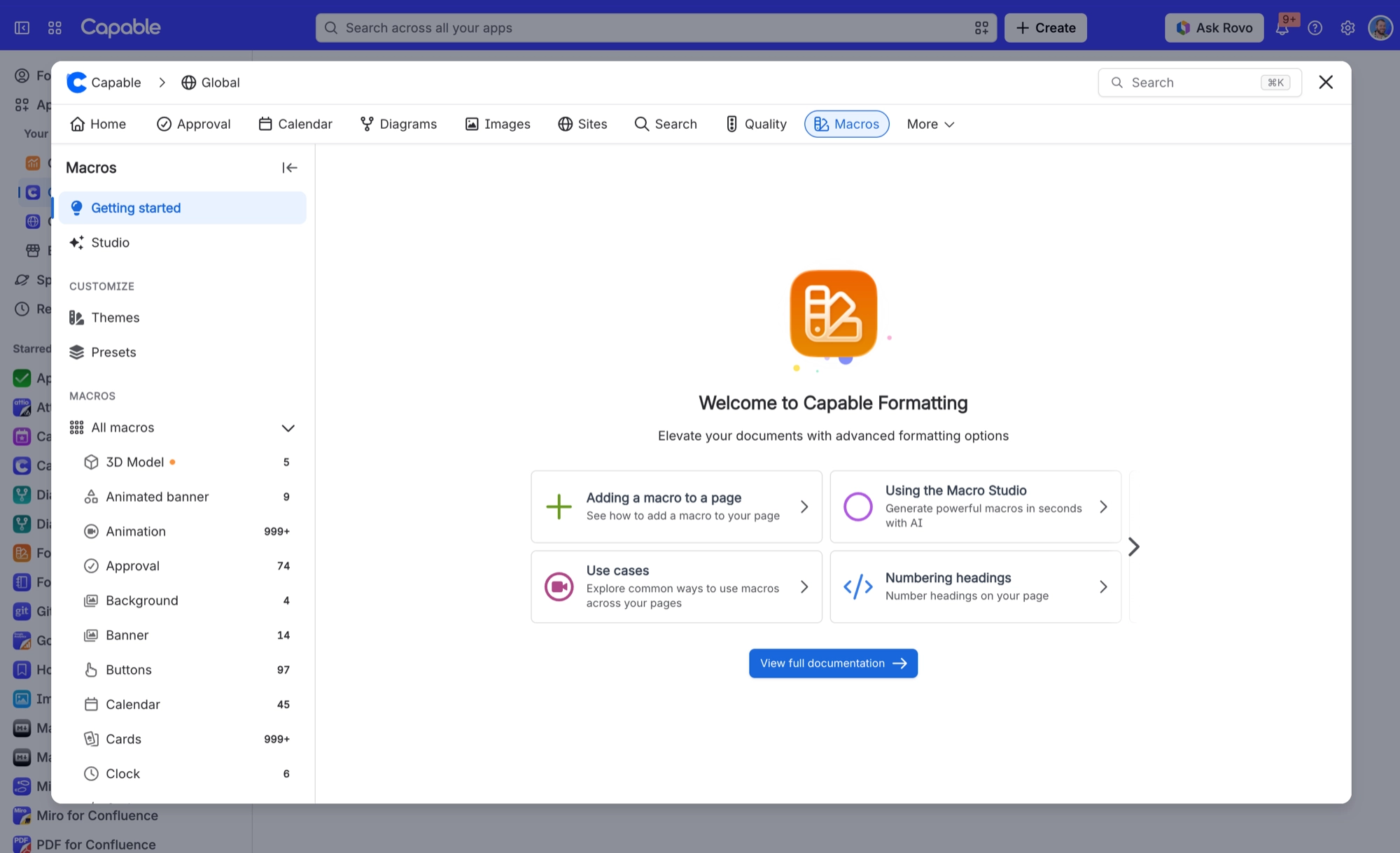
Get started
Two things are worth doing, in this order. Build one macro so the pattern makes sense. Then spend twenty minutes on brand guidelines, so nobody has to be told how to make pages look right.
The second is the most valuable thing an administrator can do with Capable Formatting.
#In this section
Your first macroInsert one, pick a template, change two things, publish. About ninety seconds.Set up your brandTwenty minutes of administrator setup that makes every macro on every page match, without anybody being told to.
#Related
Build one. Then set the brand.






















