
Code
A read-only code block with syntax highlighting, optional line numbers, a copy button and a choice of editor themes.
For putting a snippet on a page and having it look like it does in an editor: highlighted, monospaced, copyable in one click. It covers 18 languages plus auto-detection, and ships nine colour themes on top of an Auto setting that follows the reader's light or dark theme. Unlike Confluence's built-in code block, you also get frame styling – corner radius, border and drop shadow – so the block can match the rest of a branded page. If Capable AI is enabled on your site, a Generate button will write the snippet for you from a description.
#See it
Every example below is a real macro on this page, not a screenshot, and each one is a configuration taken from a page somebody actually built. Open this page in the editor to see how any of them is set up.
#Dracula: json
#Solarized dark: shell
#GitHub dark: auto
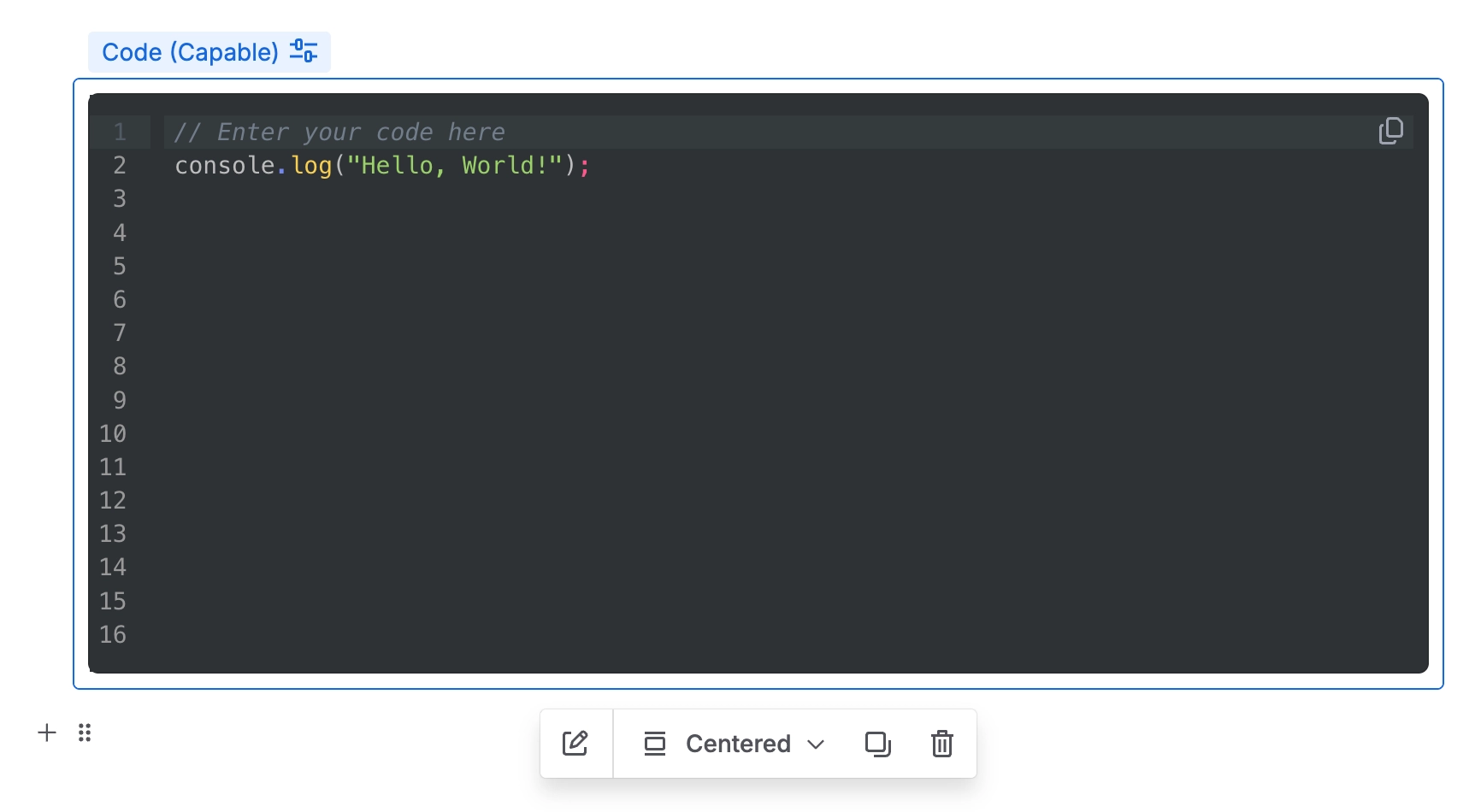
// Enter your code here
console.log("Hello, World!");#Settings
Setting | Values | What it changes |
|---|---|---|
Code (the editor itself) | Any text, typed or pasted into the editor on the Content tab. | The snippet shown on the page. |
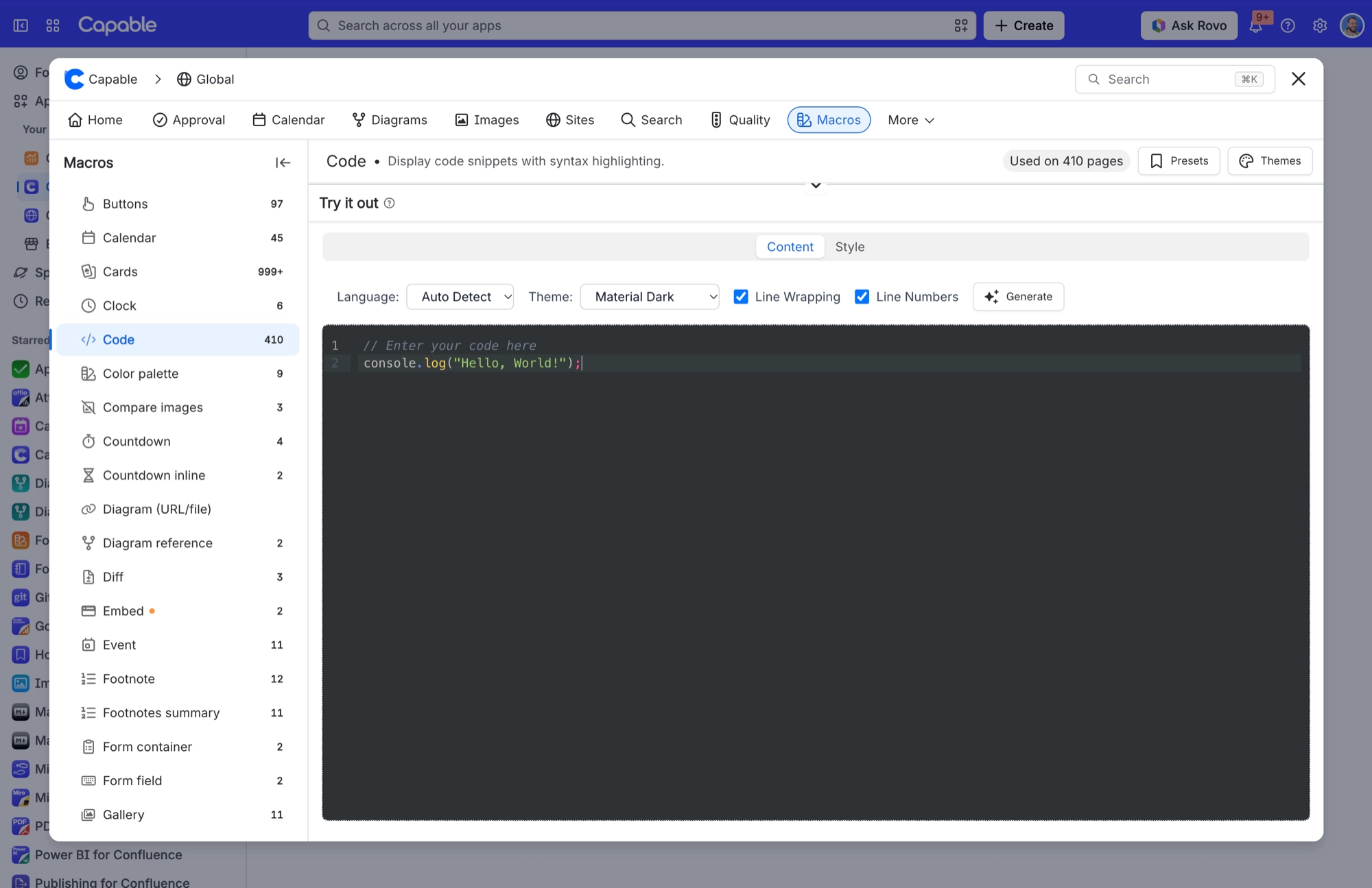
Language | Auto Detect, TypeScript, TSX, JavaScript, JSX, JSON, YAML, HTML, CSS, Python, Java, Go, Rust, PHP, SQL, XML, Markdown, Shell, C++ | Which language the highlighting follows. On Auto Detect, the macro works the language out from the code itself, looking for clues such as valid JSON, an XML or HTML doctype, import lines, JSX, YAML keys or a shell shebang. The settings preview uses the same detection, so what you see there is what readers get. |
Theme | Auto (Light/Dark), One Dark, GitHub Light, GitHub Dark, Dracula, Nord, Material Dark, Solarized Light, Solarized Dark, Monokai | The syntax colour scheme. Auto uses One Dark when the reader has Confluence in dark mode and GitHub Light when it's light. It's the only theme that follows the reader; every other theme looks the same in both modes. |
Line Wrapping | On or off | Wraps long lines instead of scrolling them sideways. |
Line Numbers | On or off | Shows line numbers down the left-hand side of the block. |
Corner radius | Slider, 0–24 px | Rounds the corners of the frame around the code block. |
Shadow | None, S, M, L | Adds a drop shadow around the frame. New blocks start with a subtle shadow, while blocks added before this setting existed keep the look they always had. |
Border | On or off. When on, a width from 0 to 6 px and a colour, either one of your brand's border colours or a custom colour. | Draws a border around the frame. The width and colour controls only appear once the border is switched on. |
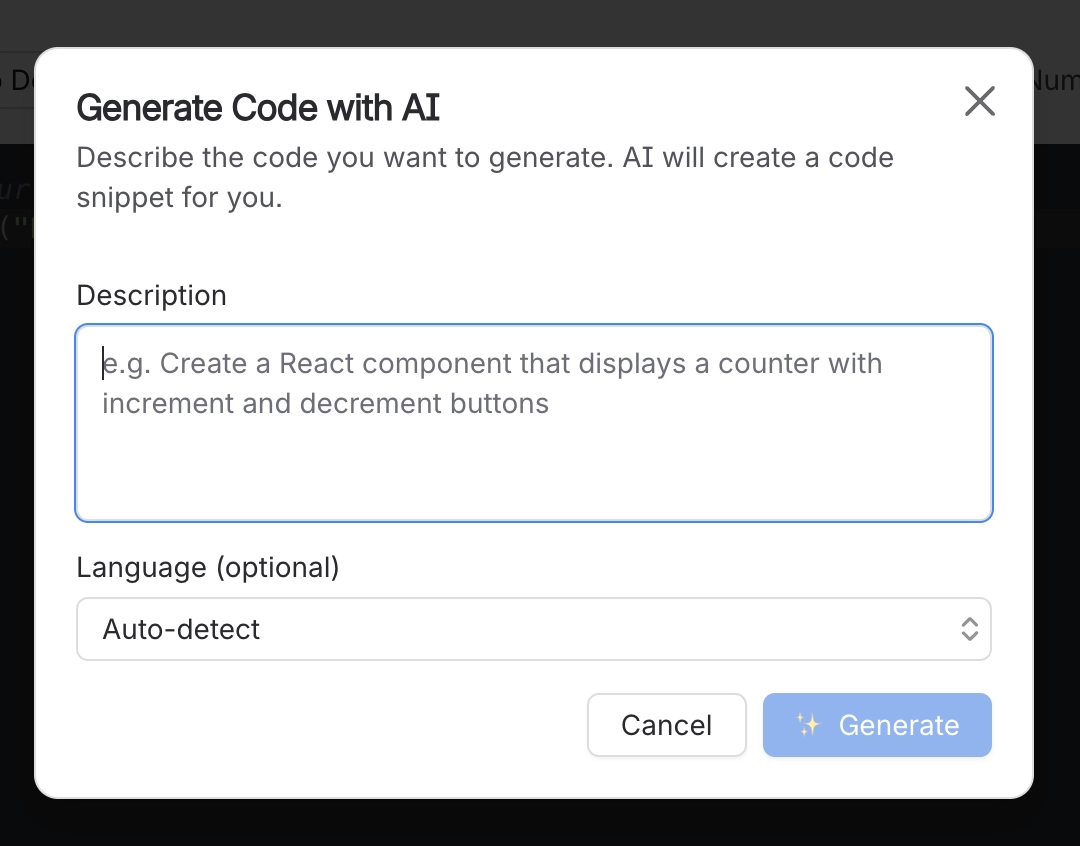
If Capable AI is enabled on your site, the Generate button opens a dialog where you describe the code you want and, if you like, pick a language. The snippet lands in the editor, ready to check and save.
#Related
The largest family, and the most precise.






















