
Your first macro
Every Capable macro works the same way: insert it, and a configuration panel opens. Most of them offer starter templates so you are editing something rather than staring at an empty form.
Cards is the best one to learn on, because almost every shared control appears in it.
#Step by step
Step | What you do |
|---|---|
1 | In the editor, type |
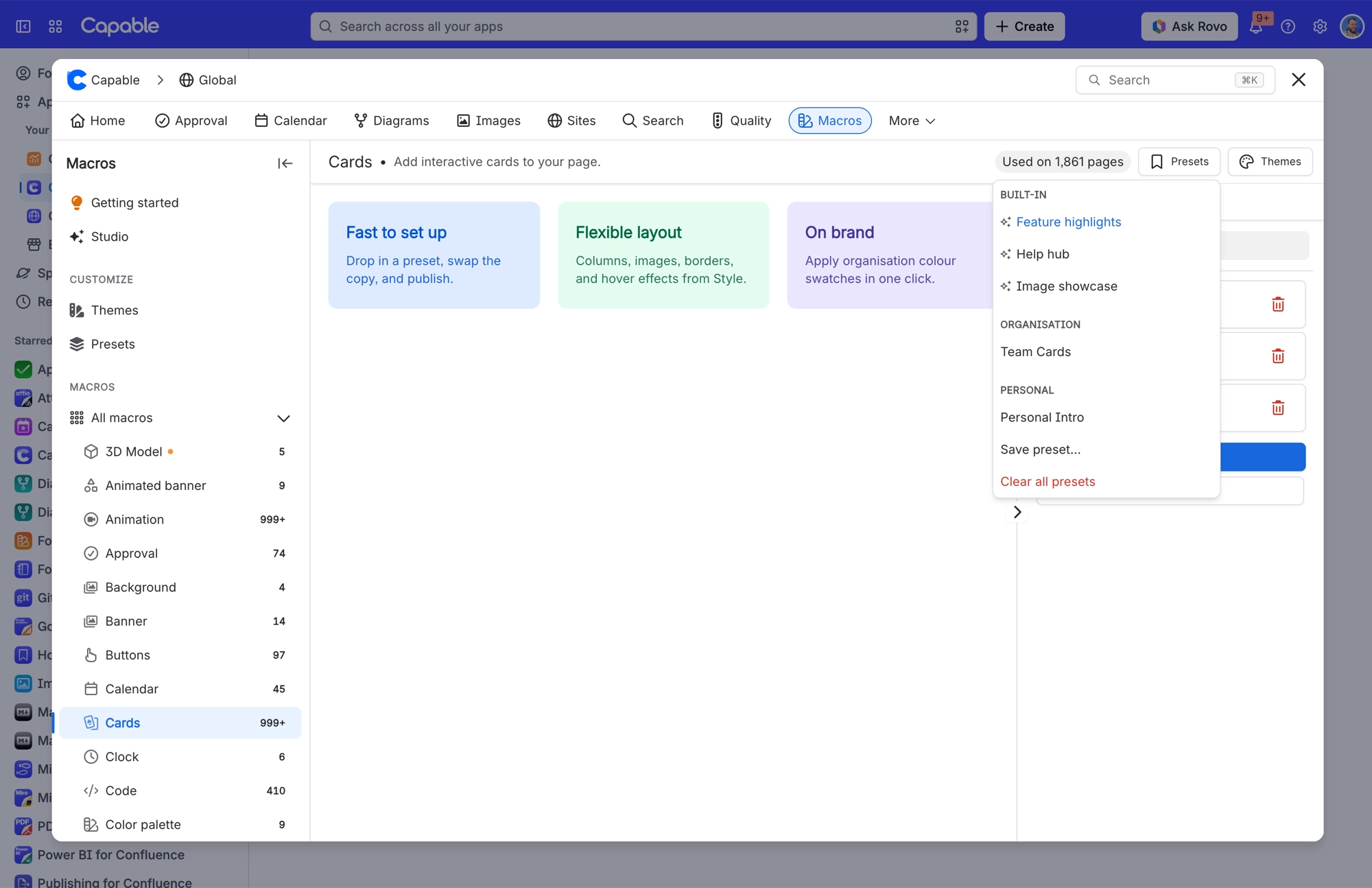
2 | Pick a starter template. Sixteen macros come with them, and Cards is one. |
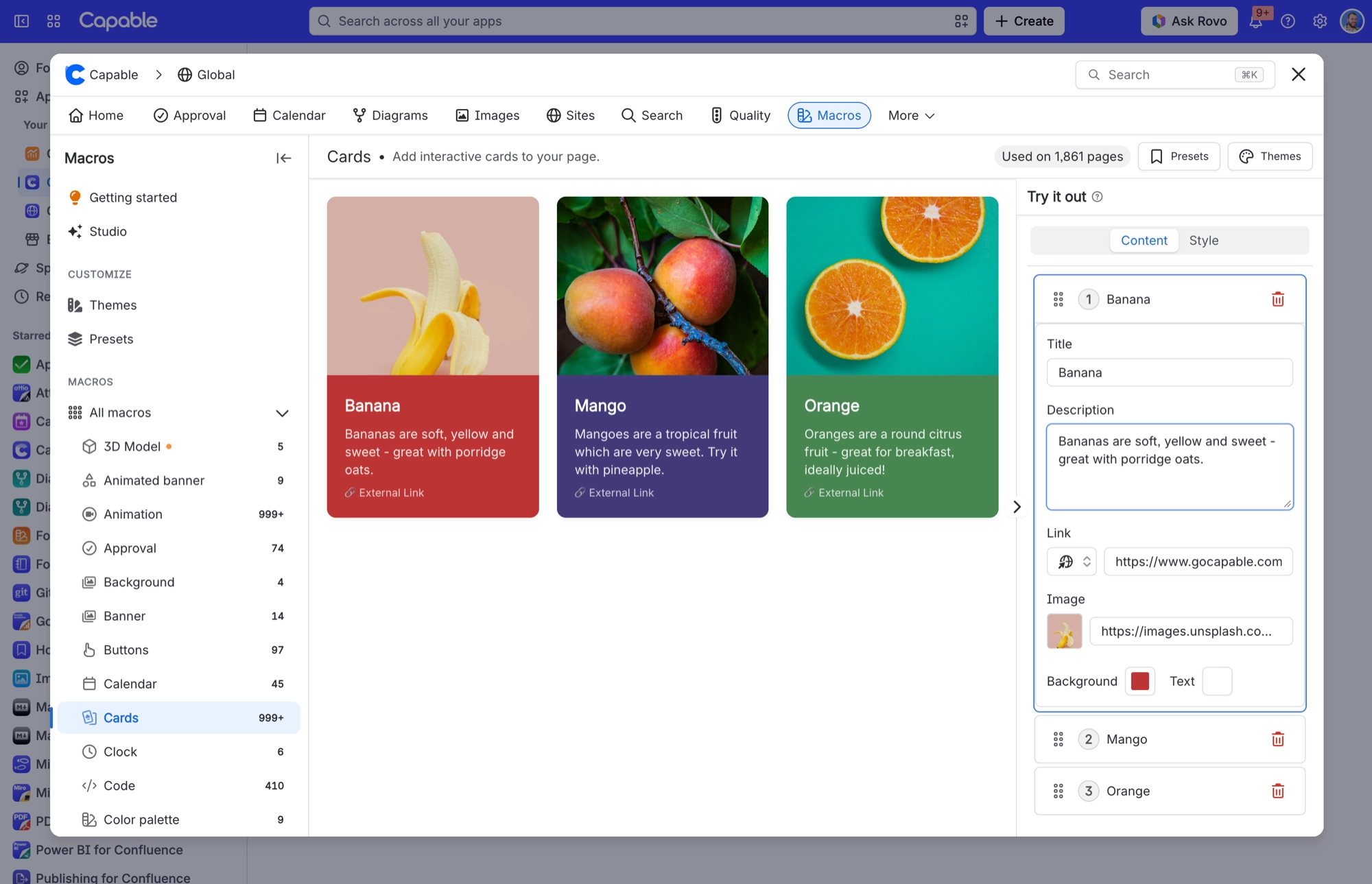
3 | Change the titles and descriptions to your own. |
4 | Set a brand colour. That control is shared, so the same choice works across every macro. |
5 | Link each card to a page, using the page picker rather than typing a URL. |
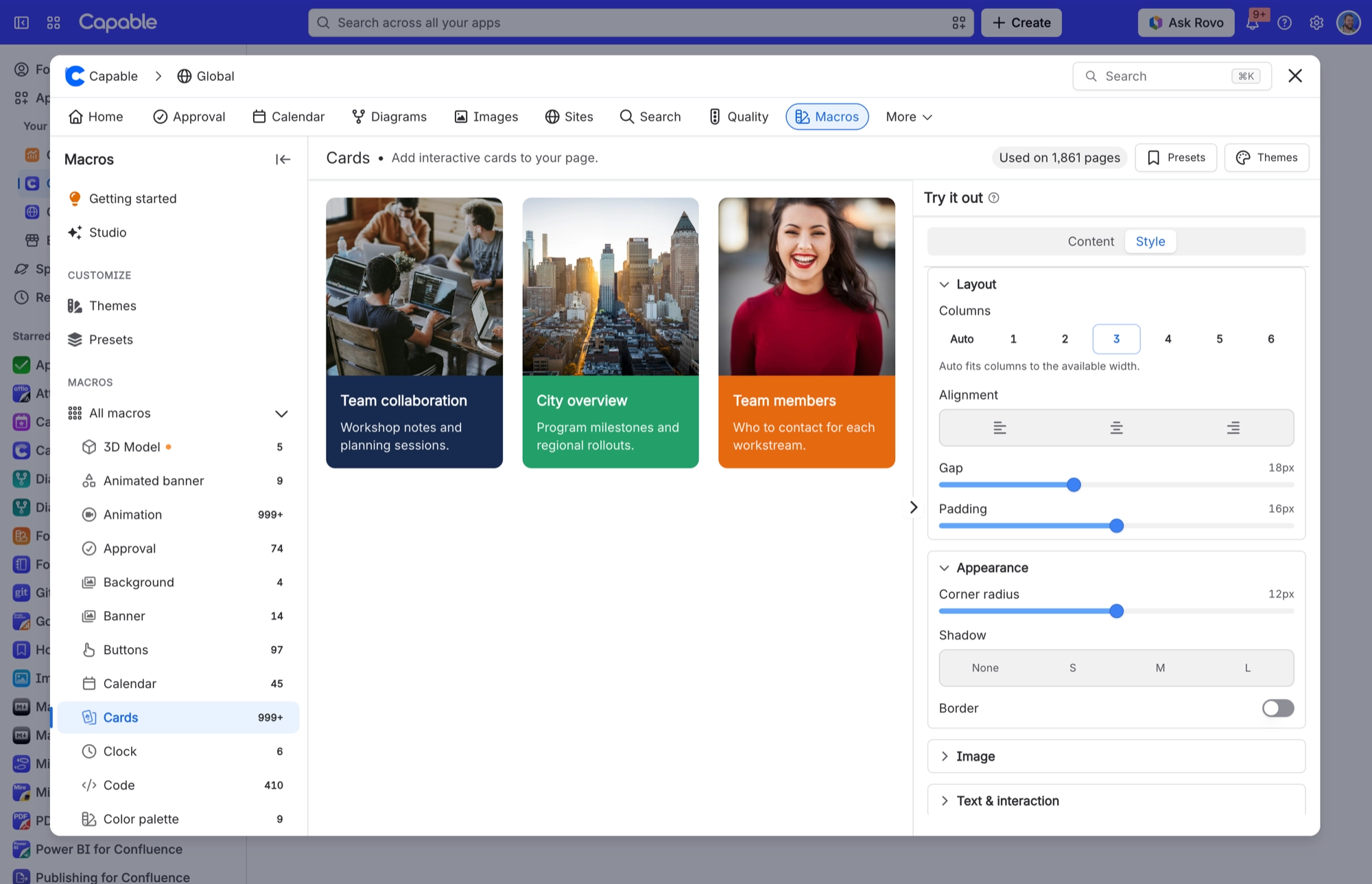
6 | Publish, and look at it. Then change the column count and look again. |
Cannot find the macro? On the standalone app most macros have the word macro in the name, so search for "Cards macro". In the suite it is just "Cards".
#What to try next
A Banner at the top of a page, to give it a title people recognise.
Tabs, to break a long page into sections without splitting it into several pages.
Footnotes, if you write anything that cites sources.
#A few things worth knowing
Templates are a starting point, not a house style. Administrators can save real house presets separately.
The macro configuration form saves when you close it, like any Confluence macro.
If a setting appears to do nothing, check the macro's page. Several settings only apply in certain modes.
#Related
Insert, template, two edits, publish.






















