
Starter templates
An empty configuration form is the worst possible first experience of a macro, so sixteen of them ship starter templates.
Pick one, then edit it. It is faster than building from nothing and it teaches you what the macro can do.
#Which macros have them
Cards, Buttons, Countdown, Gallery, Code, Color palette, QR code, RSS feed, LaTeX math, LaTeX math inline, Tabs, Animated banner, Banner, Progress bar, Progress tracker and Background.
#How they work
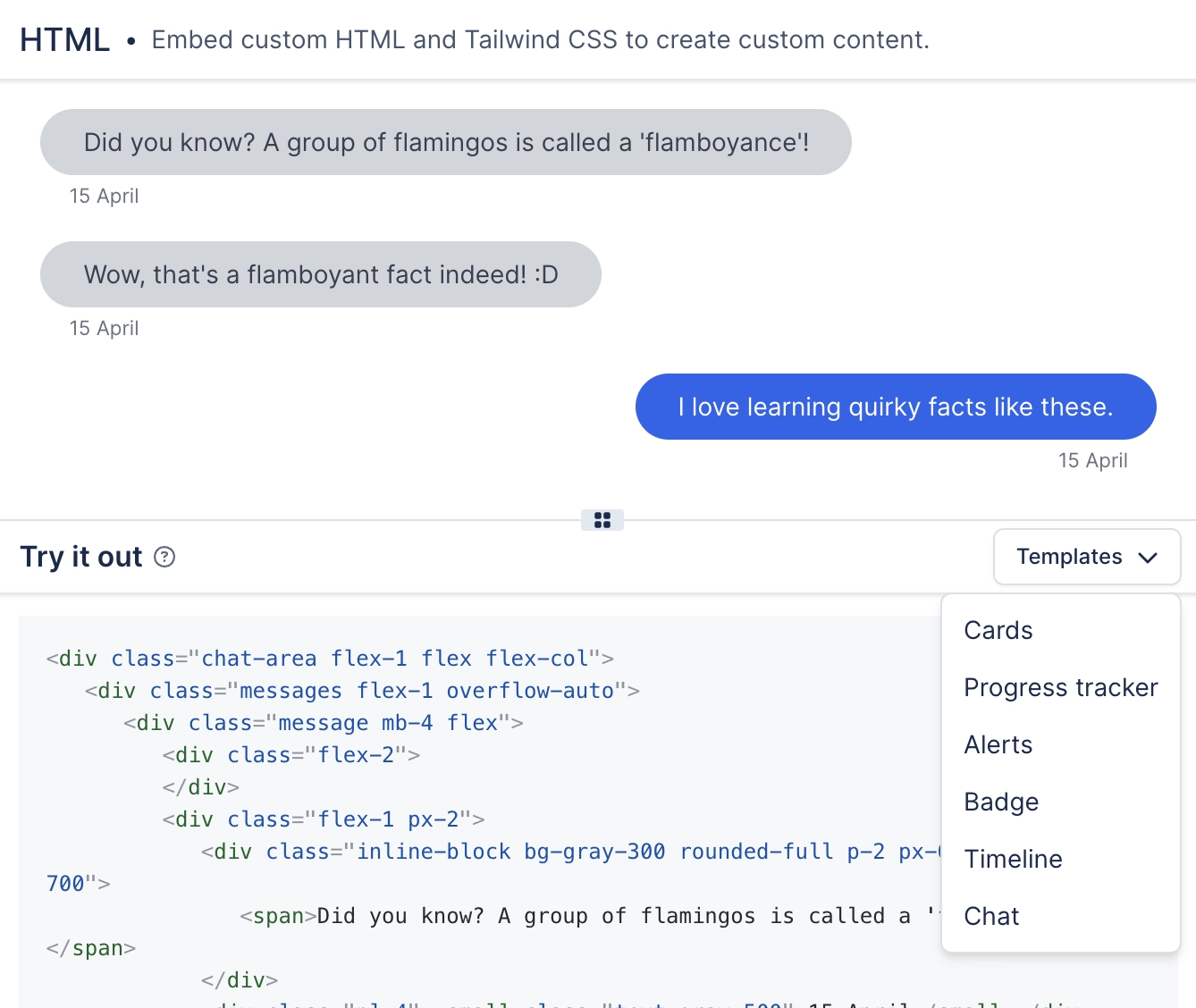
The Templates gallery appears inside the macro's configuration panel.
Choosing one replaces the current configuration, so apply it before you do your own editing.
They are examples, not house style. For house style, use presets.
A template replaces what is there. Pick your template first, then customise. Applying one after twenty minutes of editing undoes the twenty minutes.
#A few things worth knowing
Templates are ours. Presets are yours. The two are separate systems that look similar.
A macro with no templates simply opens on its default configuration.
Templates are a good way to discover settings you did not know a macro had.
#Related
Start from something. Edit it down.






















