
Diff
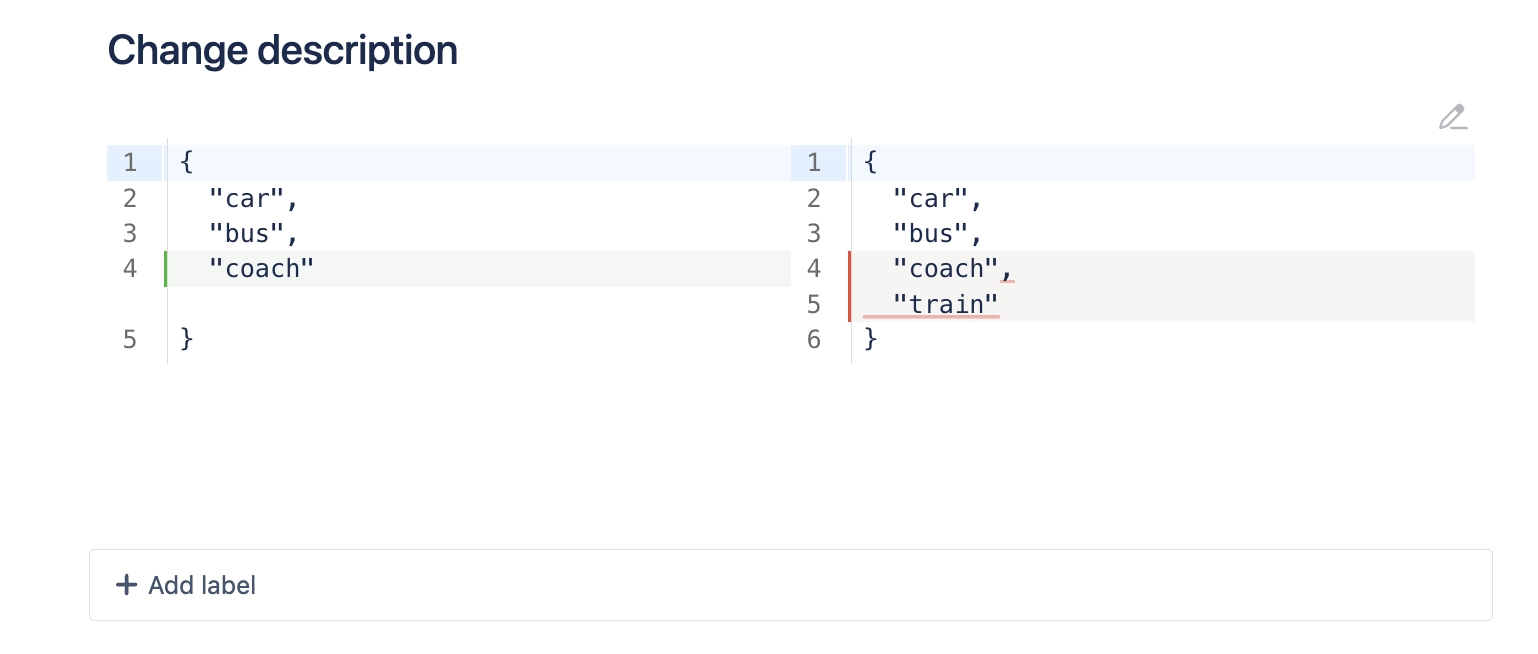
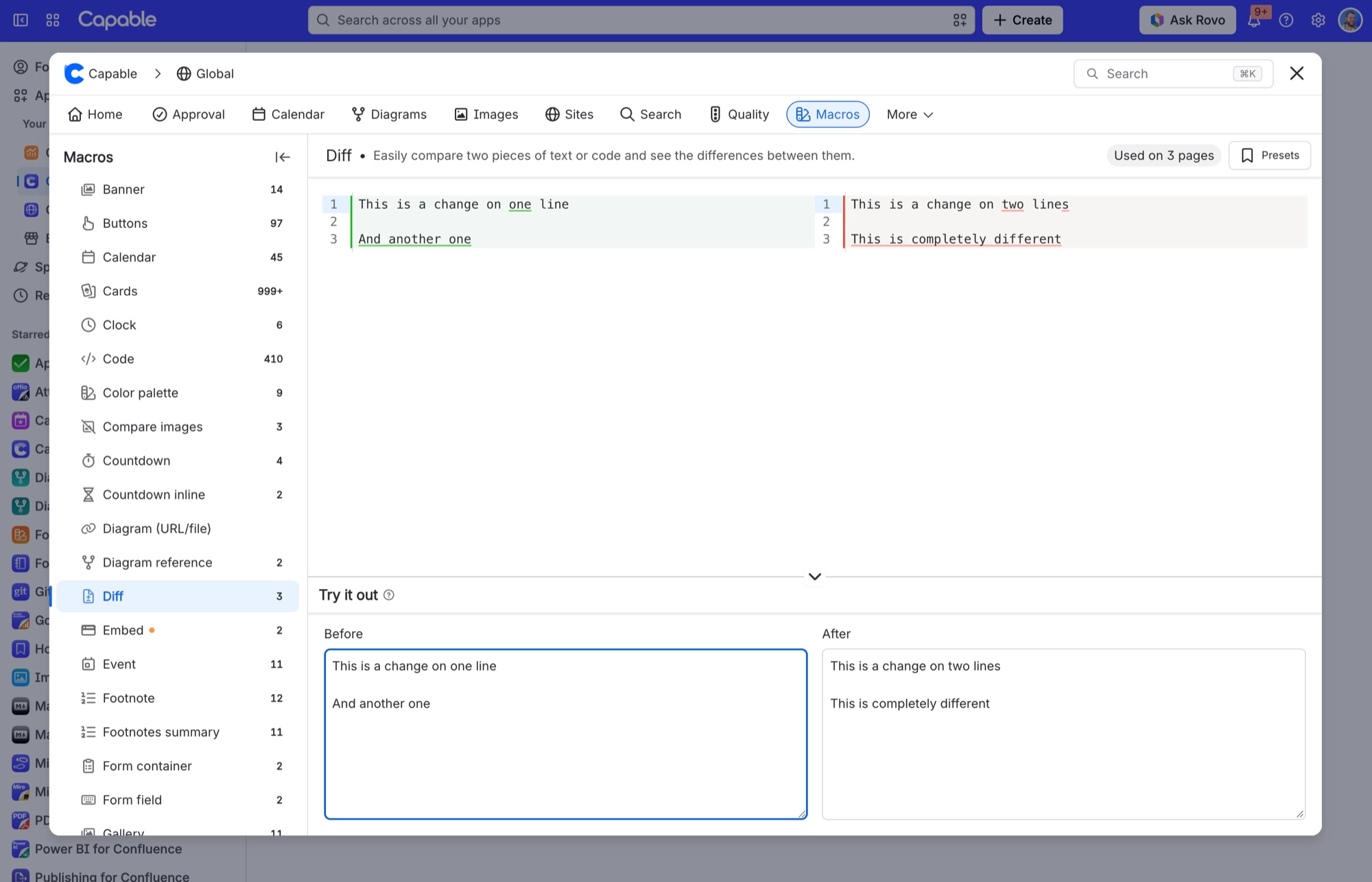
Shows two blocks of text side by side with the changes between them highlighted.
Use it whenever readers need to see exactly what changed: an old and new config block, two versions of some policy wording, or a snippet before and after a refactor. Nobody has to read both versions and compare them by eye.
You paste the two versions into the macro's Before and After boxes, and it shows them in two panes with the insertions and deletions marked. It compares the text you supply, so it is not a way to compare Confluence page versions or attachments. Both panes are read-only for readers, so nobody can edit the comparison in place.
#See it
Both examples below are live Diff macros on this page, not screenshots, and each uses a configuration from a page somebody actually built. Open this page in the editor to see how either one is set up.
#Two versions of a paragraph
Agile development is a process that emphasizes
iterative work sequences. These work sequences
are known as sprints, and they are used to improve
the development workflow. Agile is ideal for teams
looking to adapt quickly to changes and ensure
customer satisfaction.
Agile development is a project management process focusing on
iterative work cycles, often called sprints. These cycles help
streamline the workflow and enhance team efficiency.
Agile is an excellent approach for teams aiming to rapidly
adapt to changes while maintaining a high level of customer satisfaction.
#A code snippet before and after a tidy-up
def calculate_area(radius):
    pi = 3.14
    area = pi * radius * radius
    print("The area is", area)
    return area
def calculate_area(radius):
import math
area = math.pi * radius ** 2
return area#Settings
Setting | Values | What it changes |
|---|---|---|
Before | Any multi-line text | The original version, shown in the left pane. |
After | Any multi-line text | The changed version, shown in the right pane with its differences from Before marked. |
#Related
Small, and quietly useful.






















