
Animation
Places one of 28 ready-made looping illustrations on the page.
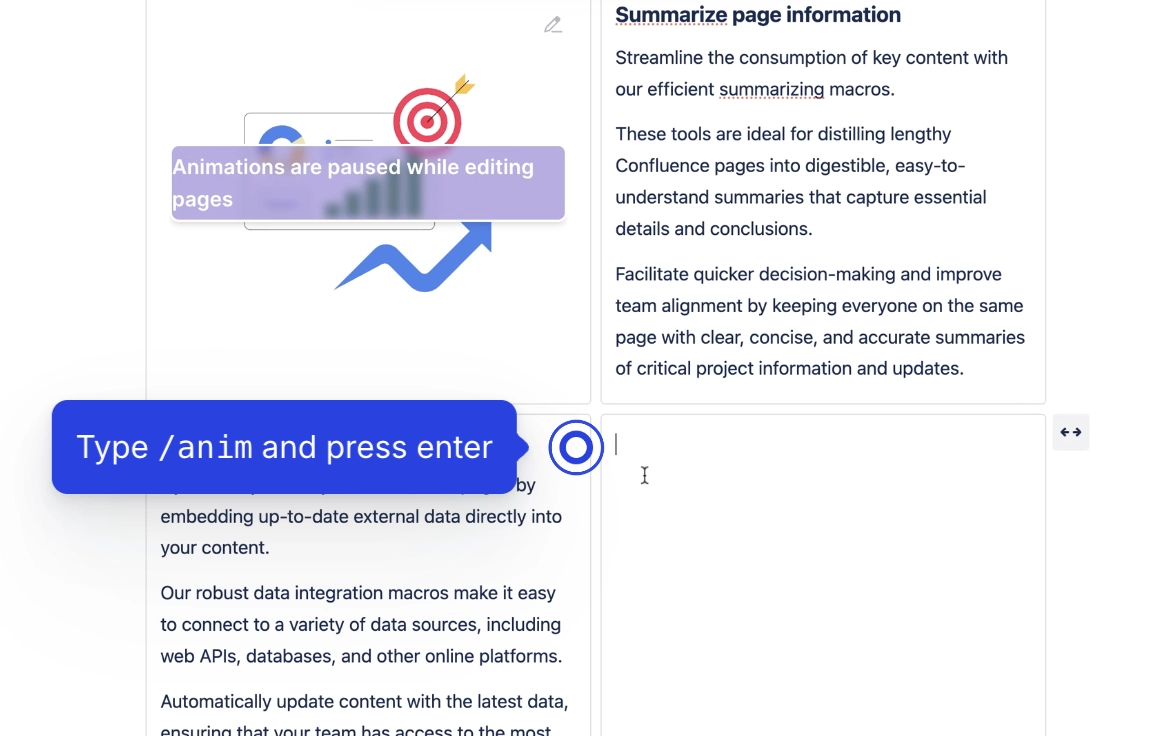
Use it to break up a wall of text on a landing page, space home or team page with a bit of motion, no designer needed. Pick from a fixed set of business-flavoured illustrations (Brainstorming, Team Schedule, Secure Network and so on), then choose how big it is and where it sits. It is deliberately unstyled: no frame, border, shadow, corner radius or padding, because a box drawn around a transparent illustration just reads as clutter. It plays automatically when a reader views the page and pauses while anyone is editing that page, so it never animates under an author's cursor.
#See it
Every example below is a real macro on this page, not a screenshot, and each one is a configuration taken from a page somebody actually built. Open this page in the editor to see how any of them is set up.
#Creative Solutions, centred
#Color Palette, centred
#Assets, centred
#Settings
Setting | Values | What it changes |
|---|---|---|
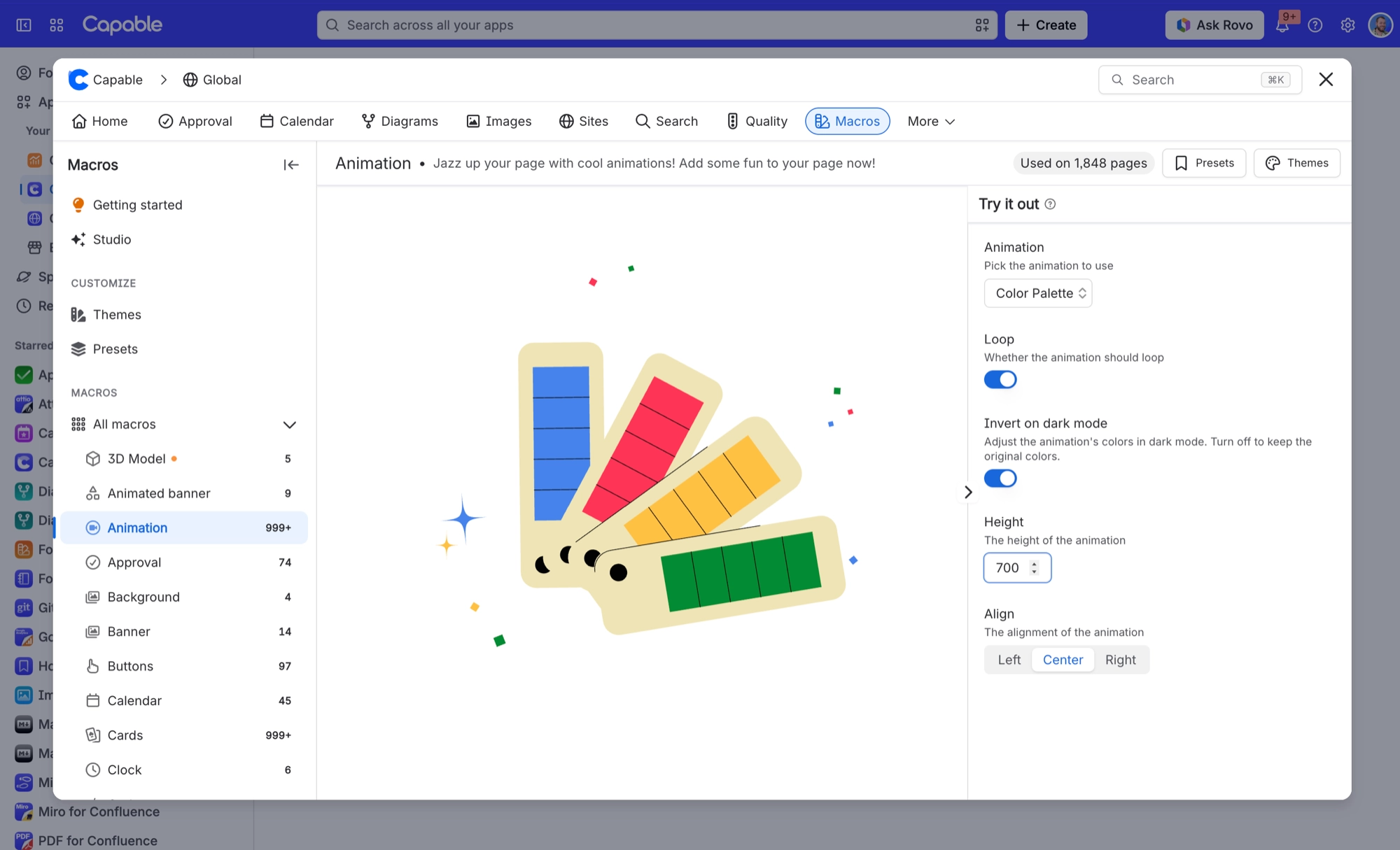
Animation | A fixed list of 28: Assets, Boosters, Brainstorming, Business Meeting, Business Teamwork, Color Palette, Complete Checklist, Complete Tasks, Cooperation, Creating Application, Creative Solutions, Glowing Startup, Management Tools, Office Board, Password, Scheduling, Search Engine, Secure Network, Social Media Communication, Social Media Highlights, Startup Background, Task Allocation, Team Schedule, Time, UI Design, User Interface, Visual Content, Web System. | Which illustration plays. Described in the form as "Pick the animation to use". |
Loop | On / Off | On, the animation plays on repeat. Off, it plays once and stops on its last frame. Described in the form as "Whether the animation should loop". |
Invert on dark mode | On / Off | On, the illustration's light and dark tones are swapped when the reader is in Confluence dark mode, while its colours stay recognisable, so light artwork stays legible on a dark page. Off keeps the original colours. Described in the form as "Adjust the animation's colors in dark mode. Turn off to keep the original colors." |
Height | A number from 200 to 1000, in steps of 50 | Sets the size of the animation. It sets both height and width, so the animation always fills a square of this size, never wider than the page column. A value outside 200 to 1000 is brought back into that range. Described in the form as "The height of the animation". |
Align | Left, Center, Right | Where the square sits within the page column. Described in the form as "The alignment of the animation". |
#Related
A landing page, not a document.






















