
QR code
Generates a scannable QR code for a URL (or any text), with an optional caption and the URL printed underneath.
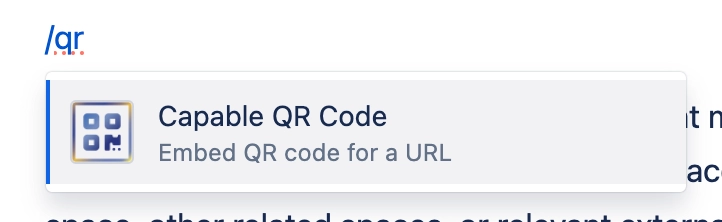
Put a QR code on a page so people can jump from a screen or a printout to a link on their phone - a sign-up form, a video, a support portal, a Wi-Fi string. The code is drawn in the reader's browser, so nothing is sent anywhere to make it. You can size it, align it, give it a caption and recolour it to match your brand.
#See it
Every example below is a real macro on this page, not a screenshot, and each one is a configuration taken from a page somebody actually built. Open this page in the editor to see how any of them is set up.
#Centred, with the URL shown
#Centred, title only
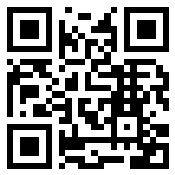
Capable for Confluence
#Settings
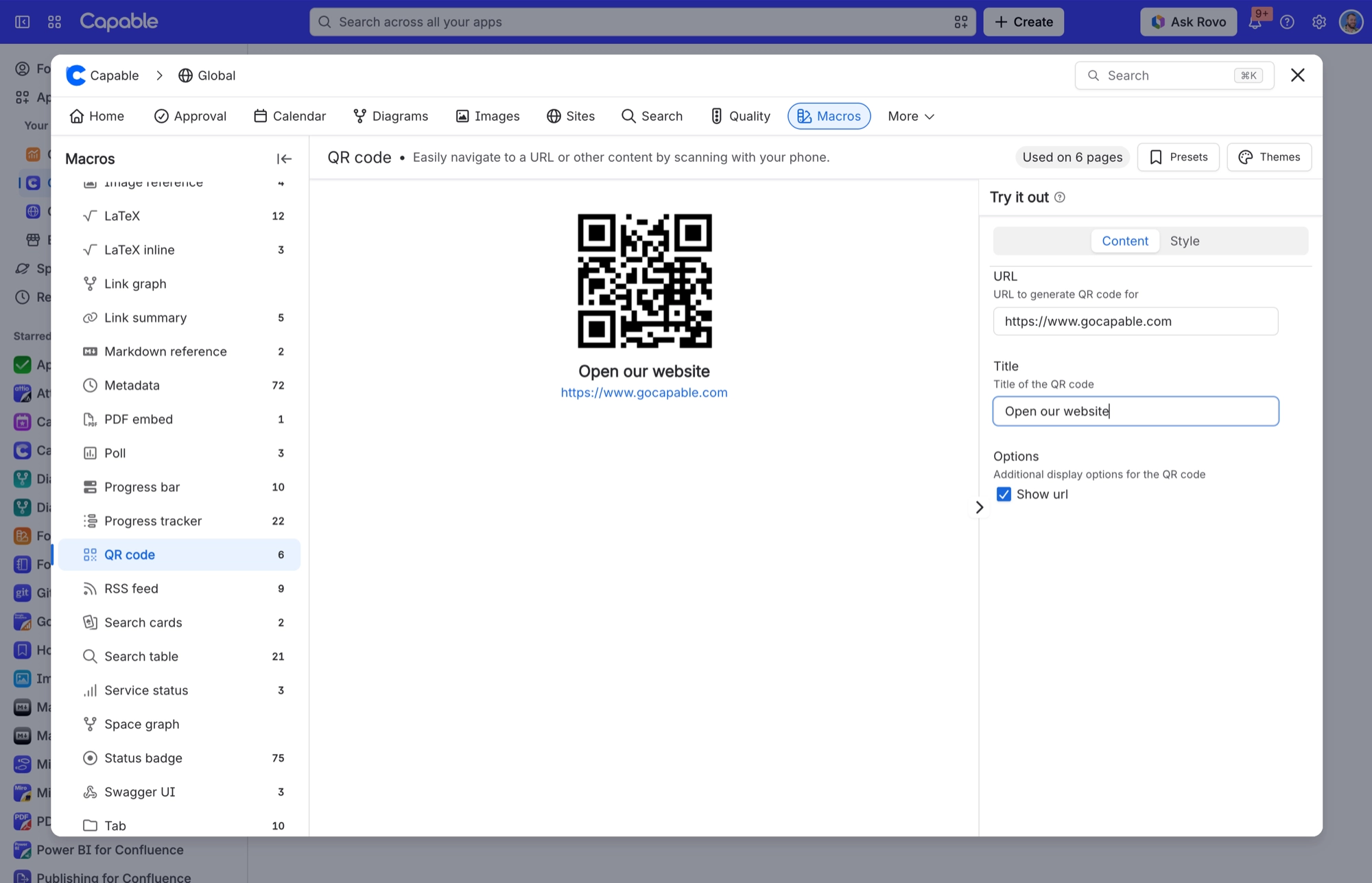
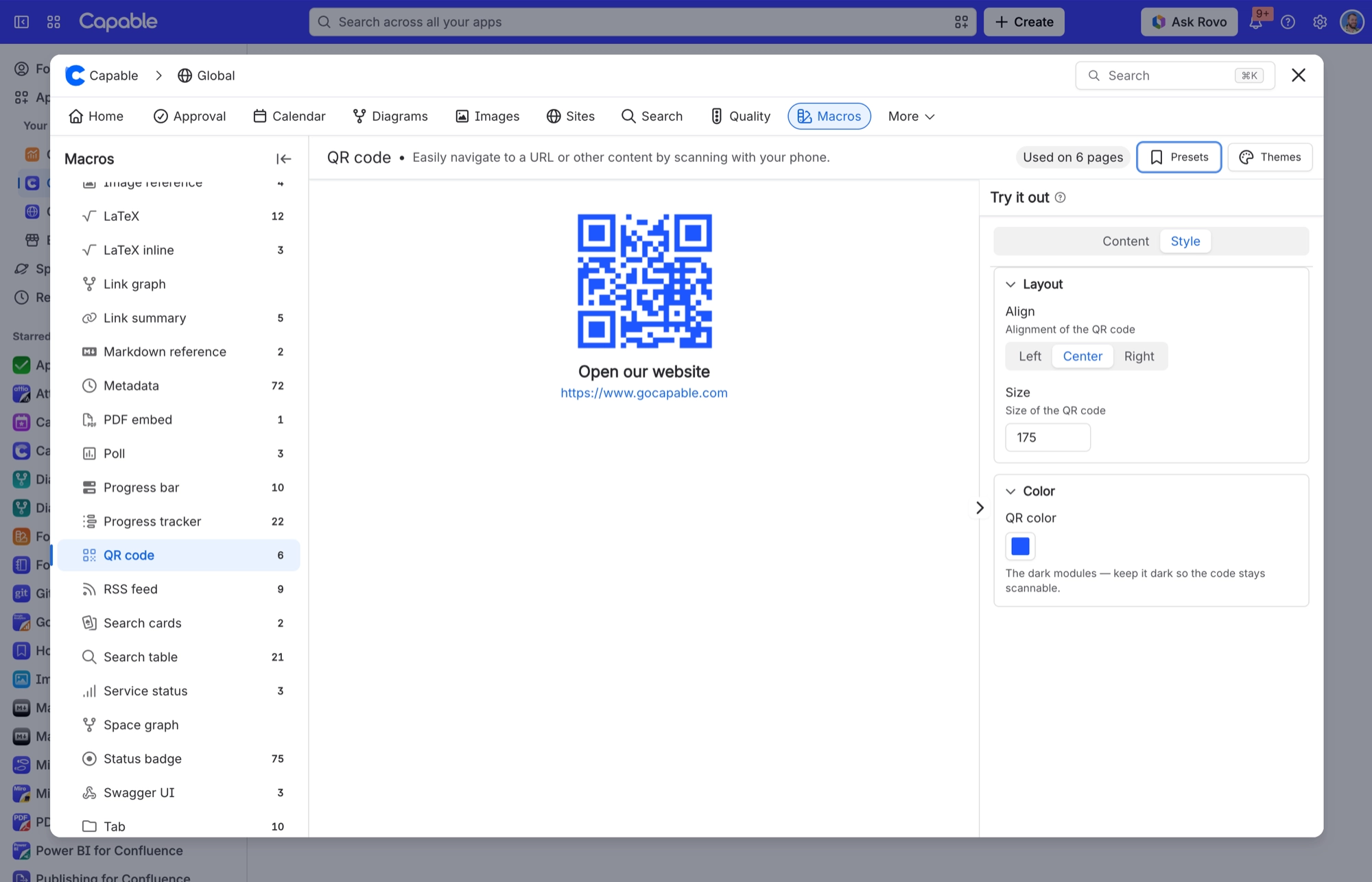
The settings are split across two tabs. Content decides what the code says, and Style decides how it looks.
Setting | Values | What it changes |
|---|---|---|
URL | Any web address or text. It goes into the code exactly as you type it, and clicking the code opens it. | What the code contains. Required. Leave it empty and you get a placeholder with "Missing URL" in red instead. |
Title | Free text | A bold caption directly beneath the code. Leave it empty for no caption. |
Options | A single checkbox, Show URL | When ticked, the URL is printed under the code (under the title, if there is one). |
Align | Left, Center or Right | Where the code sits across the width of the macro. |
Size | In pixels, from 50 to 1000 in steps of 25. A value outside that range is pulled back to the nearest limit when you leave the field. | The width and height of the code, which is always square. |
QR color | A background colour from your brand scheme, or a custom colour if custom colours are allowed on your site. The panel reminds you to keep it dark so the code stays scannable. | The colour of the dark squares in the code. The background is always white and can't be changed, because a light background is what keeps the code readable. |
#Related
The largest family, and the most precise.






















