
Footnotes summary
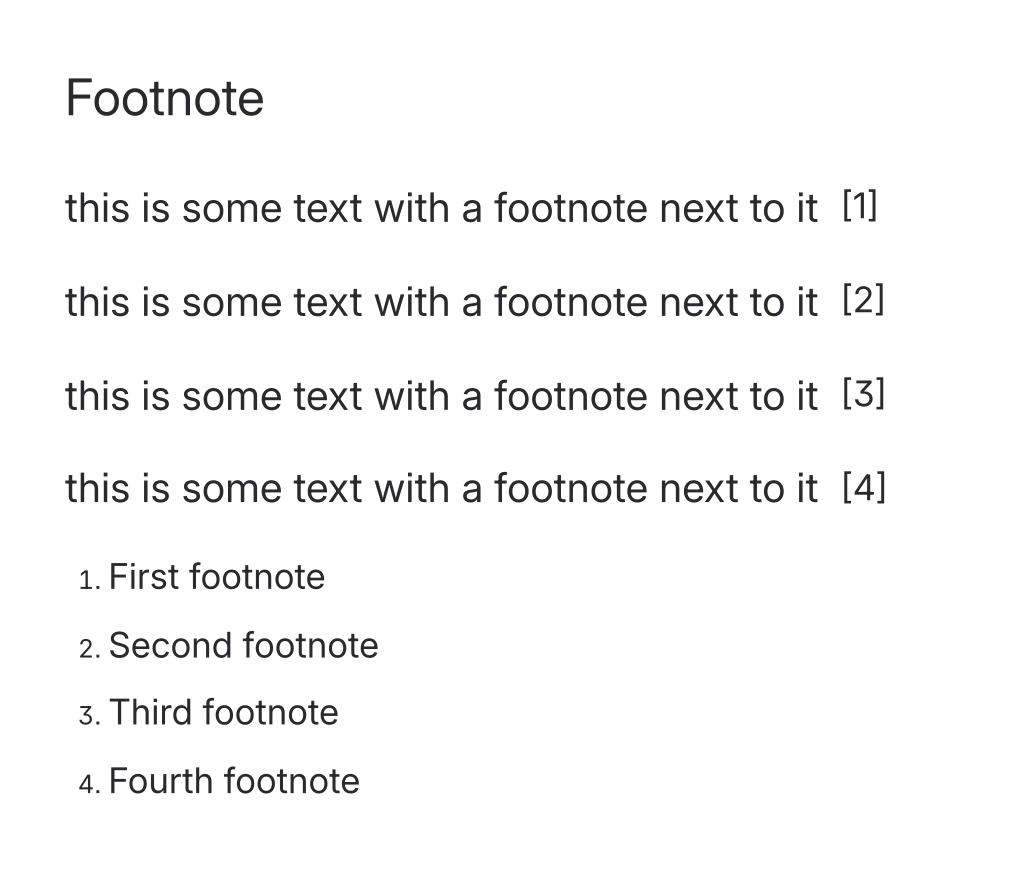
Prints the numbered list of every footnote on the page, in the order the markers appear.
Put this wherever you want the collected notes to live - almost always at the bottom of the page, under a 'Notes' or 'References' heading. It has nothing to configure: it finds every Capable Footnote on the page and lists their text as a numbered list, so item 1 in the list is the note behind marker [1]. Add or remove a footnote anywhere on the page and the list follows on the next save. If there are no footnotes yet it says so, rather than showing an empty box.
#Related
Numbered in place, collected at the foot.






















