
Macro presets
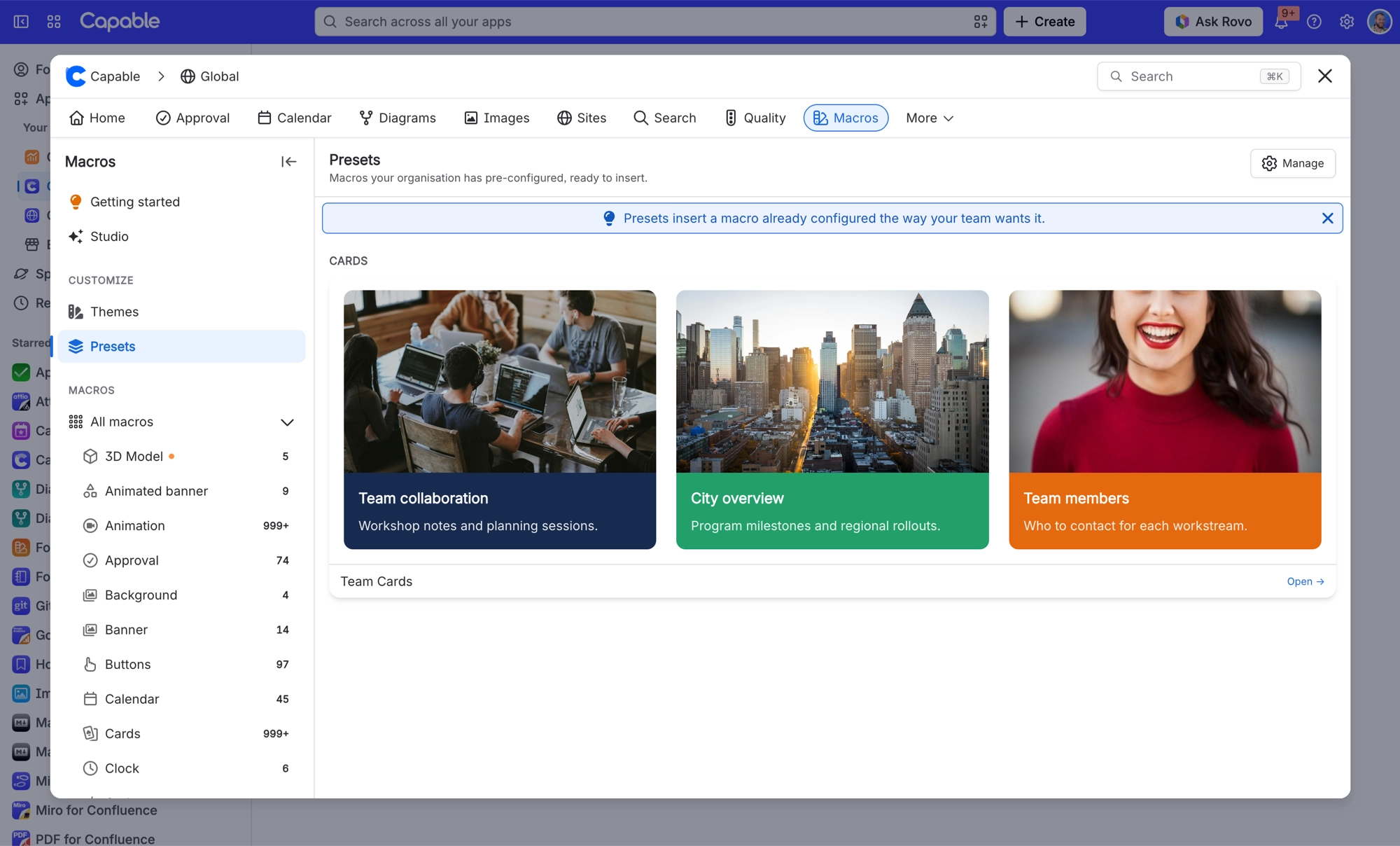
Templates are ours; presets are yours. A preset is a complete macro configuration, built in the macro's usual configuration form and saved for everybody to start from.
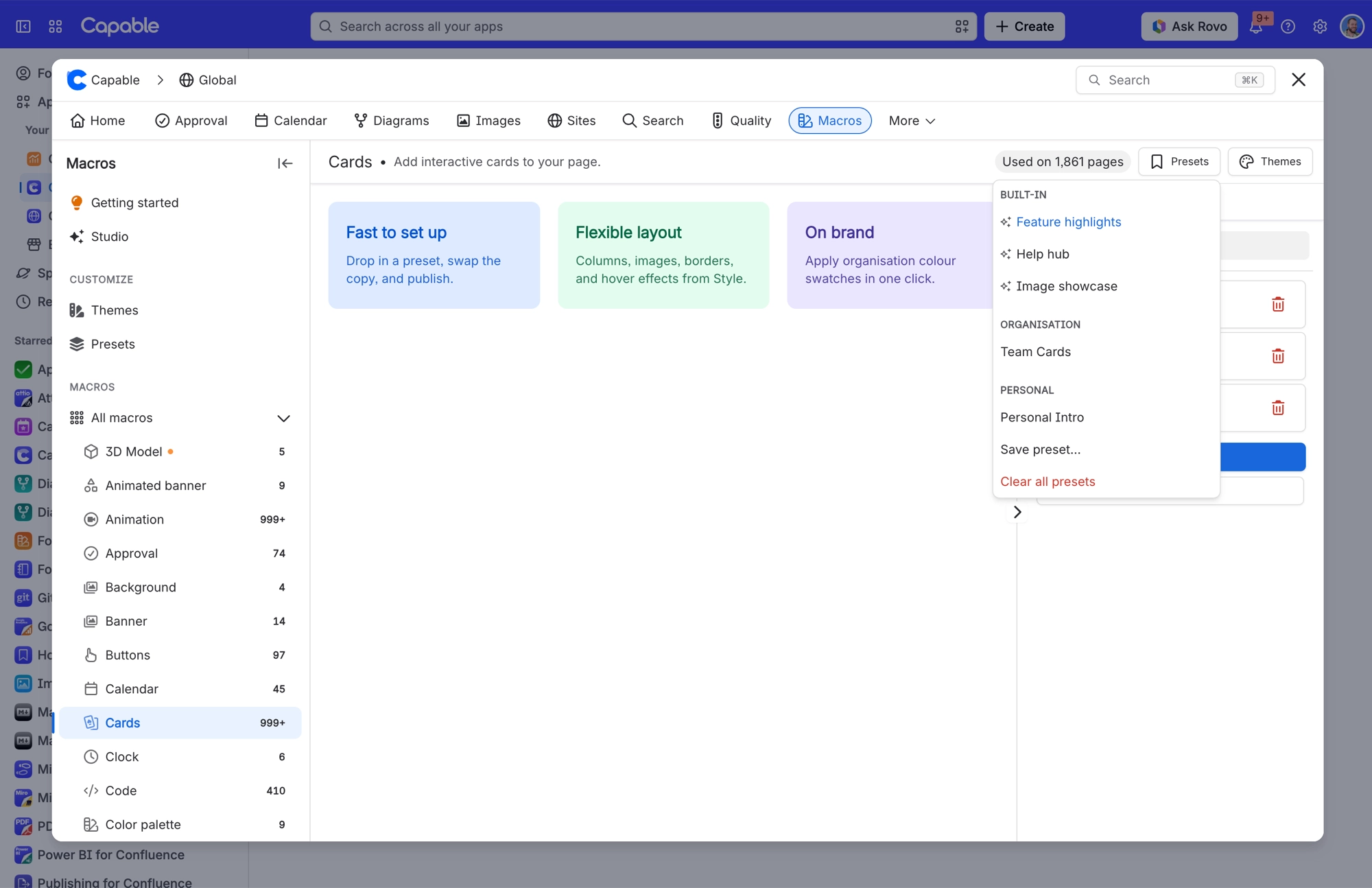
This is how you make a house style stick without writing a style guide nobody reads.
#The rules
How many | Up to ten per macro |
|---|---|
Which macros | Twenty macros support presets, opt-in per macro |
A default | One preset per macro can be the default new macros start from |
Who | A Confluence administrator, from the Formatting settings |
How they are authored | In the macro's usual configuration screen, which opens in a pop-up window |
Setting a default preset is the powerful part. Every new macro of that type starts from your configuration rather than ours, which means people get the house style without being told about it.
#A few things worth knowing
Presets are per macro, so rolling out a house style means doing the macros people actually use rather than all twenty.
Changing a preset does not change macros already placed on pages.
Presets and templates appear in the same part of the configuration panel, which takes a moment to get used to.
#Related
Ours are templates. Yours are presets.






















