
Capable Studio
A one-stop insert point that opens the full Capable macro catalogue and then replaces itself with whichever macro you pick.
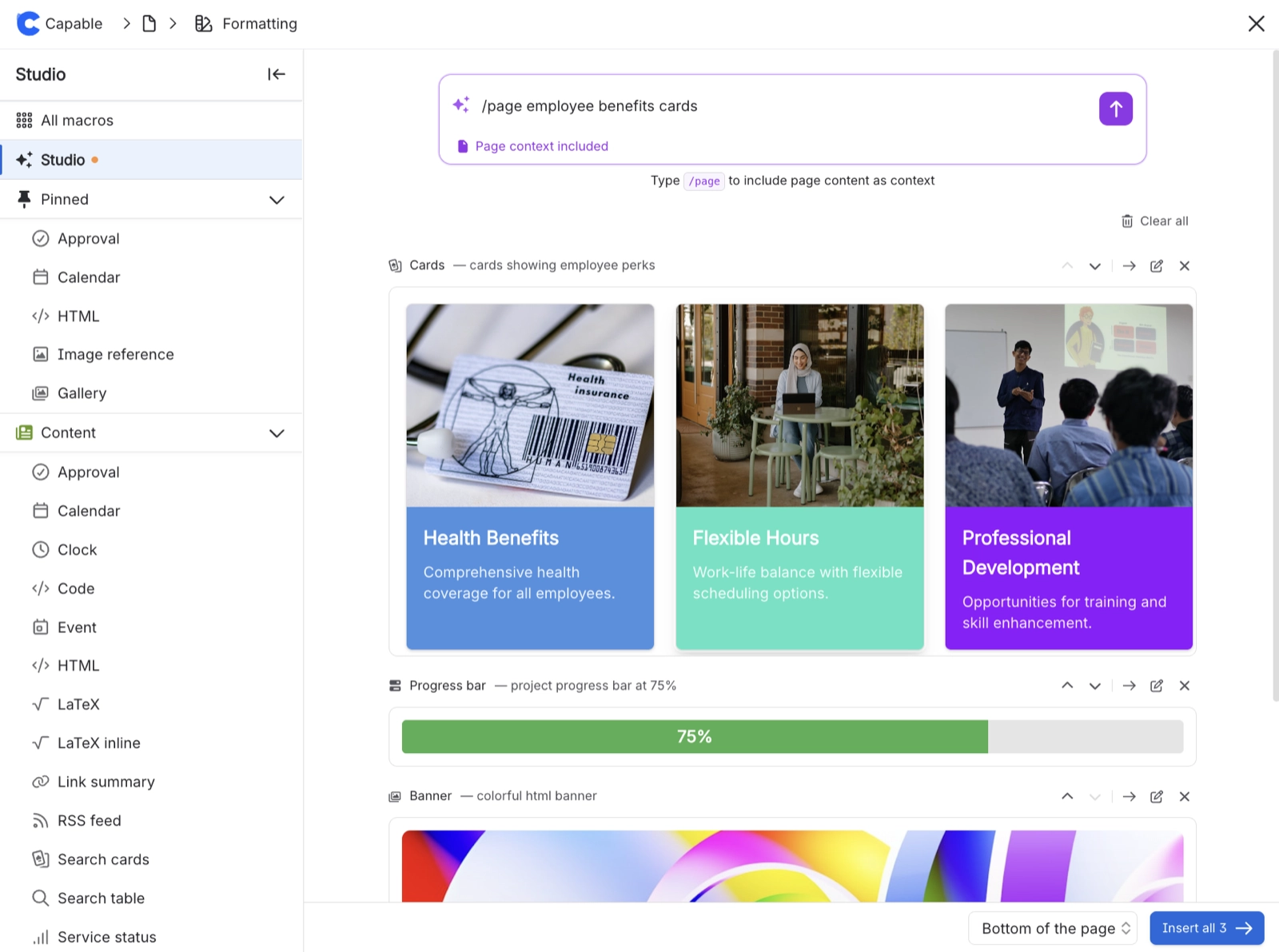
Capable ships dozens of macros across several capabilities, and finding the right one in Confluence's own macro browser means already knowing its name. Capable Studio solves that. Type "/Capable Studio" and the complete Capable macro catalogue opens straight away, with search, previews, templates and the full configuration panel for whatever you land on.
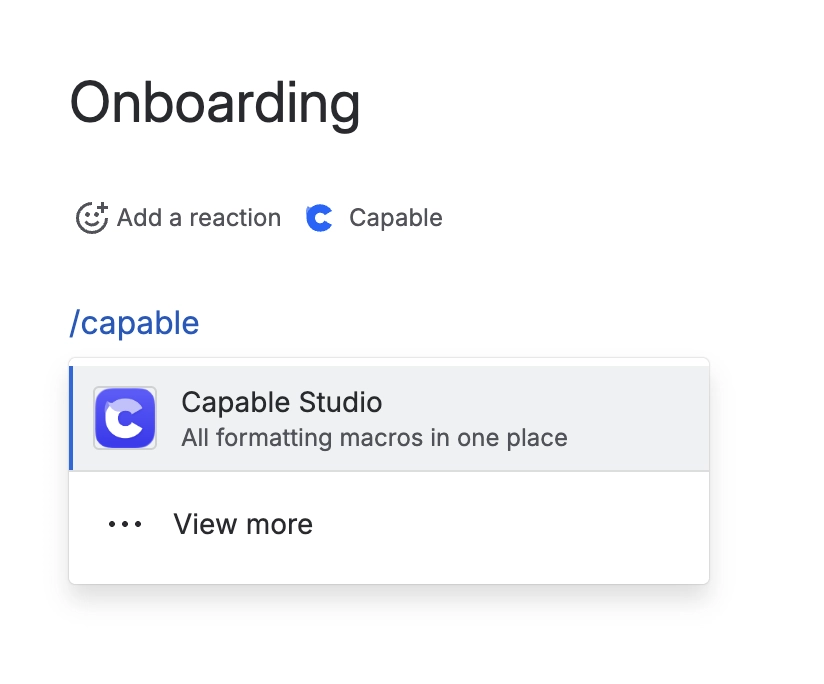
When you press Insert, the Studio placeholder doesn't stay behind. It's swapped for the real macro, set up exactly as you configured it. Reach for it when you know roughly what you want on the page but not which macro provides it, or when you'd rather browse Capable's catalogue than Confluence's macro list. It's purely an authoring tool, so it never shows anything of its own on a finished page.
#Related
Small, and quietly useful.






















