
Links from macros
Anywhere a macro can link somewhere, it uses the same control: link to nothing, to a Confluence page, or to a URL.
Use the page picker rather than pasting a URL. A picked page survives being moved or renamed; a pasted URL does not.
#The three options
Option | When to use it |
|---|---|
None | A card or button that is decorative, or that carries its own action |
Page | Anything internal. Uses the Confluence page picker and survives moves |
URL | External destinations, or a deep link the picker cannot express |
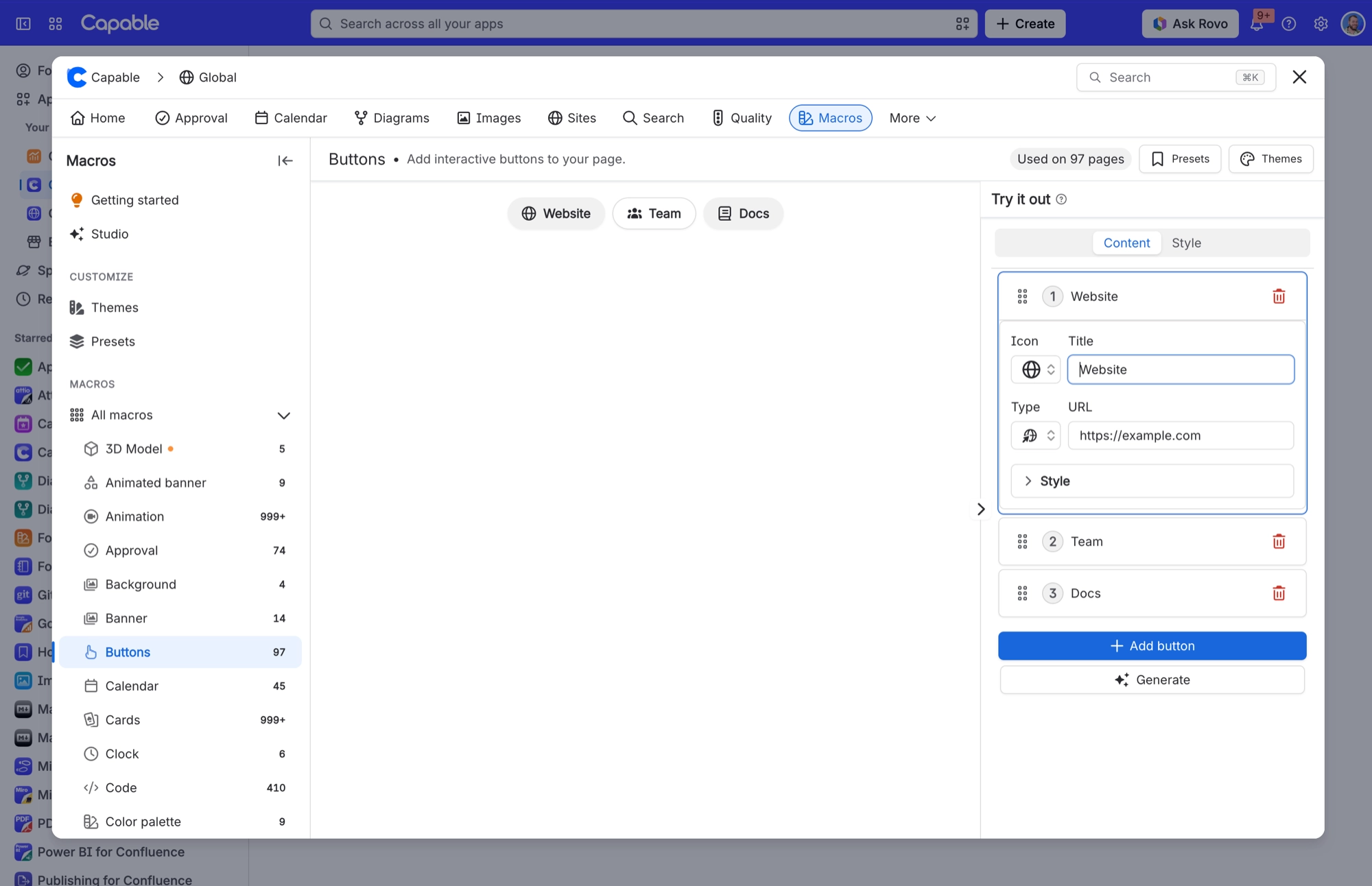
The None option is not offered everywhere. Some macros need a destination, so they hide the option rather than show one that does nothing. If you cannot find it, that macro needs a link.
#A few things worth knowing
A picked page renders as a proper link on a published site; a pasted internal URL may not resolve there.
External links from a macro are ordinary links, so they do not need an approved domain. Approved domains only matter when a macro pulls content in from another site.
Card links work differently on a published site than they do in Confluence. If that matters to you, the Cards page has the details.
#Related
Pick the page. Do not paste the URL.






















