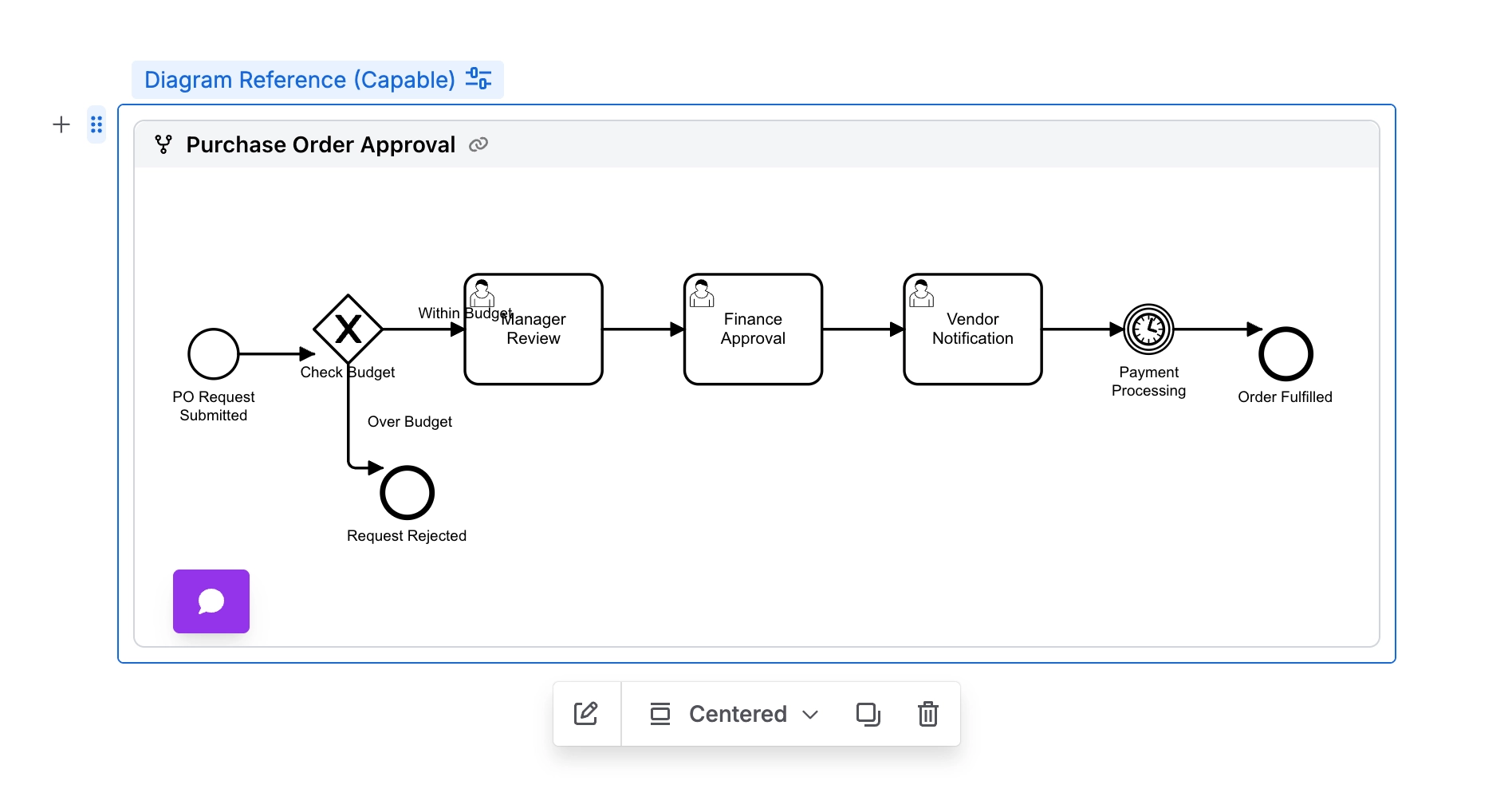
Referenced Diagram Macro
With Capable Diagrams, you have the ability to easily create a diagram template that can be embedded on multiple pages throughout your entire system. This powerful feature allows you to maintain a single source of truth for your diagrams, so that when you make a change to the template, it automatically updates everywhere the diagram is used.
This ensures consistency across all instances and saves you a significant amount of time by eliminating the need to manually update each individual diagram.
This functionality is particularly ideal for referencing a specific process from multiple locations within your system. It helps you keep that process current and accurate across all instances where it appears, thereby improving reliability and reducing the risk of outdated or conflicting information being presented to users.
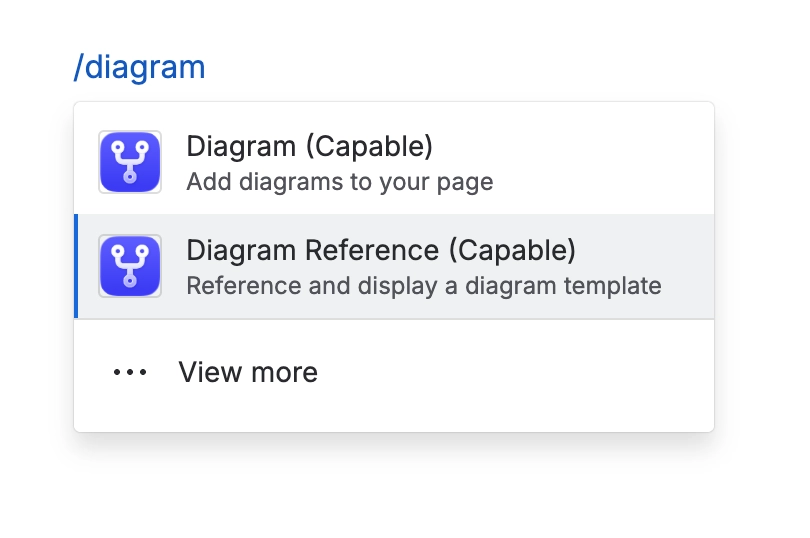
#1. Type /diagram and select ‘Diagram Reference’
#2. Choose the diagram template to use
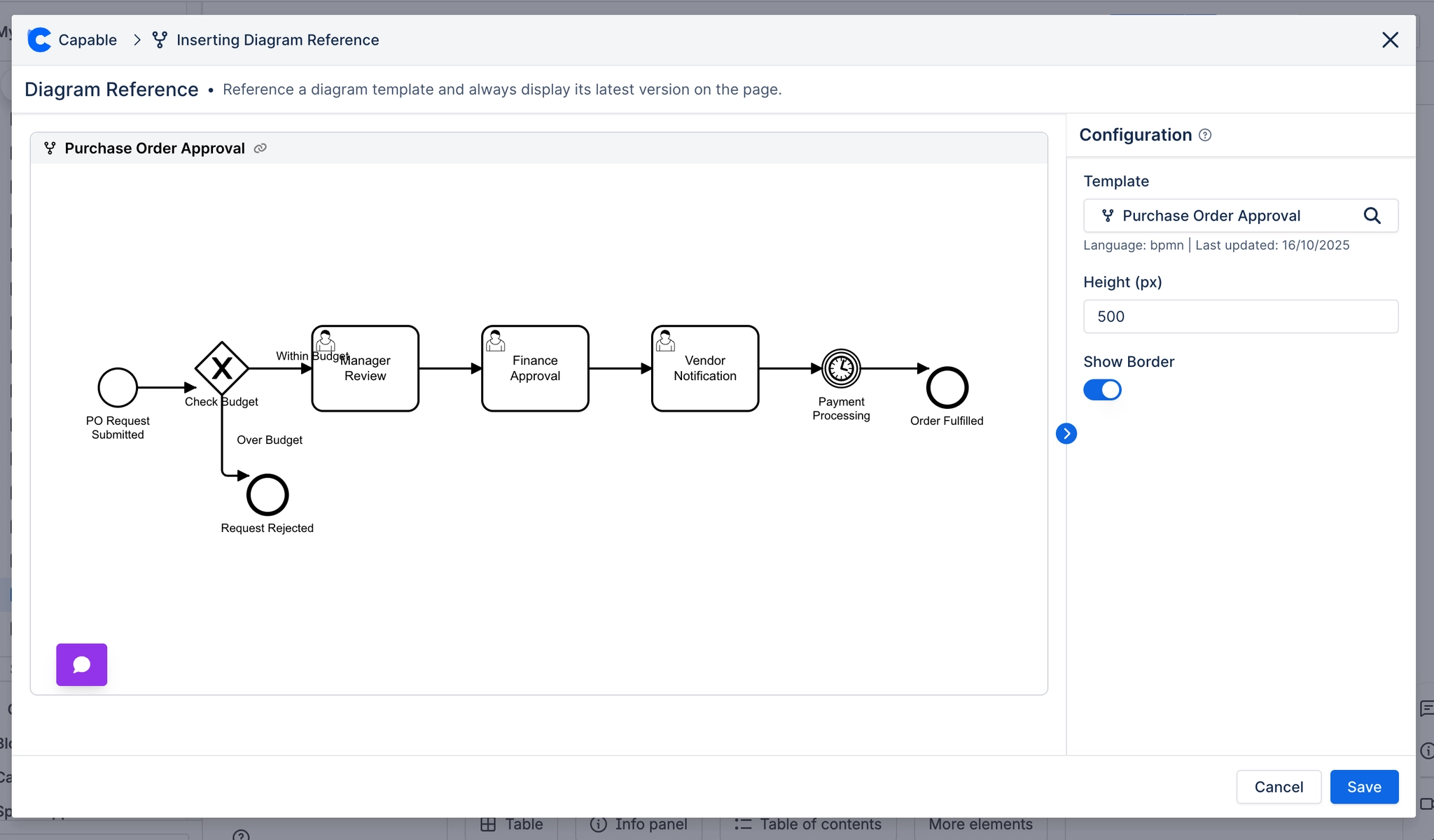
#3. All done! Your diagram is now referenced!