
Integration with Capable Search
Capable Diagrams integrates directly with Capable Search, making it easier than ever to locate diagrams across your Confluence workspace. Whether you're trying to revisit a workflow sketch from a few months ago or need to see how a specific system was diagrammed, you can now search for pages that include diagrams just like you would for any other content.
Capable Search will index pages containing diagrams, allowing you to:
Filter search results to include only diagram-containing pages
Combine keywords with diagram search for targeted results
Save searches for quick access to frequently referenced diagrams

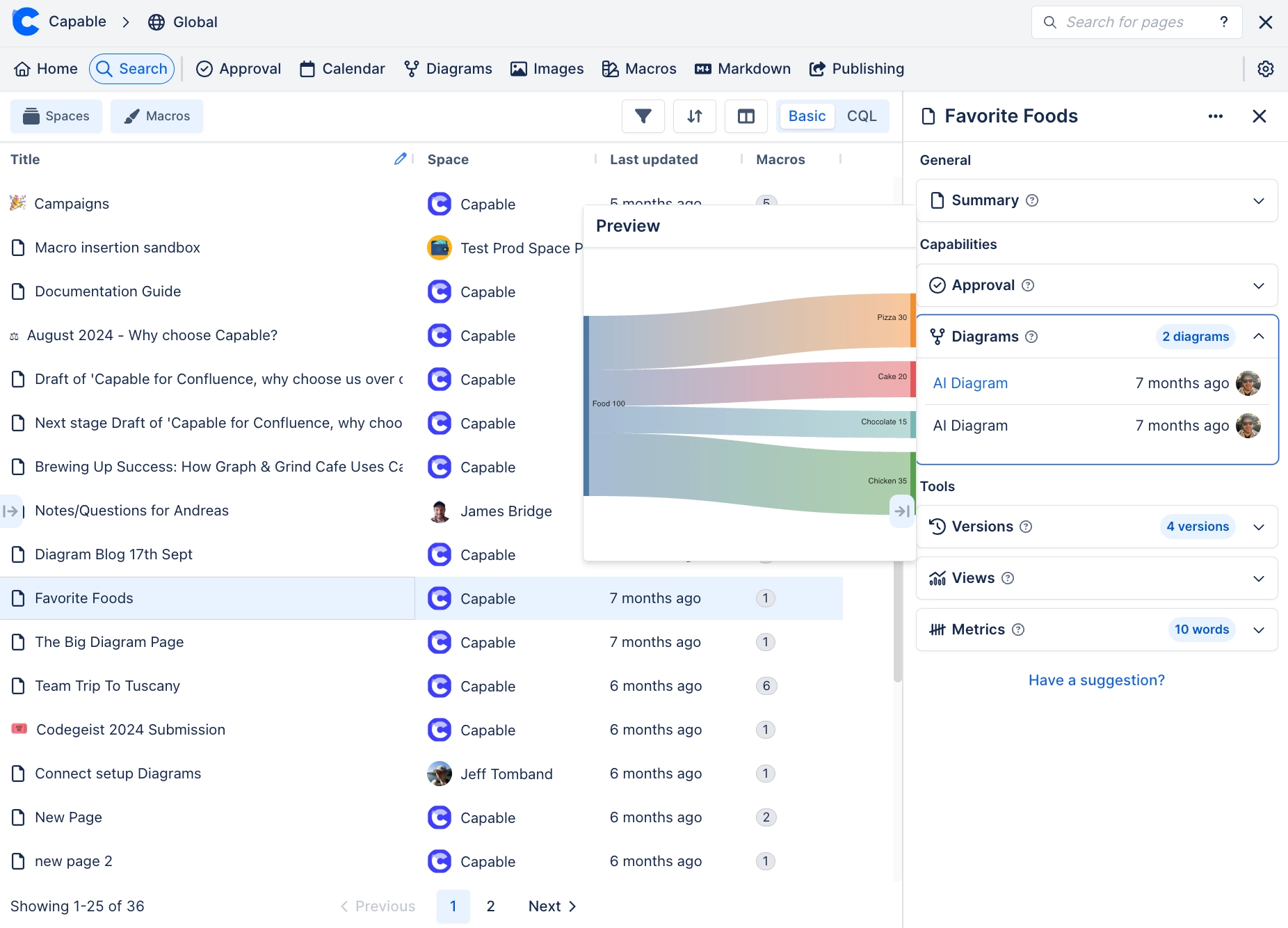
This makes Capable Diagrams not just a creation tool, but a powerful way to navigate and rediscover your visual documentation.
#🕒 See What’s New: The ‘Diagrams on Pages’ Tab
Alongside search integration, you can also view your most recently created diagrams in the ‘Diagrams on Pages’ tab inside Capable Diagrams. This is perfect for:
Quickly picking up where you left off
Browsing the latest team updates
Spotting changes without needing to dig through page history
Capable Diagrams helps you keep your visual content close at hand—no more forgotten flowcharts or buried architecture diagrams.





















