
Exporting diagrams
#From the Macro
Each macro has a download button that will download the image as a PNG or SVG file.
#From the Fullscreen Viewer
You can export the source of the diagram by opening the diagram in the fullscreen view and clicking on the download button.
#From Confluence
You can export diagrams embedded into pages using the ‘Export to PDF’ or ‘Export to Word’ options in the '…' menu.
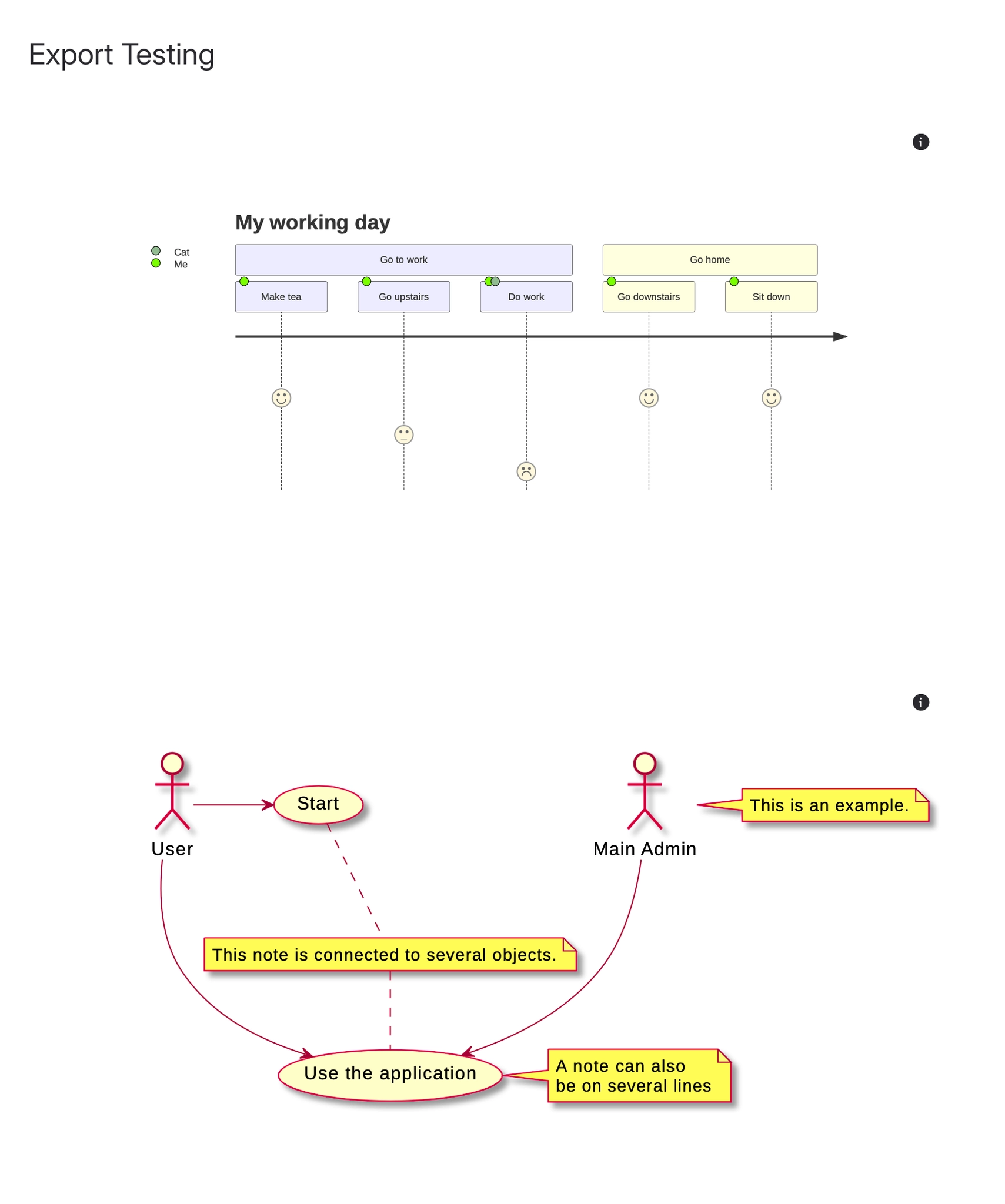
An example of the export is available below:





















