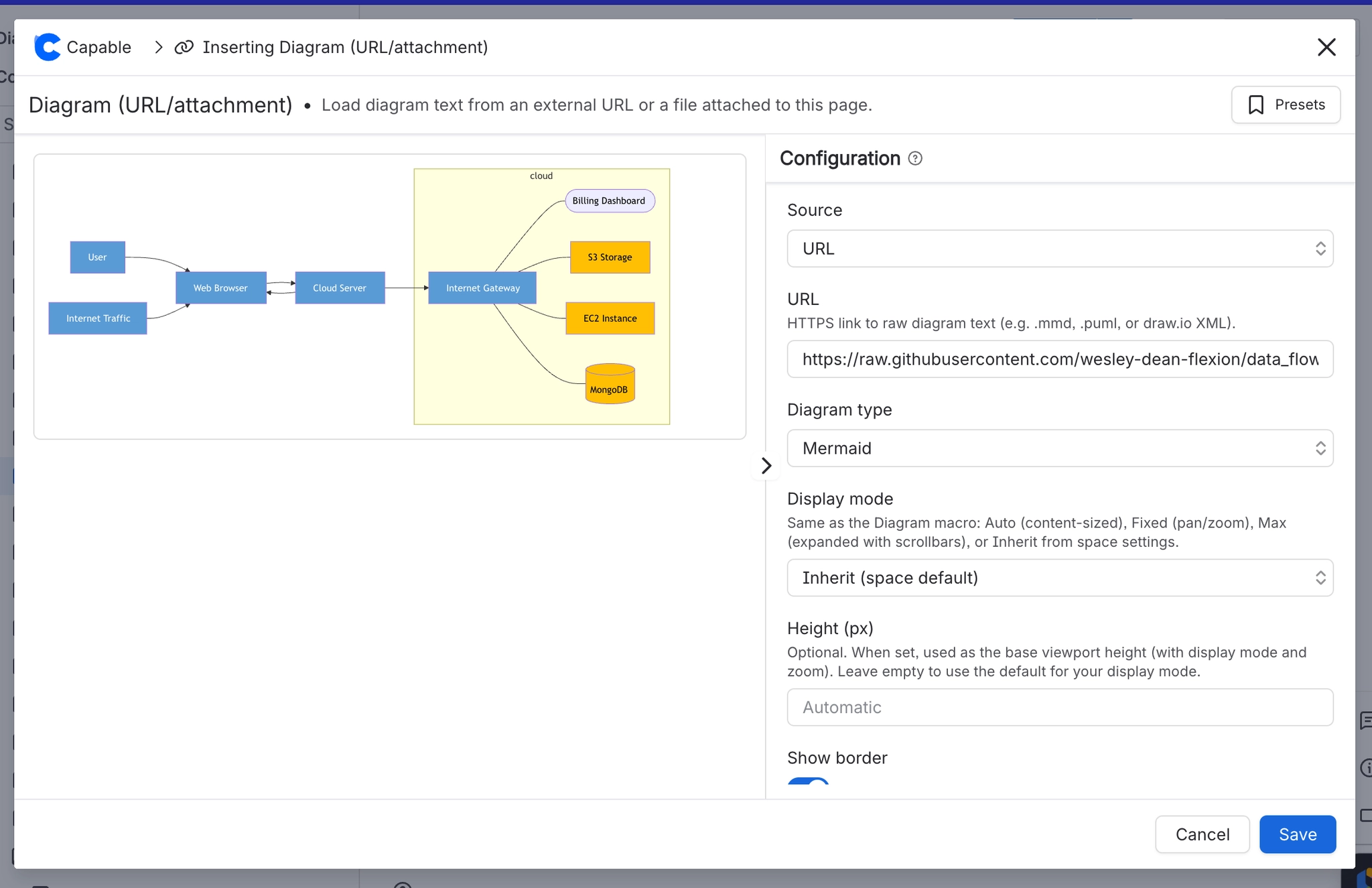
Diagrams from URL/attachment
You can easily insert diagrams from the internet or from an attachment in any of our supported languages by using the ‘Diagram from URL/attachment’ macro.
This feature allows you to seamlessly integrate visual elements into your documents, enhancing clarity and presentation.
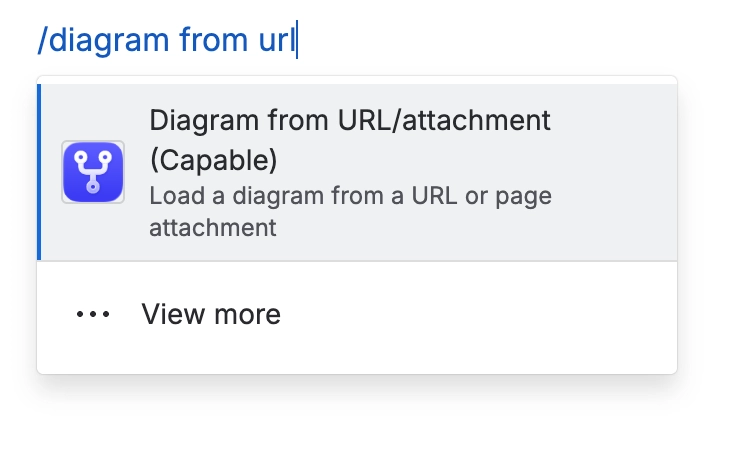
1. Type ‘/diagram’ into the editor and select the macro
2. Paste the URL of the diagram and select type