
Gallery
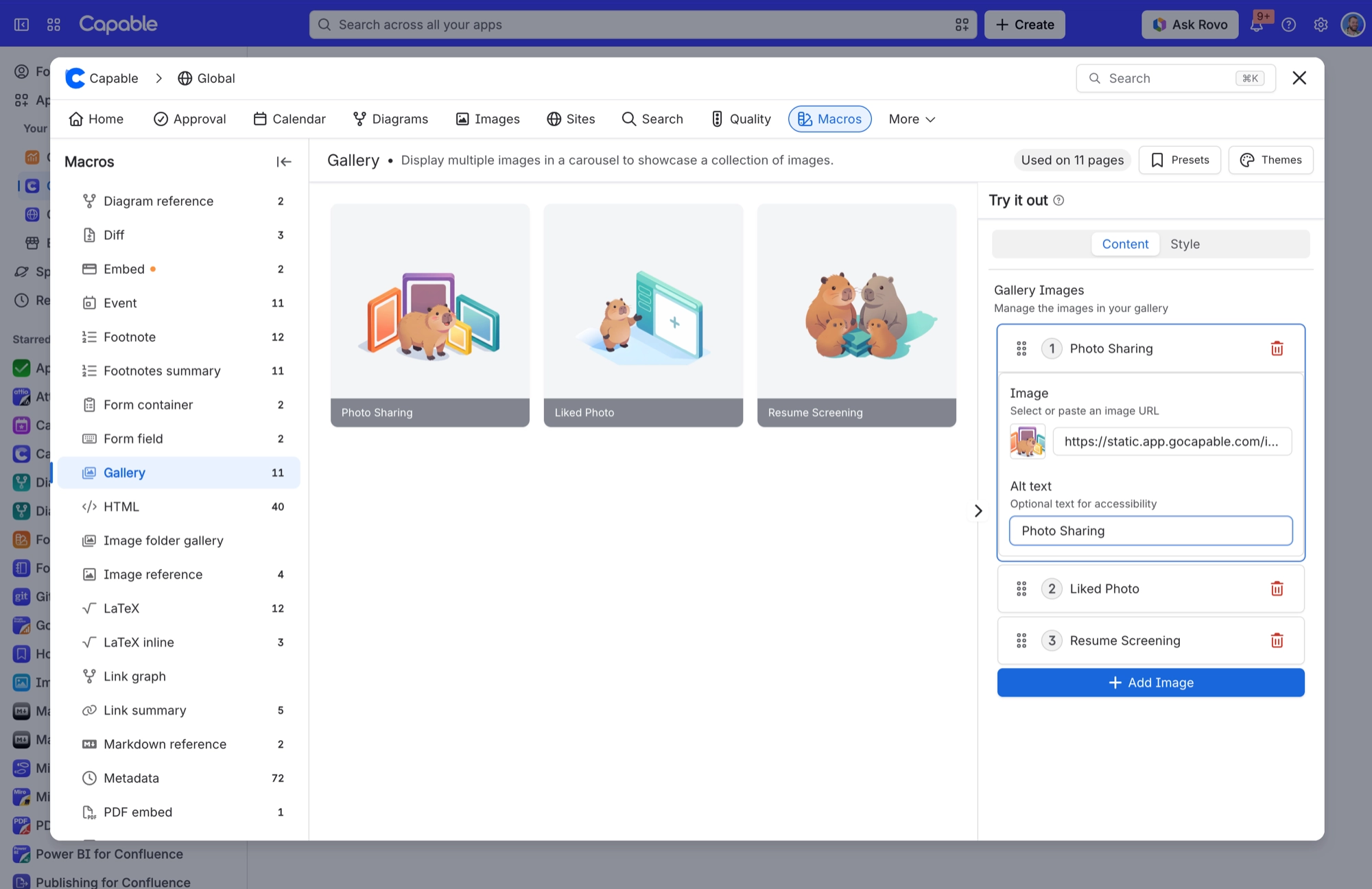
A set of images shown either as a grid of equal-height cells or as a swipeable carousel, with the alt text doubling as an optional caption.
Gallery puts a collection of pictures on a page without you hand-building a table of images. Think screenshots from a release, photos from an event, a set of diagrams or a wall of product shots. You add images one at a time, from page attachments, an upload, a recently used URL or a pasted URL, and give each one alt text. Then you choose between a grid ('Masonry') and a one-at-a-time carousel. Because the alt text is also the caption, writing accessible alt text and labelling the picture are the same job. Styling, such as columns, cell height, gap, corner radius, shadow, border, caption colour and hover ring, is set once for the whole gallery.
#See it
Every example below is a real macro on this page, not a screenshot, and each one is a configuration taken from a page somebody actually built. Open this page in the editor to see how any of them is set up.
#3 columns, carousel, with images


#3 columns, masonry, with images



#Masonry, with images


#Settings

Setting | Values | What it changes |
|---|---|---|
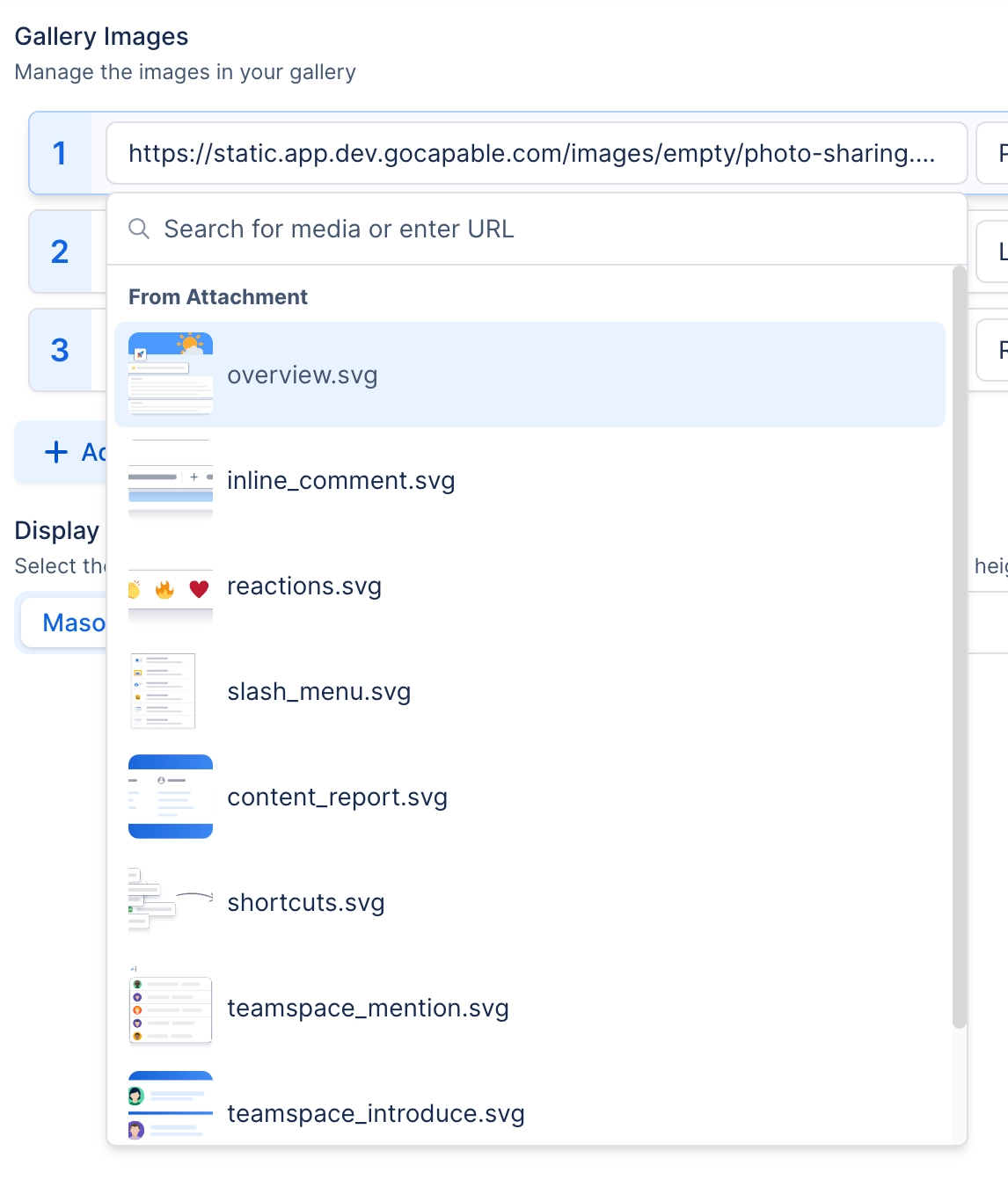
Gallery Images → Image | A picked attachment, an uploaded file, a recently used URL or a pasted URL. The description under the field reads 'Select or paste an image URL', and the placeholder reads 'No media selected'. | One cell of the gallery. Drag the grip handle in the list to reorder images. |
Gallery Images → Alt text | Free text. The description under the field reads 'Optional text for accessibility'. | Does three jobs at once. It is the image's alt text for screen readers, the tooltip when you hover over the cell, and, when Show captions is on, the visible caption. It is also the label the image shows in the editor's list. |
Display | Masonry, Carousel | Masonry lays every image out in a grid of equal-height cells. Carousel shows one image at a time, full width, with previous and next arrows. You can also drag to scroll, and it loops back round at the end. |
Columns | Auto, or a fixed count from 1 to 6. Hint: 'Auto fits columns to the available width.' | Auto fits as many columns as the page width allows, keeping each column at least 200px wide. A fixed count gives you exactly that many equal columns. Only shown in the editor when Display is Masonry. |
Height | Slider, 200 to 2000 px, in steps of 10 | In Masonry, the height of every grid cell. In Carousel, the height of the single image frame. The frame is a fixed size on purpose. Without it, Cover and Contain would look identical. |
Image fit | Cover, Contain | Cover fills the cell and crops whatever does not fit. Contain fits the whole image inside the cell, which may leave empty bands at the sides or top and bottom. |
Show captions | On / Off. Description: 'Show alt text as a caption. When off, alt text is only the image's hover tooltip.' | On, the alt text shows as a visible caption: a bar across the bottom of the cell in Masonry, or centred text beneath the image in Carousel. Off, the alt text still works for screen readers and as the hover tooltip. It just is not shown on the page. |
Corner radius | Slider, 0 to 24 px | How rounded each grid cell is. |
Gap | Slider, 0 to 48 px | Space between grid cells. |
Shadow | None, S, M, L | Drop shadow on each grid cell. |
Border | Off / On. When On, a Width slider (0 to 6 px) and a colour swatch appear. | Draws an outline around each grid cell. |
Caption background | A brand colour swatch or custom colour, which you can clear. Hint: 'Background behind image captions. Leave unset for the default translucent bar.' | Replaces the default translucent caption bar with a solid colour. It looks the same in light and dark themes. |
Caption text colour | Any colour | Overrides the caption text colour. There is no control for this in the configuration panel. Only your organisation's brand scheme sets it, and only alongside a caption background. |
Hover accent | A brand colour swatch or custom colour, which you can clear. Hint: 'Ring colour shown when hovering an image. Leave unset to use the theme accent.' | Colour of the 2px ring that appears around a grid cell when you hover over it. |
#Related
A landing page, not a document.






















