
Upload
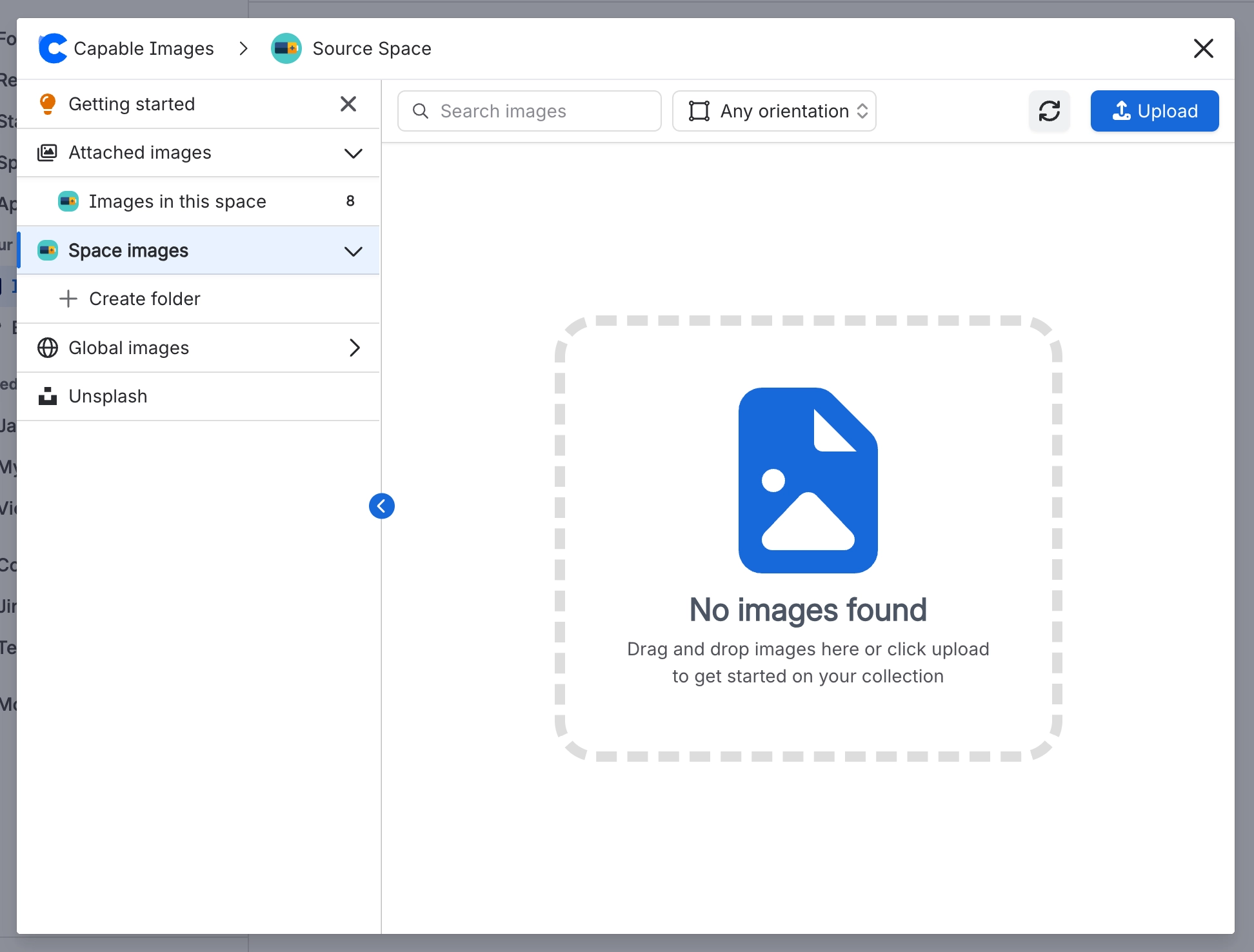
Use the Upload button, or drag files anywhere onto a library section. Several files upload one at a time, with a progress message. Your original file is kept exactly as it was, and a smaller preview is created alongside it. If a preview can't be made, the original is used instead, so an upload never fails because of its preview.
#Where you do it
Task | Where |
|---|---|
Create a folder | Images library → Space images or Global images → new folder control |
Upload images | Images library → pick a section or folder → Upload button, or drag files onto the section |
Upload and insert images directly from the editor | Editor → type / → 'Image (Capable)' (Suite) or 'Images macro (Capable)' (standalone) |
#Settings that affect this
Setting | Where |
|---|---|
Global image library space | Confluence space with the key CAPABLEASSETSTORE, named 'Capable Asset Store' |
Upload permission | Confluence space permissions |
Image detail panels | Open any library image |
#Worth knowing
If a reader is signed out or unlicensed, an Image reference that points at a plain external web address shows a sign-in notice instead of the picture. Library uploads, Unsplash images and Confluence attachments still show for those readers.
You can upload PDF, AI and PSD files, and they are stored. The Image reference macro shows an 'Unsupported Format' card for them. The gallery shows a file-type tile with the extension, and clicking it still downloads the file. Rovo and chat tools won't work with them.
The Upload button and drag and drop accept different formats. The button's file dialog doesn't offer SVG, ICO or JFIF, but drag and drop does. So you can drag an SVG in even though Browse won't show it.
A freshly uploaded image can take a moment to appear in a gallery or the library. Confluence updates its search index in the background, so reload after a short wait. The folder listing is the exception: it also shows anything uploaded in the last 24 hours straight away.
If an upload fails part-way, nothing half-finished is left behind. A mixed batch tells you 'Successfully uploaded N files, failed to upload M files'.
#Limits that apply here
Upload. Drag and drop accepted extensions.
Upload. Upload button file dialog filter.
Browser-side upload size guard
#Related
How it actually behaves.






















